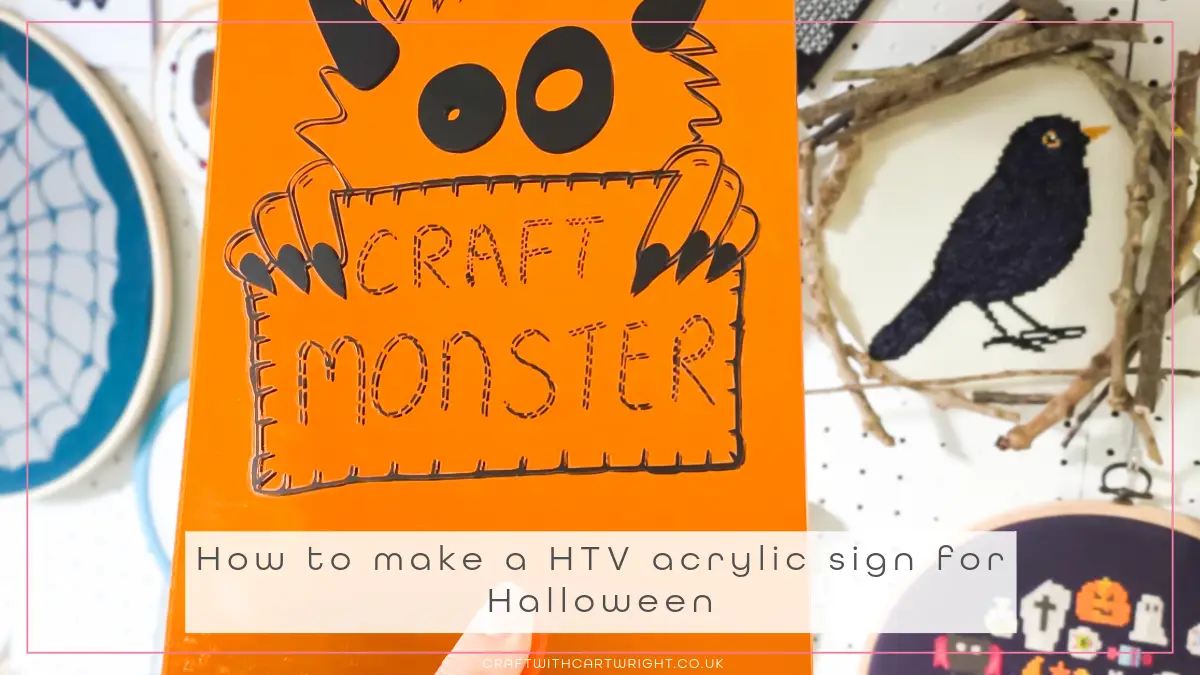
How to make a HTV acrylic sign for Halloween

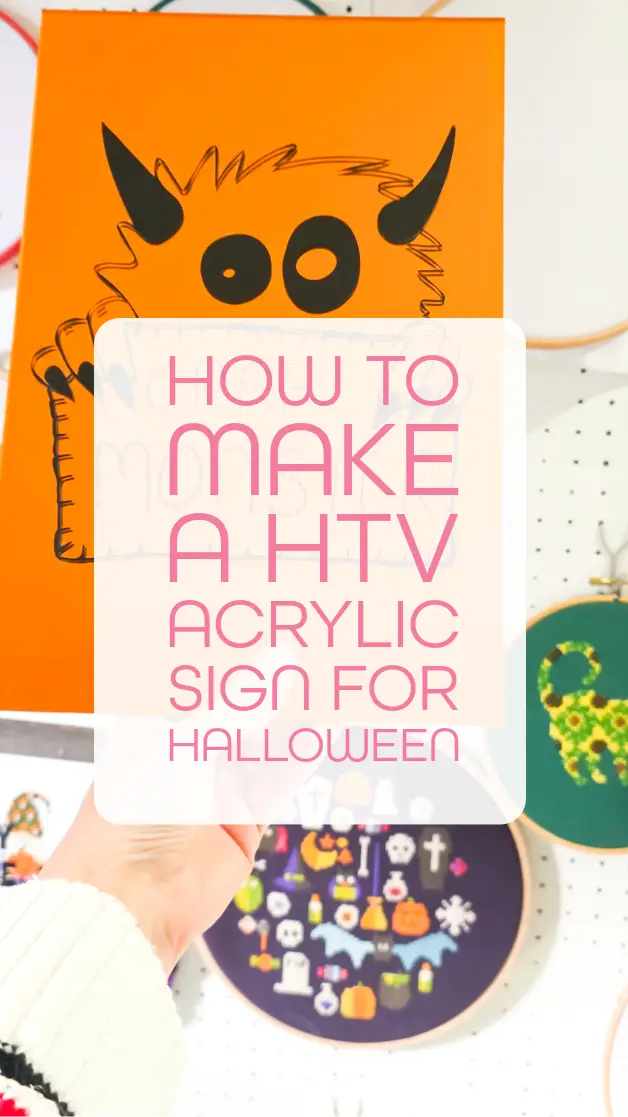
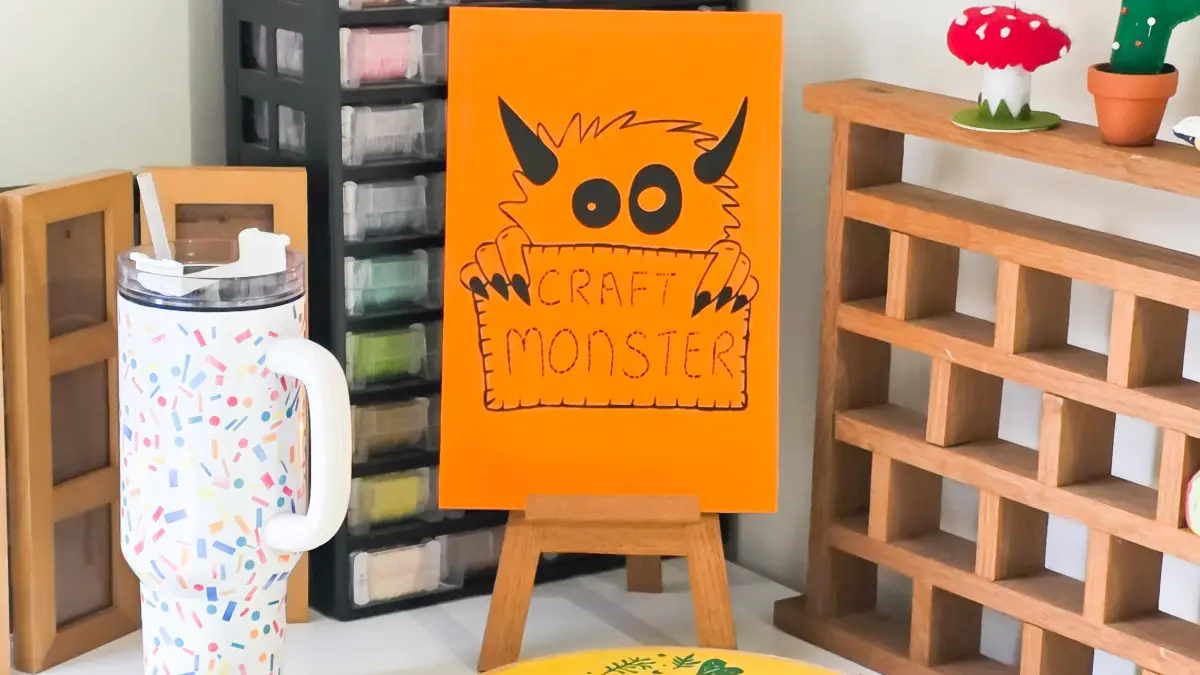
We all love crafting with HTV for making shirts and totes. But have you ever tried it on acrylic to make a sign? It’s super simple with the Auto Heat Press 2 from HTVRONT. Let me show you how to make a HTV acrylic sign for Halloween. Plus! You can also download the free craft monster svg featured in this project at the bottom of this post.
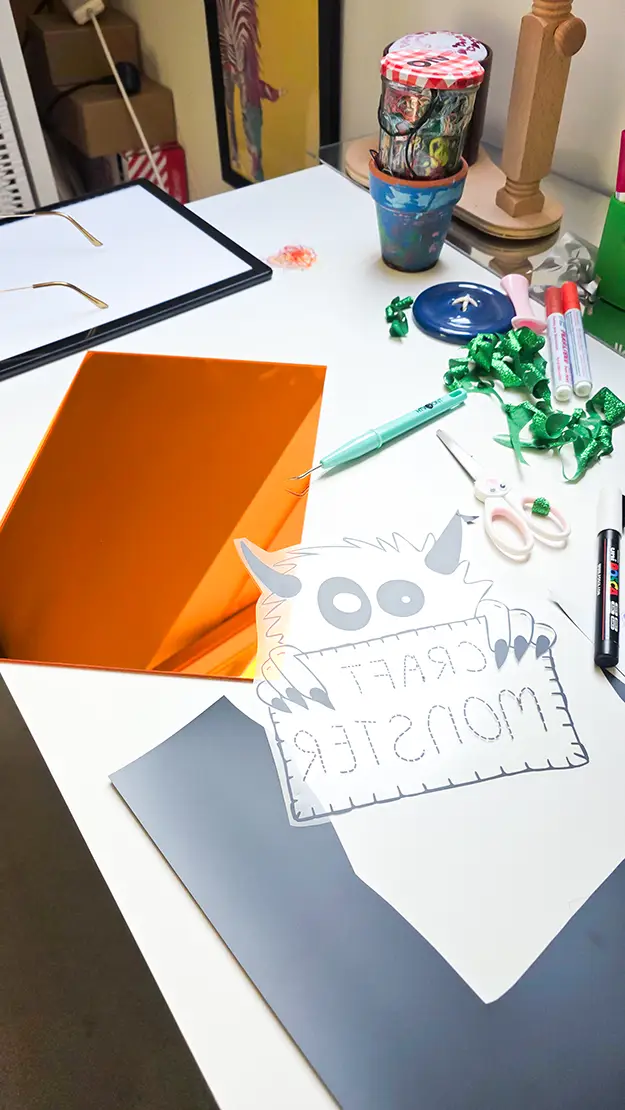
To make the sign you will need
- Mirrored acrylic sheet
- Black htv
- Auto Heat Press 2
- cutting machine
- weeding tools
- Heat protective gloves
- Teflon sheet
- Heat mats
- Weights (such as books, tin cans)
- free craft monster svg (download at the bottom of this post)
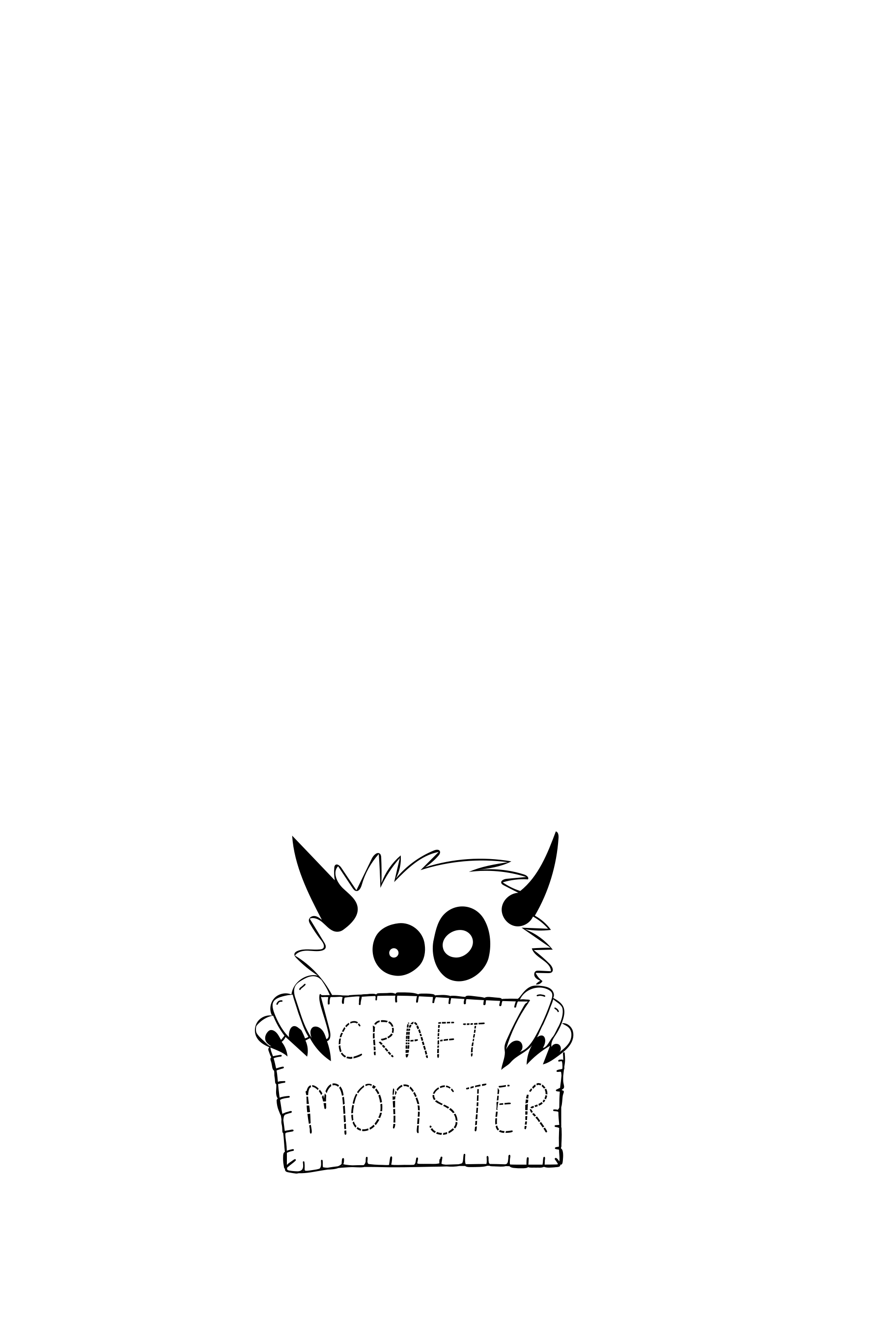
Step 1: download the crafty monster svg
Download the free craft monster svg and upload it into your cutting software. Resize it to fit your acrylic sheet.
Step 2: cut your htv
Place your htv shiny side down on your cutting mat. Mirror your design before cutting. Mirroring ensures the text with be the correct way round when pressed.
Cutting settings:
- Cricut – standard blade, Iron on
- Silhouette – blade 1, speed 5, Force 8, passes 2, material smooth
- Loklik iCraft – Fine point blade, Force 6.5, 1 pass
Step 3: weed the design
Weed away the excess vinyl, leaving only the design on the carrier sheet. HTV should weed smoothly, take your time around the text. If it’s not weeding smoothly, check your blade for scraps of material sticking to it, or try a new blade. Trim the carrier sheet down to avoid an outline appearing when pressing the acrylic.
Step 4: press your design
Peel away any protective film that may be on your acrylic and position patterned htv design on the sheet. Cover with a Teflon sheet to protect it. Use the recommended settings for htv on your heat press.
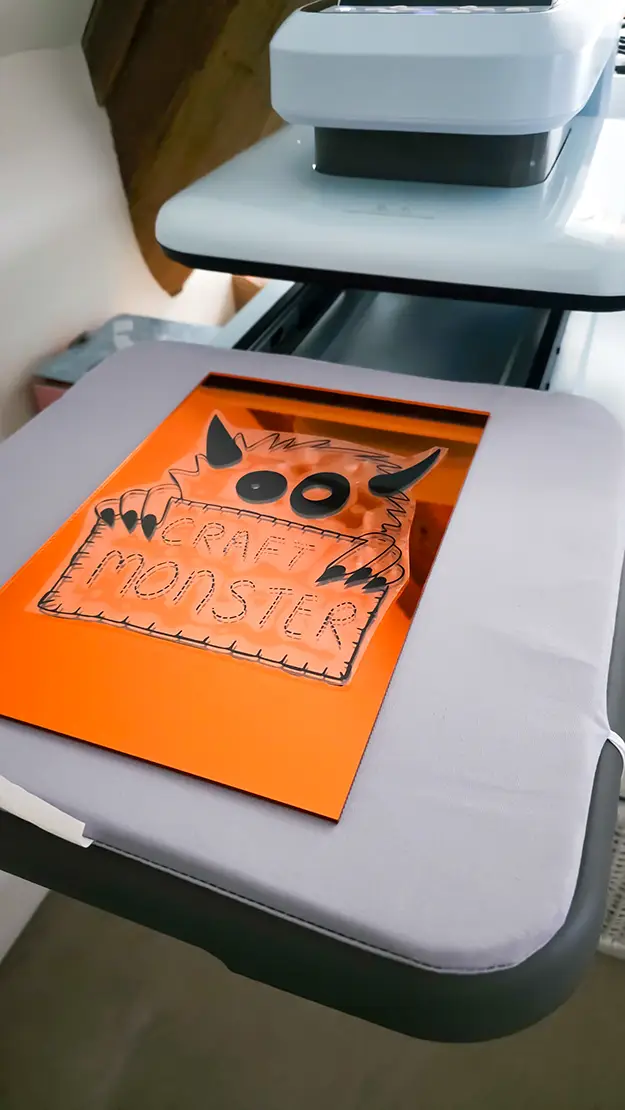
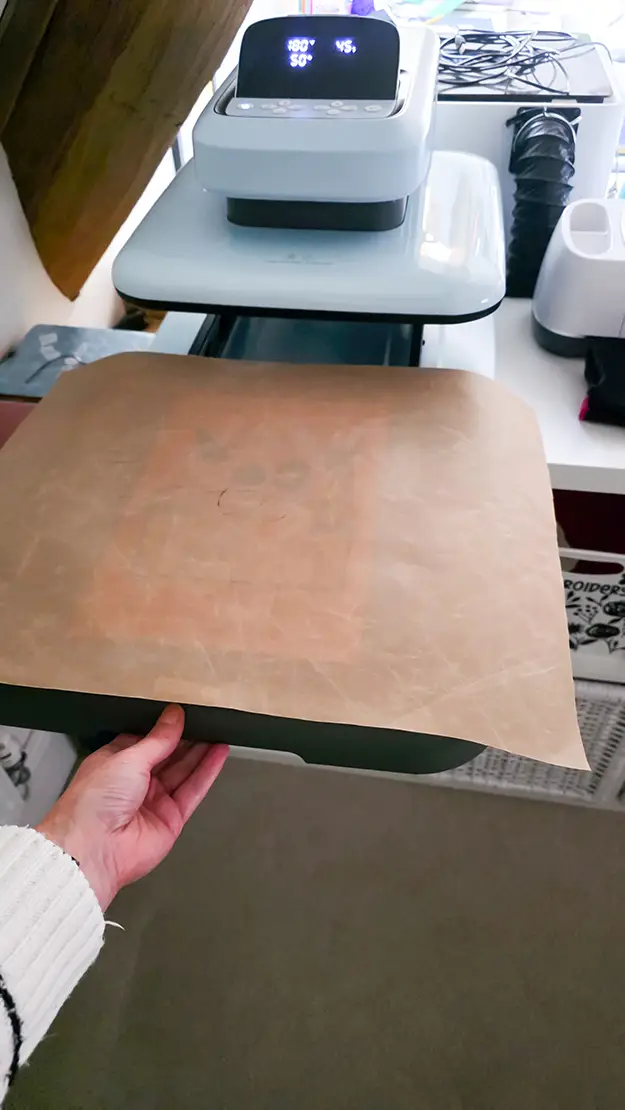
I used the HTVRONT Auto Heat Press 2 with their HTV. You can get $52 off with code Ruth10
My settings were: 300f, medium pressure, for 15 seconds.
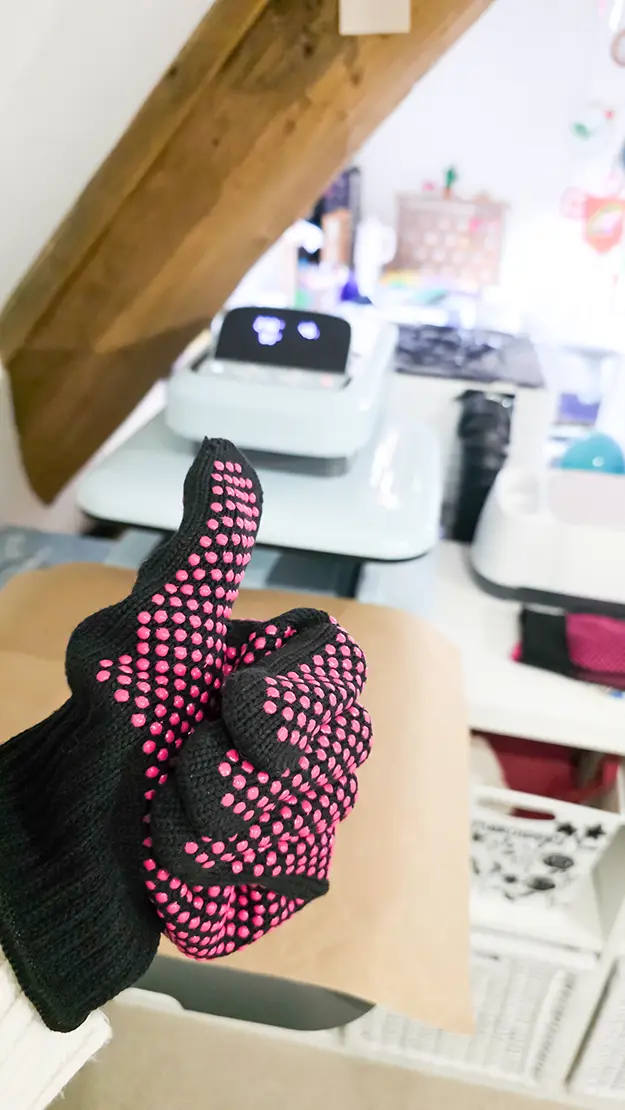
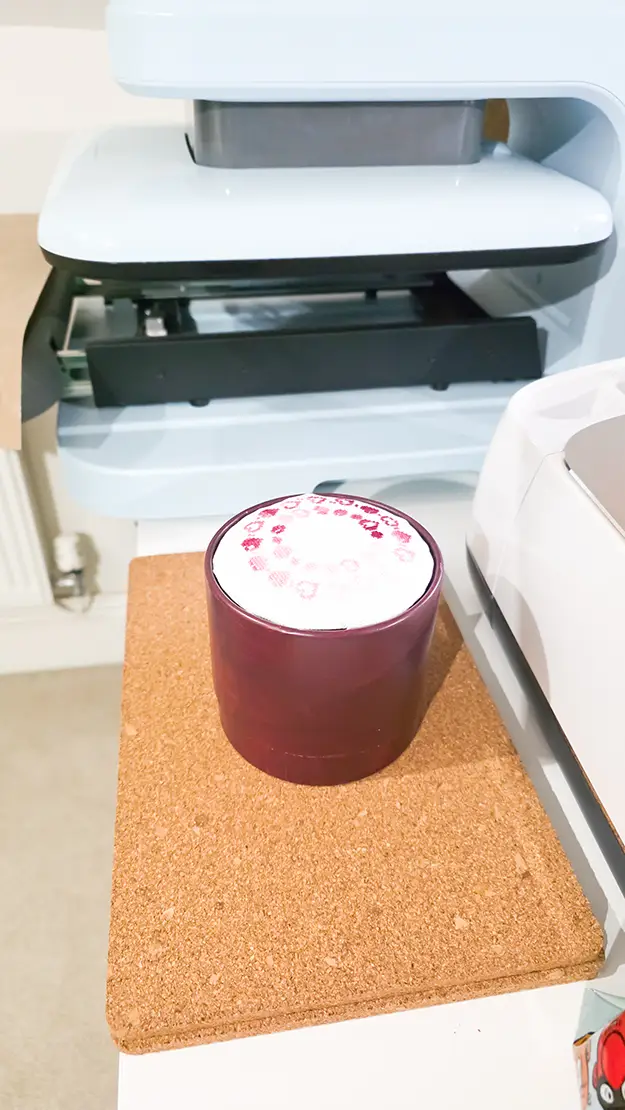
Once it is pressed you need to wear heat protective gloves and place it in a layer of heat mats with a weight on top as when heated the sheets will try and warp. Leave to cool completely before peeling the carrier sheet away.
Download the free craft monster svg
You can download the craft monster svg for free and make your own version of this sign. Or try it on wood, shirts, hoodies, totes or even cardstock.