Create embroidery patterns with your Cricut

Did you know you can create embroidery patterns with your Cricut? It’s not just for cutting paper and vinyl. It’s the perfect tool for those that love to customise their clothing and make unique gifts.
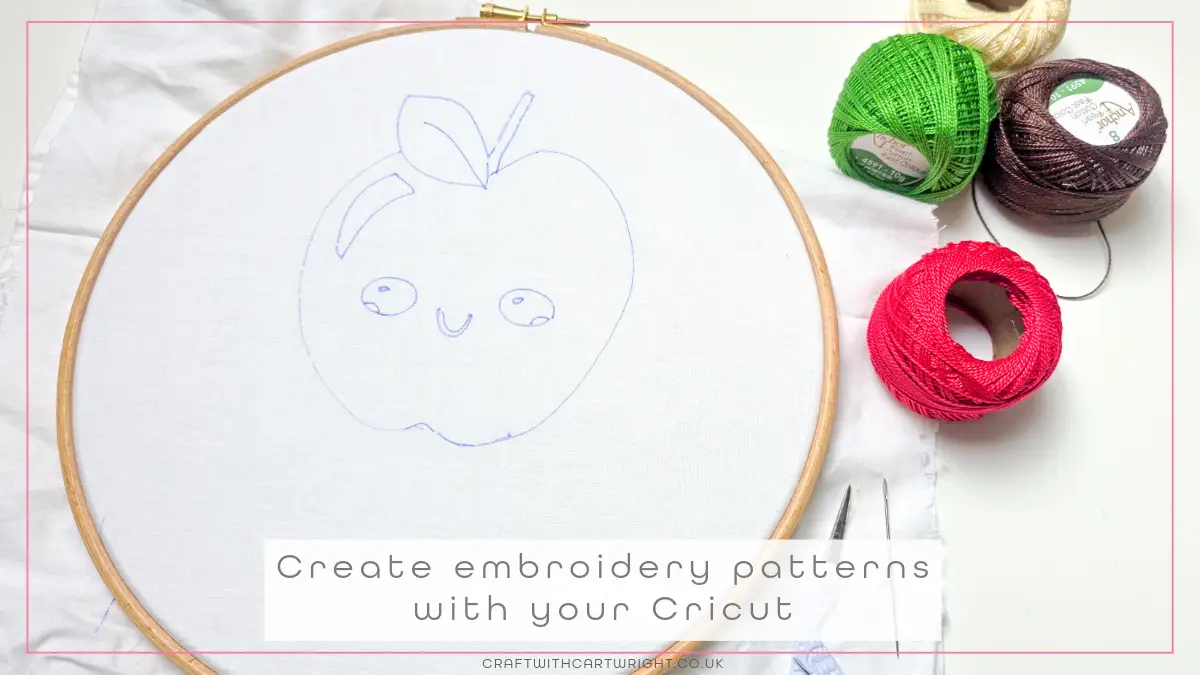
What you’ll need
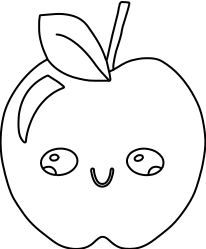
- Embroidery pattern (You can download my free apple design from the bottom of this post) or find designs on cricut design space. You need to search for single lines.
- Heat or water erasable pen
- Cricut machine – the model shouldn’t maker as long as it has the pen holder.
- Cotton or linen fabric
- Fabric grip mat
- Embroidery threads
- Embroidery scissors
- Optional – Embroidery hoop
How to create embroidery patterns with your Cricut
First download the apple template and add it to the Cricut design space.
Resize it to fit your project. I recommend not going smaller than 4 inches wide.
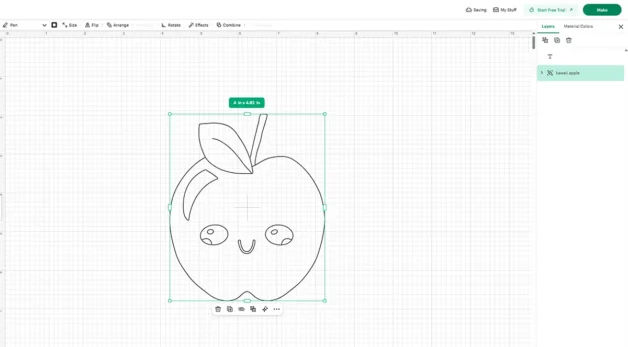
Select the design and make sure you use attach, so they are all drawn in the correct place.
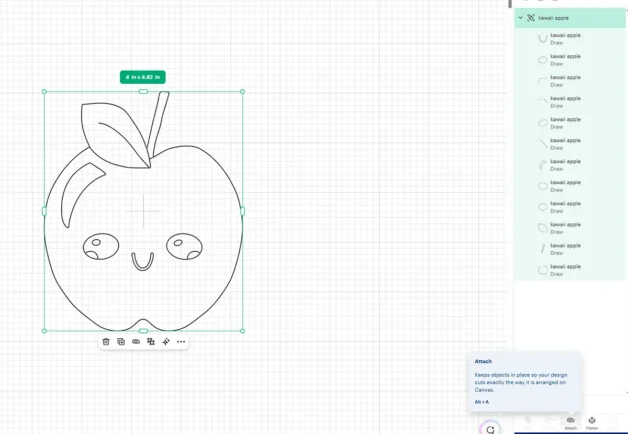
Set the design to draw.
Fit the heat erasable pen in the machine in port A.
Secure your fabric to the mat and load into the machine.
When you get to the review screen, move your design to the centre so you have a border or fabric around the design. This makes it much easier when using an embroidery hoop later.
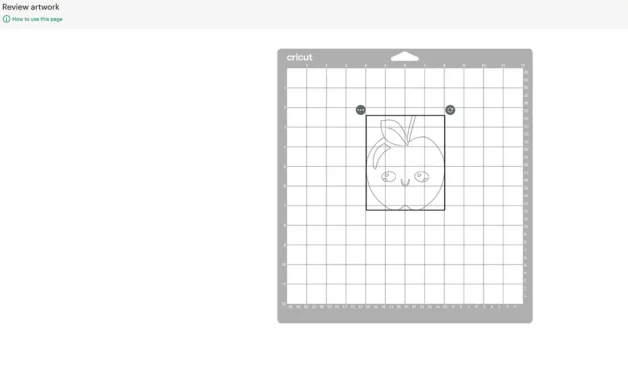
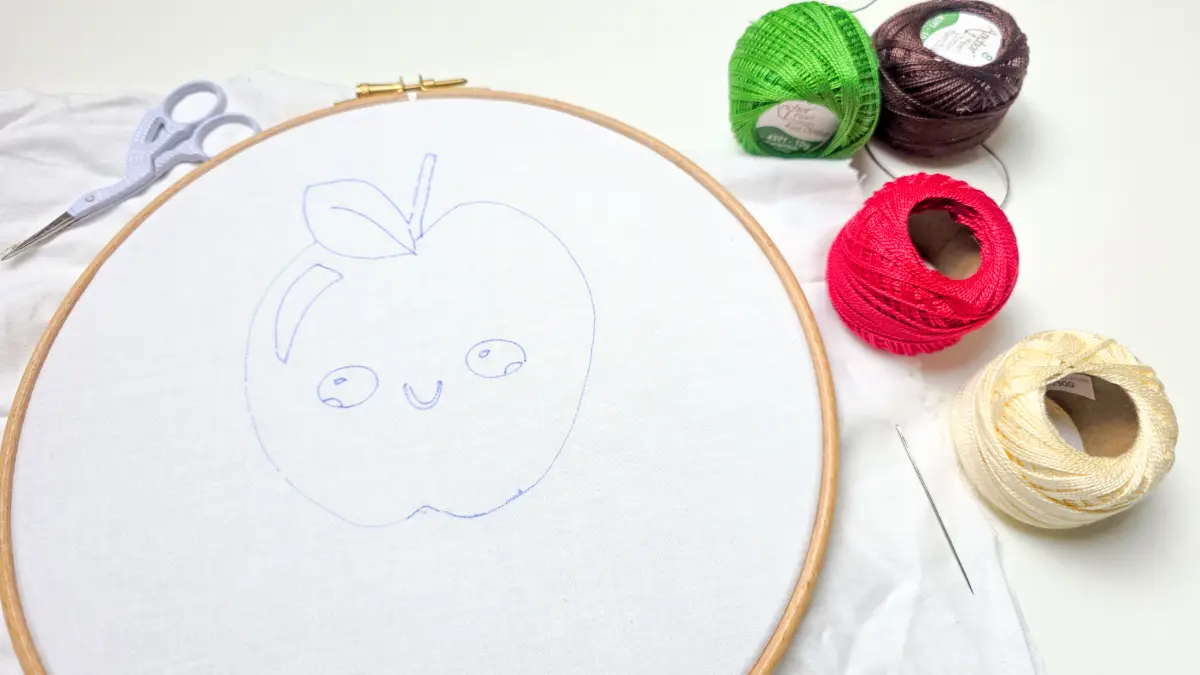
Press go and the design will be transferred onto your fabric.
Remove the fabric and if needed secure in your embroidery hoop.
Follow the lines to stitch your cute apple, I used backstitch for the design, but you could use a variety of stitches, like Statin stitch for the leaf or split stitch to outline.
Once you’ve stitched the design, use either heat or water depending on the pen you’ve used to remove the lines.
Then you can wear or display your new embroidery.
FAQ’s
Will my Cricut embroider?
Unfortunately, the machine is not set up to do the embroidery for you, it just helps with creating the embroidery template. You have to stitch it yourself! But you could free hand machine embroider the design if you didn’t want to hand stitch.
What type of designs work best?
You need to use single line designs, when choosing images or text. Otherwise, it will draw outlines around all of the shapes.
Download the free Kawaii apple embroidery template here