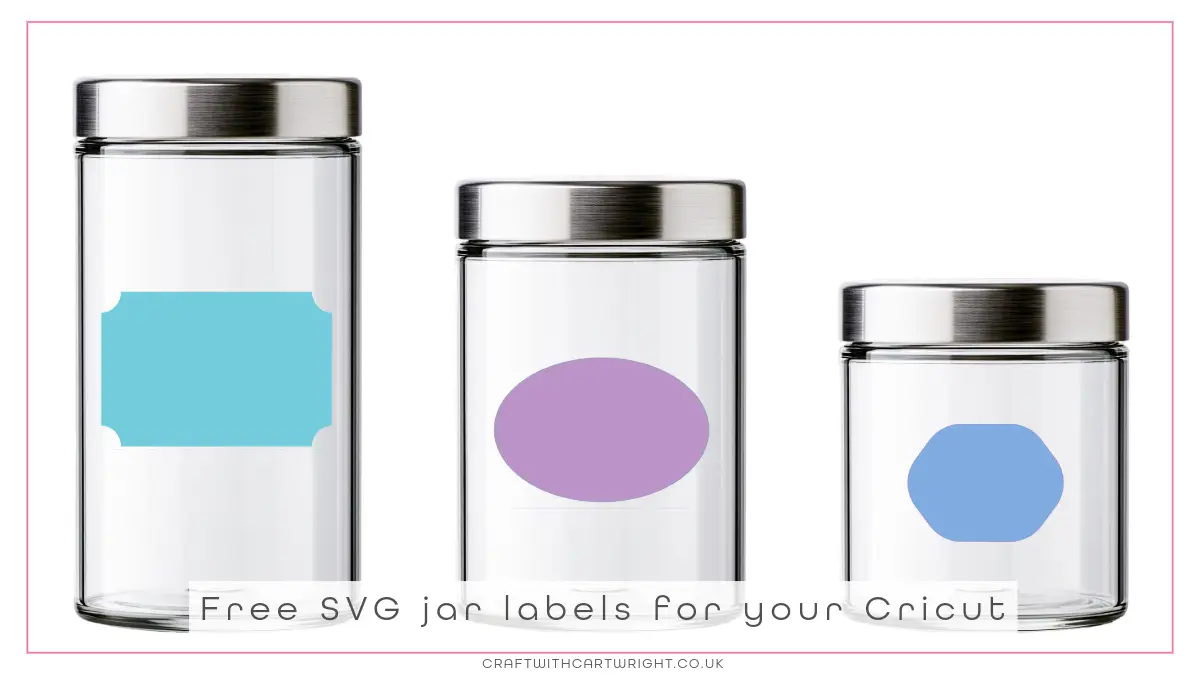
Free SVG jar labels for your Cricut

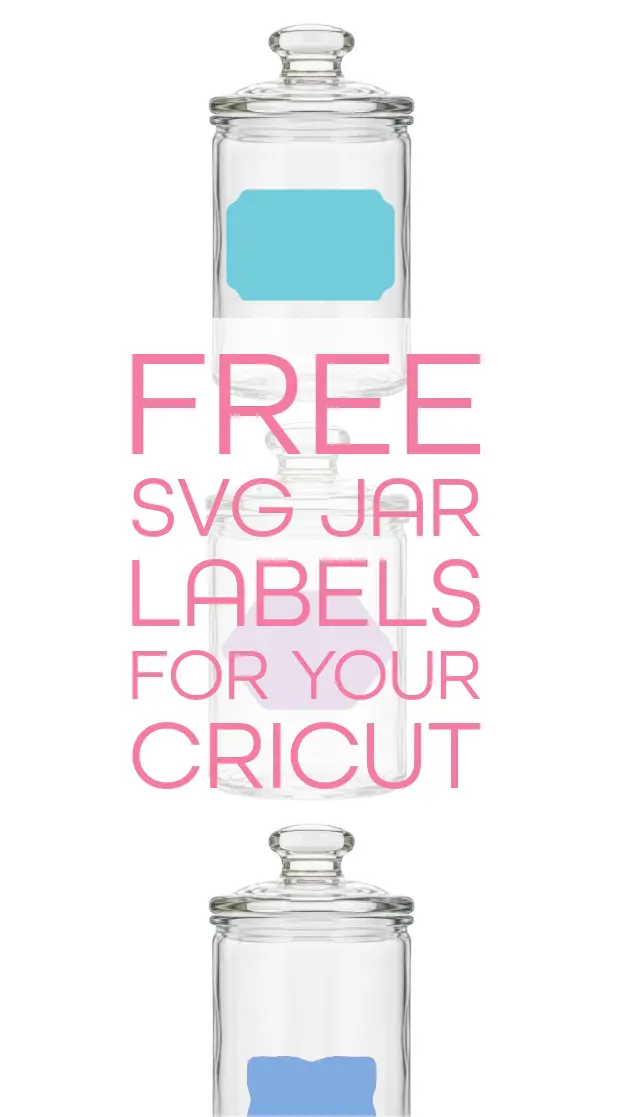
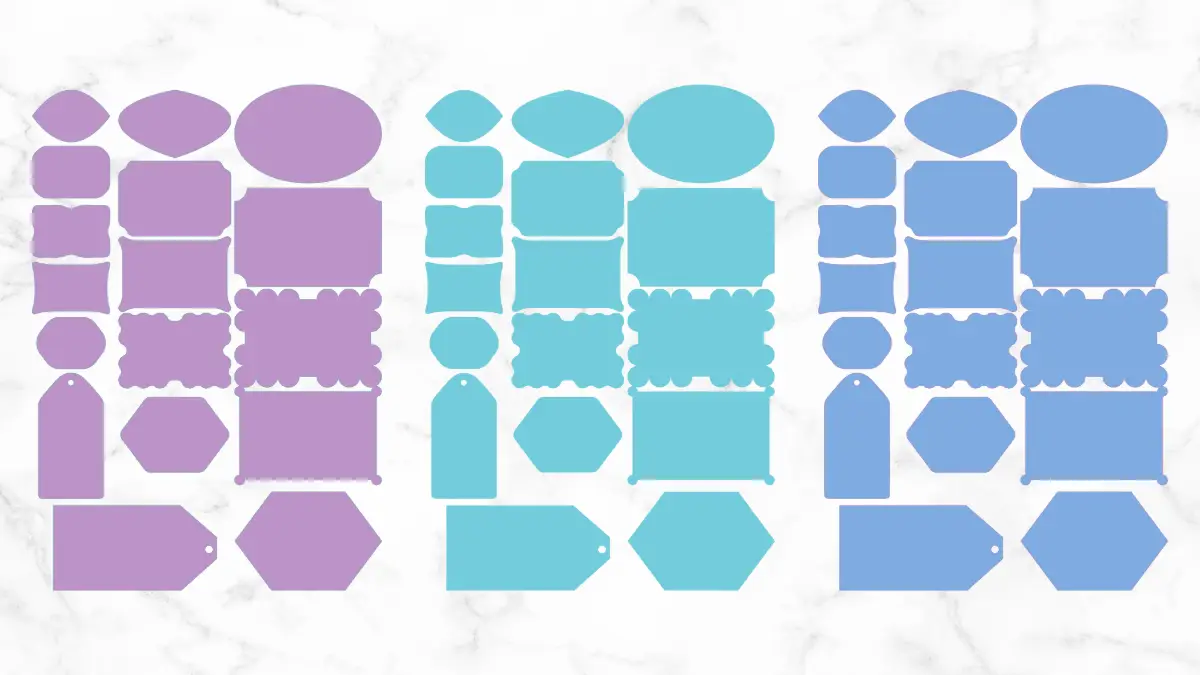
Get organised with these fun SVG jar labels for your Cricut. Use them to tidy your pantry, bathroom cabinets or craft cupboard. Don’t have a Cricut? Grab the printable pdf instead.
How to use the SVG jar labels
You will need:
- Jar label SVG
- Cricut machine or similar
- Vinyl /chalk board vinyl or sticker paper
- Permanent markers / chalk markers
- Optional – Cricut pen
- Storage jars
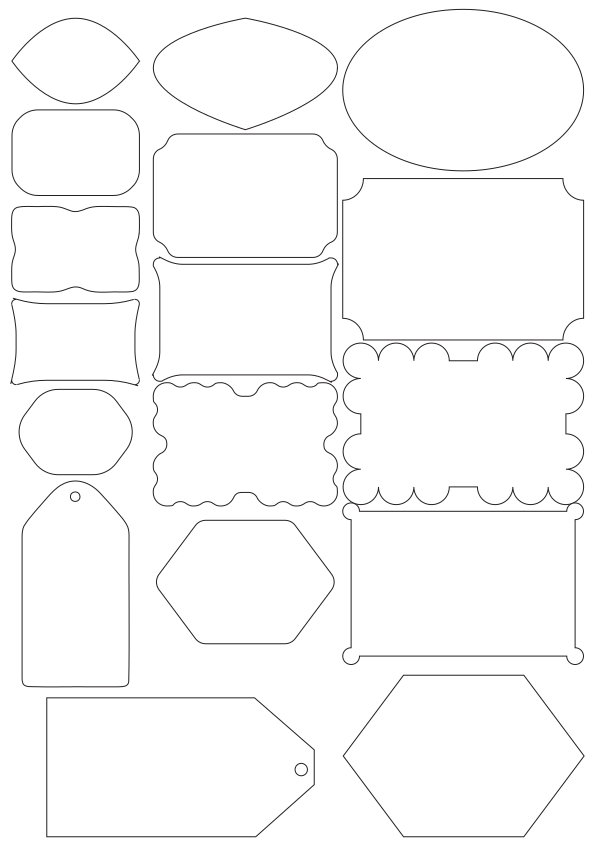
- First, download the free SVG and upload to Cricut design space. The file comes with 17 different jar label shapes, you can choose to cut all 17 or pick your favourite shape and cut a set of those.
- Measure your storage jars and size the labels to fit.
- Optional – you could add text in Cricut design space and use the pen to write on your labels before cutting. If you choose this option, make sure you are using sticker paper.
- Cut the labels out, using the correct settings for the material you picked.
- Weed as needed and write on your labels before applying to your jars. I love using Permanent marker on vinyl and Chalk pens with blackboard vinyl.
- Then you can get organised!
Don’t have a Cricut? No problem!
Download the printable version as a pdf onto sticker paper and then cut out the labels with scissors.
Download the free svg