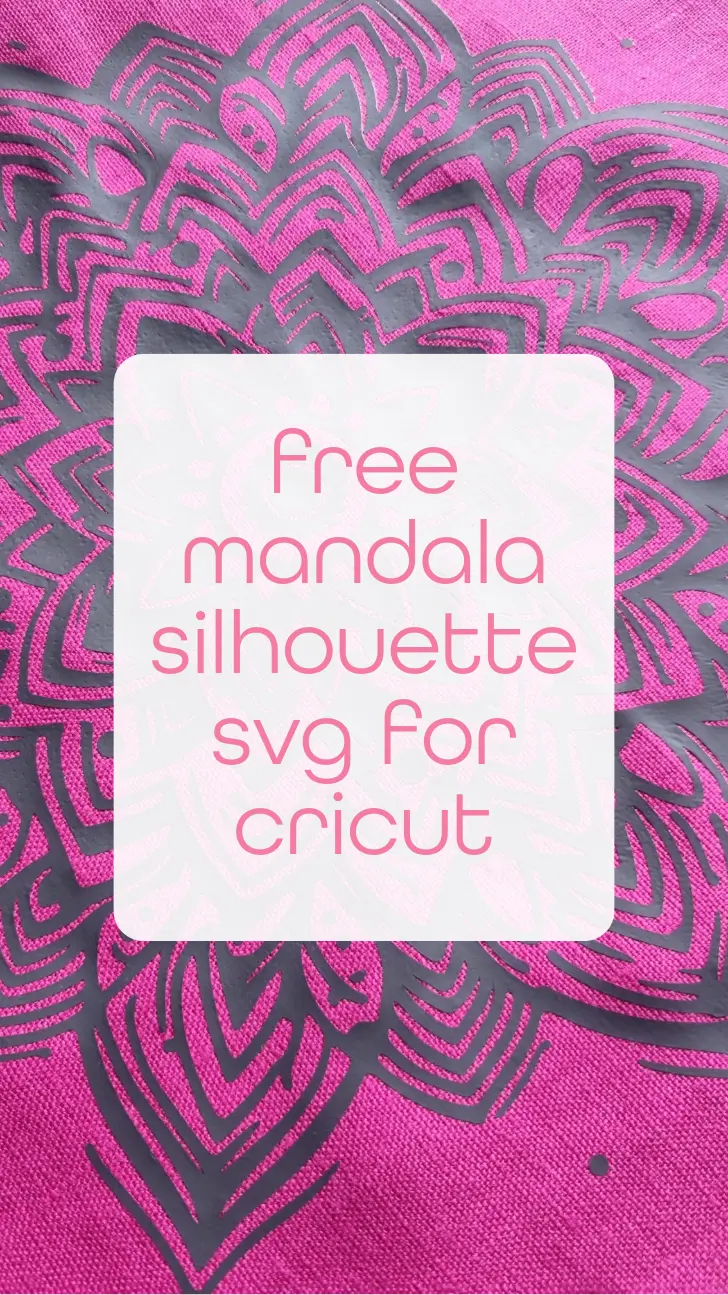
Free mandala silhouette svg for Cricut

My latest craft passion has to be weeding HTV designs, and this one is truly satisfying to work on. Download your free mandala silhouette svg for Cricut and other cutting machines here.

What You’ll Need
- Cricut Machine: Your trusty companion for precision cutting.
- Heat Transfer Vinyl (HTV): Choose colors that resonate with your soul.
- Weeding Tools: To remove excess vinyl.
- EasyPress or Iron: For heat application.
- Blank Fabric: T-shirts, tote bags, or any fabric surface you desire.
Creating Your Mandala Design
- Find Your Mandala SVG: Head to the bottom of this post to download the free mandala SVG cut file. These intricate designs are ready to go, saving you precious time.
- Upload to Cricut Design Space: Open your Cricut Design Space and upload the SVG file. Adjust the size to fit your project. Remember, mandalas look stunning on pillows, tote bags, or even framed wall art.
- Weed the Design: Weed out the excess vinyl, leaving only your beautiful mandala. Take your time; patience is key.
Applying HTV to Your Fabric
- Prepare Your Fabric: Lay your fabric flat and preheat it with your EasyPress or iron. This ensures a smooth application.
- Position Your Mandala: Place your weeded mandala on the fabric. Remember, HTV has a clear plastic backing, so you’ll see your design through it.
- Apply Heat: Follow the recommended temperature and time settings for your HTV. Gently press the EasyPress or iron onto the mandala, applying even pressure. Peel off the plastic backing while it’s still warm.
- Layering Magic: Want to take your mandala to the next level? Why not try applying it to white fabric and colouring in the gaps with fabric pens or even filling with satin stitch.
Download the mandala here