AlgoLaser Delta 22W: Your FAQs Answered

When I first got my AlgoLaser machine and unboxed it I had a few issues that I couldn’t answer from the instruction manual or from a quick google search. So these are the FAQs about the AlgoLaser Delta 22w answered.
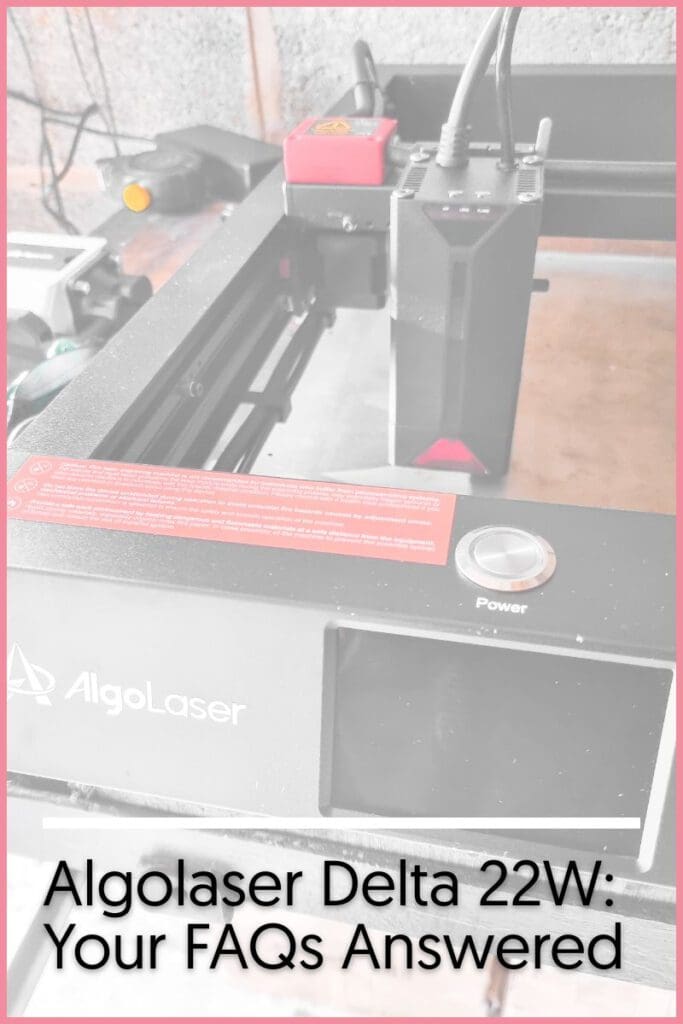
Where is the pipe for the air pump?
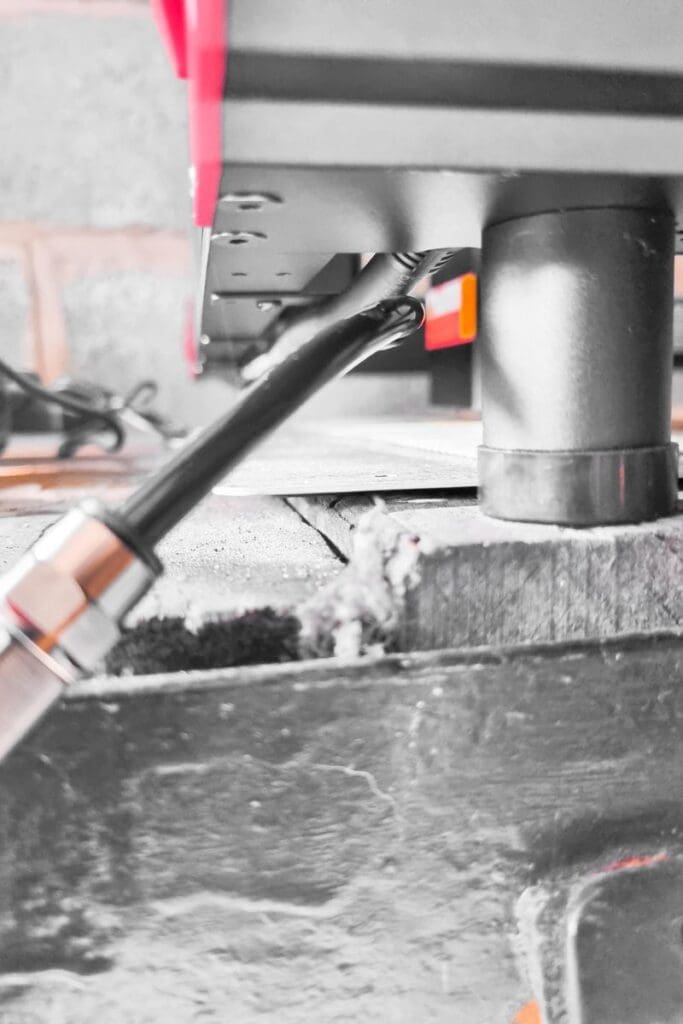
You need to attach the tubing from the air pump to the machine, sometimes the pipe can be caught up inside the frame. The best way to find it, is too look behind the front left hand leg, if you still cant locate it, flip the machine upside down to have a clearer view is the side of the frame.
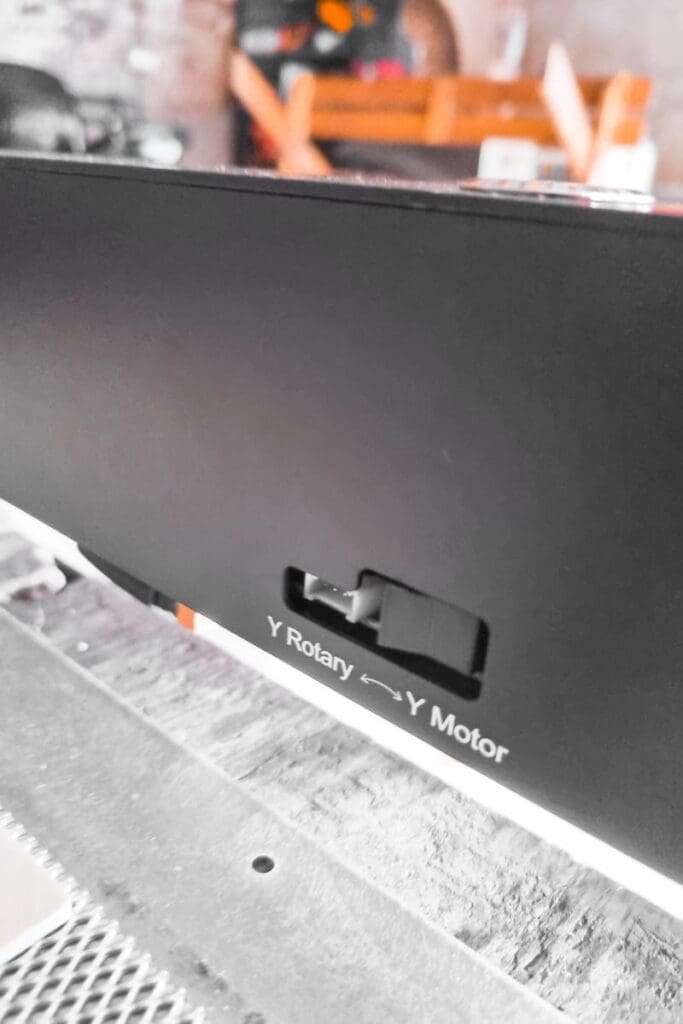
Why is it not moving on the y axis?
If your machine is stuck only moving on the x and and not moving up and down along the y axis. You probably have it set to rotary engraving. Behind the LCD control panel on the inside of the frame is a switch. Simply click that to y axis and this should solve your problem.
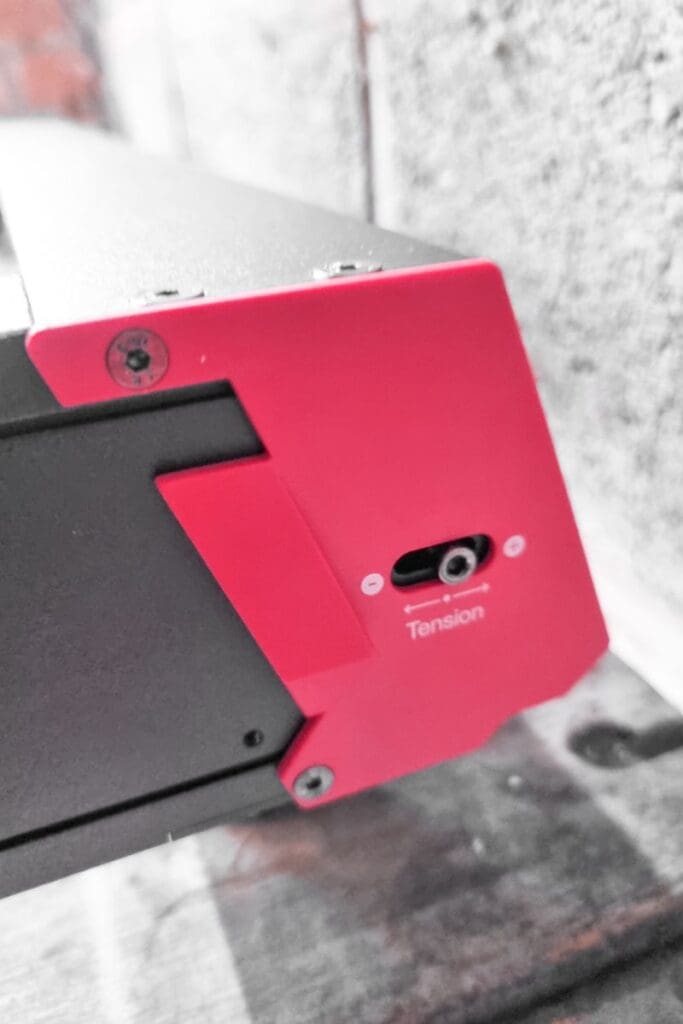
How do I adjust the tension of the belts?
If your belts are too tight or too loose, you can adjust the tension of them at serval points on the corners of the frame. Use the mini Alan keys provided in the the kit.
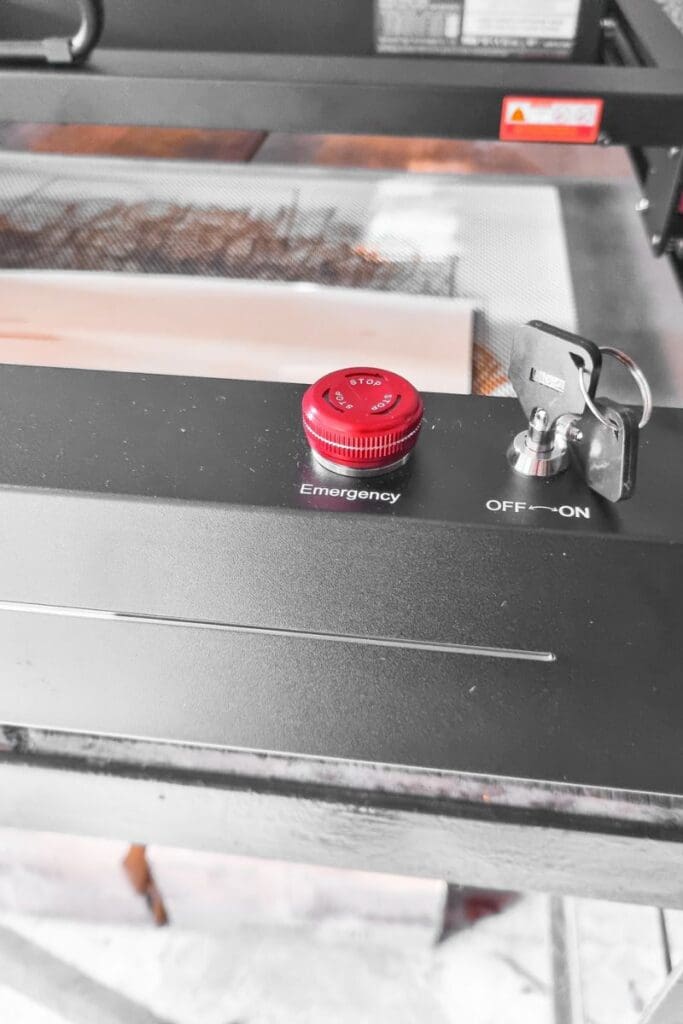
Why does the machine keep turning itself off?
If you keep getting a warning and your machine turns off after a few seconds. Check you don’t have the emergency stop enabled. Make sure it is not depressed and you should have no more issues.
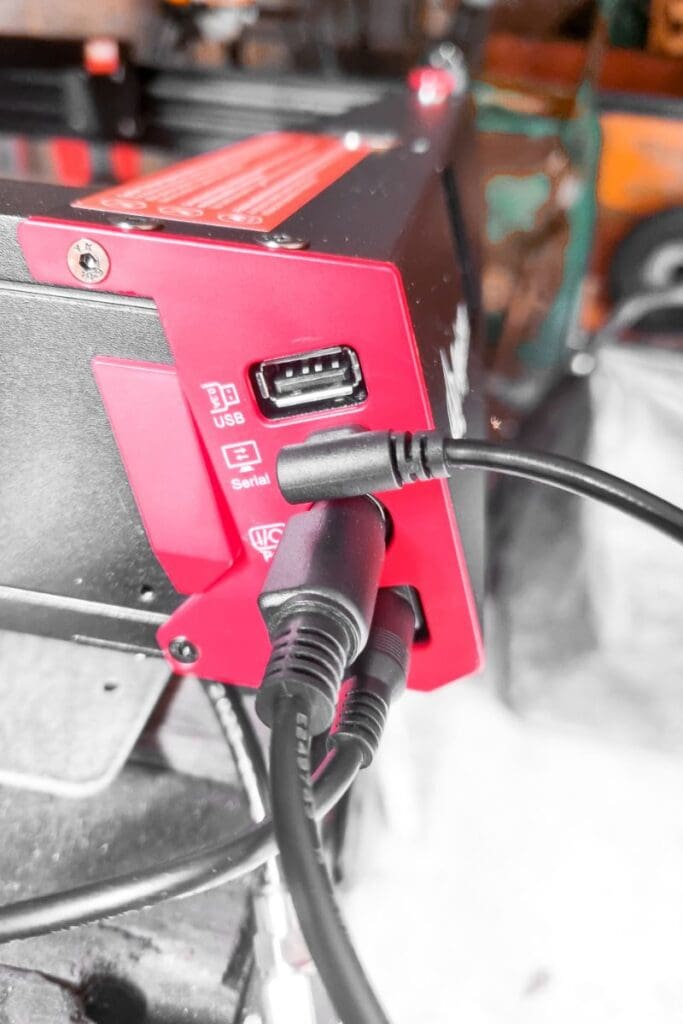
What are the ports for?
The ports on the side of the machine are for: (In order top to bottom)
- USB for uploading designs
- Serial port for connecting to your pc
- Power supply
- Air pump
Whether you’re a hobbyist, artist, or industrial professional, this laser system is a great way to elevate your projects. If you have more questions don’t hesitate to reach out and I’ll do my best to answer your questions to help you unlock the full potential of laser technology with AlgoLaser Delta 22W!