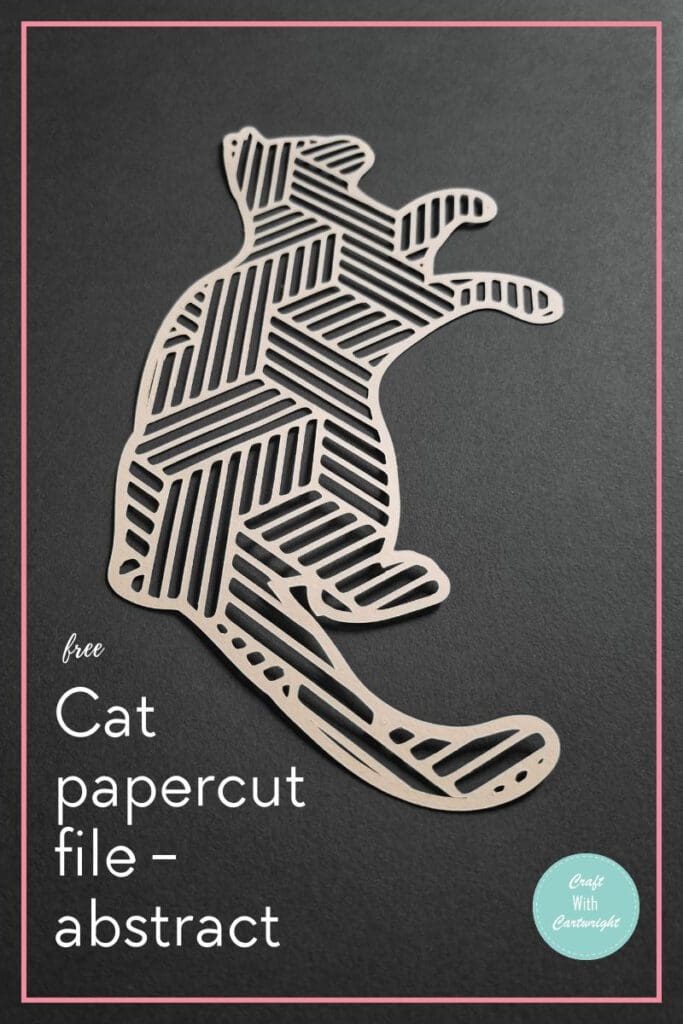
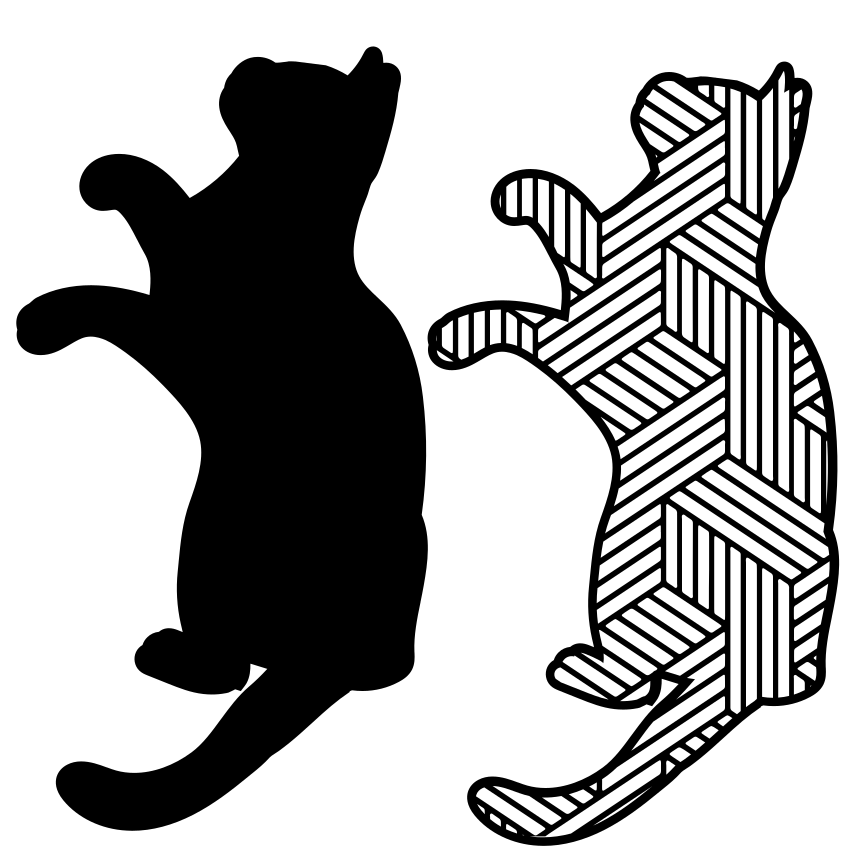
Cat papercut file – abstract (free)

If you’re a fan of modern and contemporary art, then an abstract cat papercut file is the perfect addition to your design resources.
This versatile template allows you to create stunning layered paper art using various techniques such as cutting by hand, using a cutting machine or with a laser cutter. And the best part? It’s available for free download in SVG format, making it compatible with popular cutting machines like Cricut.
The abstract cat design is inspired by geometric and cubist styles, adding a unique touch to your artistic creations. Whether you’re a seasoned papercut artist or just starting out, this template provides endless possibilities for expressing your creativity.
With its intricate silhouette and clean lines, this abstract cat papercut file is sure to impress. Use it to create stunning wall art, greeting cards, or even personalized gifts for friends and family. Let your imagination run wild as you explore the possibilities of this captivating design.
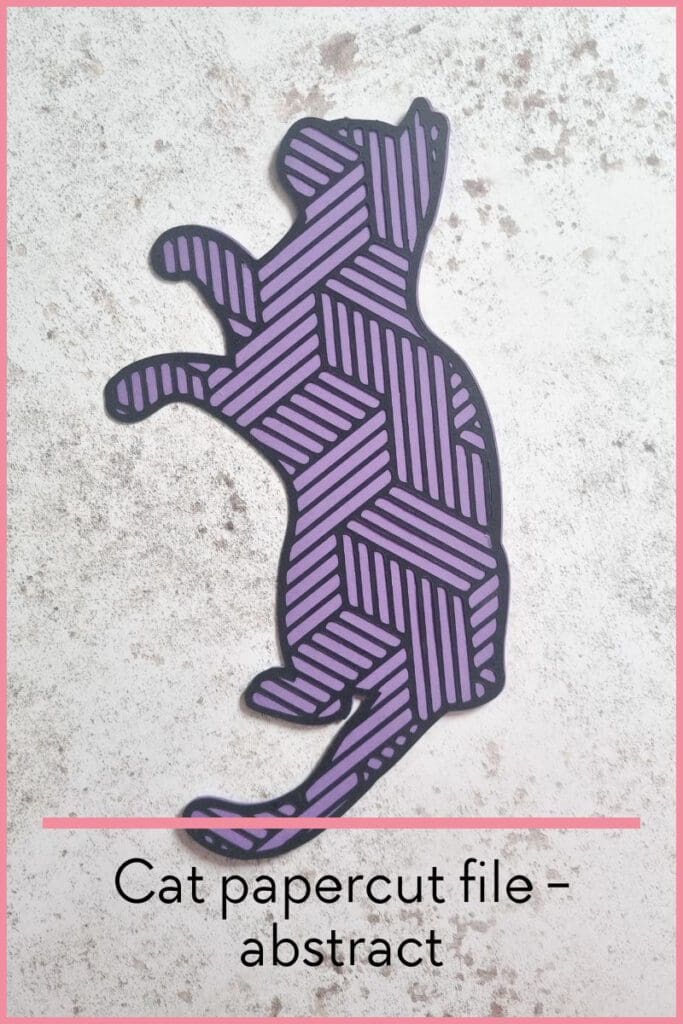
So why wait? Download the abstract cat papercut file today and elevate your artistic endeavours to new heights. It’s time to unleash your creativity with this exceptional design resource!
What is paper cutting?
Originating from Scherenschnitte which is a German tradition meaning scissor cuts, paper cutting has been around for centuries. Common forms include silhouettes and patterns that use symmetry. In recent years the art work has evolved with the rise of cutting machines, hand held cutting tools and even lasers.

What is the best paper thickness for paper cutting?
Quality over thickness is the most important factor when choosing your paper for cutting projects. But you should choose a thickness of between 120 – 160 gsm.
What is the best way for cutting paper?
This really depends on your own skills, personal preferences, tools you have at home and the complexity of the design.
You can create paper cutting projects by:
- using a scalpel or craft knife
- cutting with sharp pointed scissors
- using a Cricut or silhouette cameo
- cutting with a laser cutter such as a xTool or Glowforge

I cut my design using my xTool M1 with the blade function.
How to cut paper at home
Decide first how you intend to cut the design.
If cutting by hand:
- Print out the design onto your paper.
- Use a self healing cutting mat and a sharp scalpel.
- Cut from the centre and work your way out.
- Rotate the design to make sure your cutting at the easiest angle.
- Apply firm pressure to the blade.
- Take breaks as it can be hard on your wrist.
If cutting with a Cricut or laser cutter:
- Download the SVG file
- upload it to the design space for your cutting machine
- Resize to suit your paper size
- Select the right material so it cuts accurately.
- Load in your material
- Set the machine to cut.
- If cutting with a laser cutter, use caution and monitor closely as paper can easily ignite.
Where to find paper cutting free files to download
You can find other great free paper cutting files to download in my SVG library.