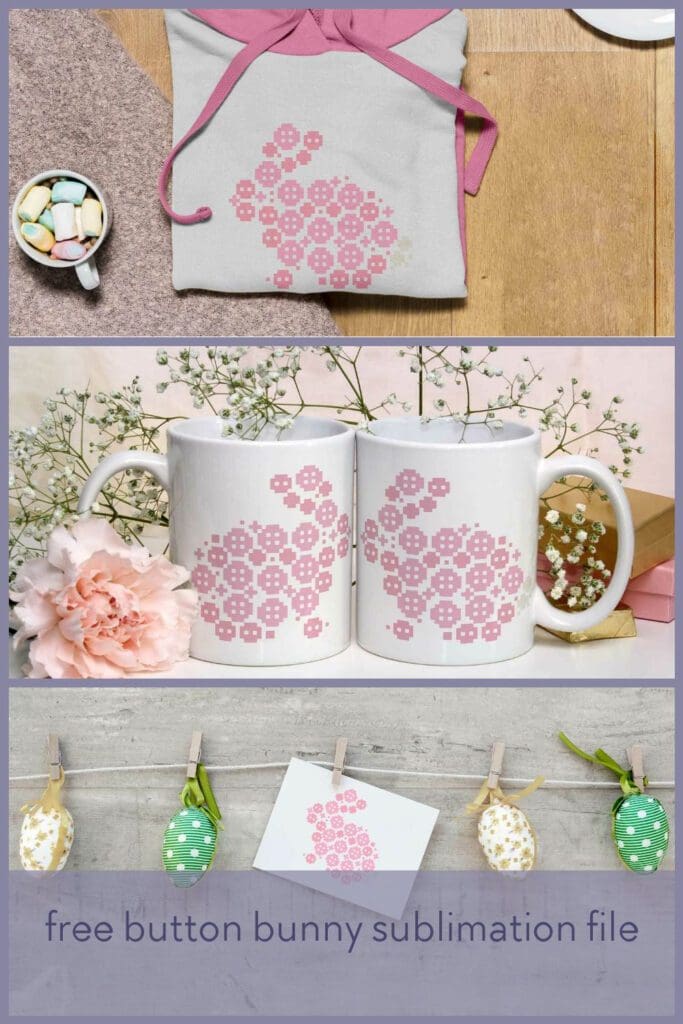
Free button bunny sublimation file

Articles contain paid and affiliate links
Download this free button bunny sublimation file to create custom shirts, mugs, tote bags, and more! Perfect for customization projects or Easter gifting. Get creative and start crafting with this versatile design file today!

My button bunny has been a popular choice this year as a cross stitch pattern, so I thought I’d also give you the option of a sublimation design for those of you who don’t want to stitch it or don’t have the time to stitch it! Perfect for those last minute Easter basket additions.
The file comes as a 12”x 12” 300 dpi PNG file, making it perfect for sublimation, but also digital crafting, clip art or even just to print and cut!

What is sublimation?
Sublimation printing is a popular method for creating vibrant, long-lasting prints on a variety of materials. It involves transferring ink from special sublimation paper to the material being printed, using heat and pressure.
What format is the file?
All my sublimation designs come in PNG format with a transparent background in 300dpi. Which makes them ideal for this type of craft project.
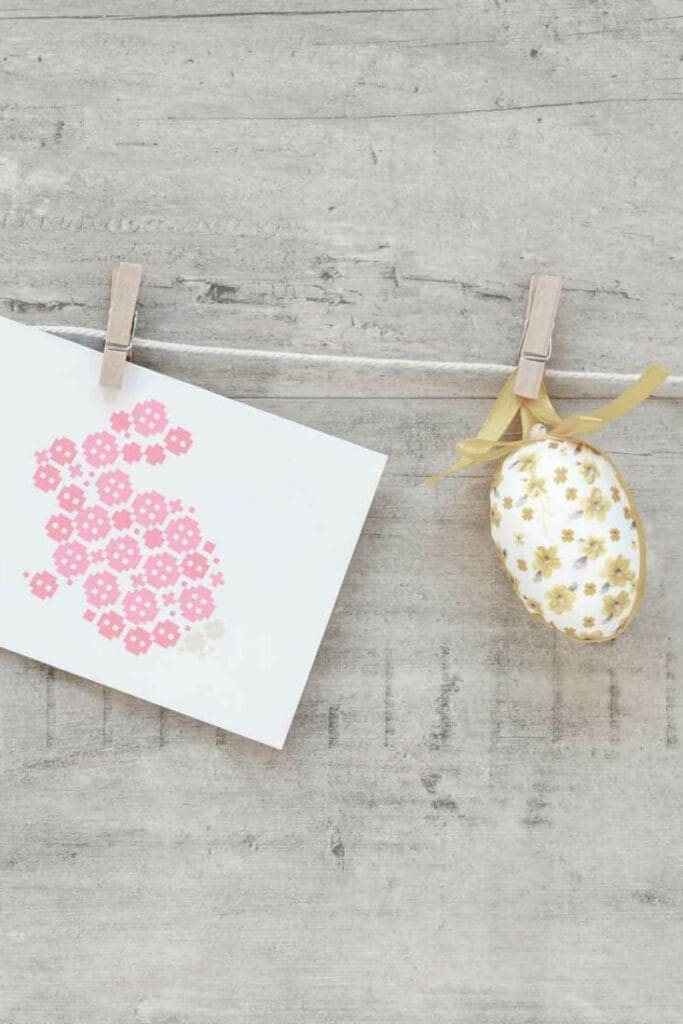
How to use sublimation designs
Once you’ve downloaded the design, you can adapt it to suit your needs using software like Cricut design space, photoshop, inkspace or a free alternative is GIMP. If you don’t want to alter the design, then you can print straight away.
Remember you will need to use a printer that is set up for sublimation printing. A regular printer will not work.

What materials do I need?
You will need a sublimation printer with the correct inks
Blanks that work for sublimation printing, such as polyester t-shirts, or mugs and key rings that are coated.
A heat press for flat projects like cushion covers and clothes or a mug press for cups and tumblers.
Download your free button bunny sublimation file here