Unboxing the AlgoLaser Delta

So it seems I have become a bit of a laser lady! And I won’t complain, I love getting to try new technology and see how it can help me with my crafts. I was excited to be sent the AlgoLaser Delta this week to test out. Here’s my first thoughts on unboxing and stay tuned for a comprehensive review of it’s cutting and laser engraver capabilities soon!

This item was gifted to me for review purposes but all thoughts and opinions are my own.
The first thing I noticed when it arrived was how lightweight it was in comparison to my other laser cutters and this is down to the fact it is not built within a housing.
For that reason I decided to unbox and assemble it in my garage workspace, rather than my attic studio.
Unboxing the AlgoLaser Delta
On opening the box, I was supplied with the quick start guide and a few basic sample materials. Which included:
- Basswood ply
- Black acrylic
- Metal business cards


Underneath that layer the machine and it’s accessories were very well packaged and nothing had been dislodged in transit.
Inside the box
The machine is already assembled in the most part with only a few parts that you need to fit yourself. It also came with an air pump that will help lengthen the lifespan of the laser module.
The machine assemble partly takes place in its packaging, and then is lifted out. It was light enough for me to lit out of the box and place on my workbench. Which I had already protected with a metal sheet and a honeycomb that I had spare from a previous machine.
The good thing about having the laser set up in the garage is that is is well ventilated, so no need for a extraction and filter system.
Assembly
I found the assembly pretty straight forward, and the instruction manual was clear with good diagrams for each stage. The only issues I encountered were tightening the belt as I couldn’t see if the belt was twisted, so had to flip the machine upside down. And fitting the air pump as the tube I needed had tucked itself up inside the machine!
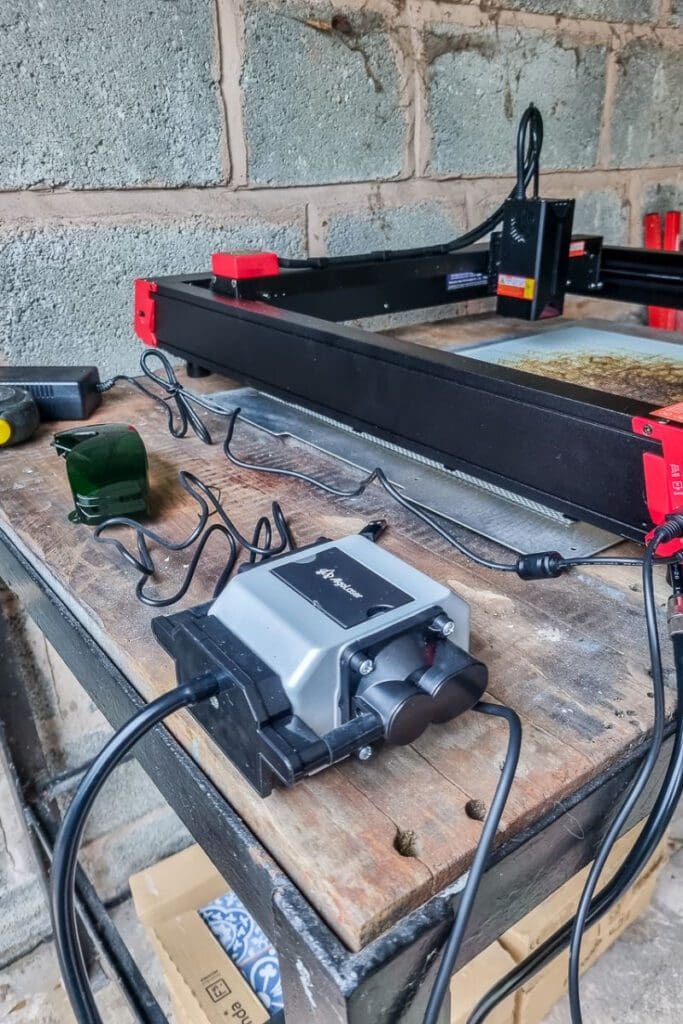
But even with those minor issues it took me around half an hour start to finish, from unboxing to final assembly.
First thoughts
The AlgoLaser Delta is fitted with a 22W diode laser! The most powerful one I have ever used so it promises high precision and speed.
I look forward to testing the AlgoLaser Delta 22W on various materials, including wood, acrylic, and leather and will write a detailed review on its engraving and cutting capabilities soon!
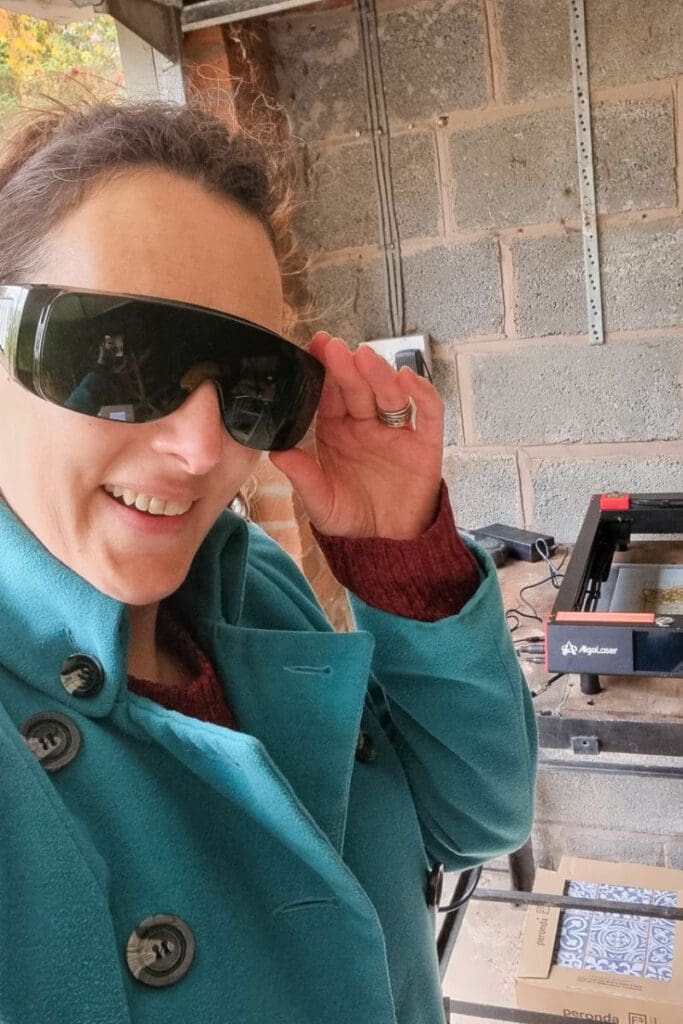
This is my first laser that hasn’t been inside a housing meaning I have to wear protective eyewear when in use, and that does make me a little more nervous.
Ease of Use
One of the standout features of this engraver is its user-friendly interface. The control panel is intuitive, allowing users to navigate settings and initiate projects with ease. The included software supports various file formats, and the machine is compatible with both computer and app systems. This makes it accessible to a wide range of users with different preferences.

Be sure to come back to see how my more detailed testing goes!