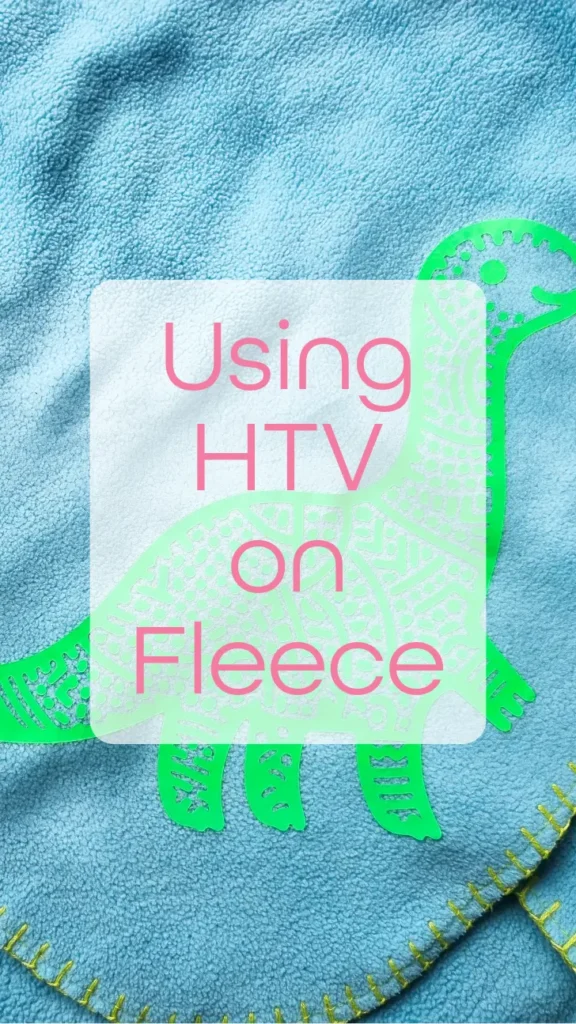
Using HTV on Fleece: A Step-by-Step Guide to Cosy Creations

Ever wondered if you can use HTV on fleece? The answer is yes you can! I’ve got a step by step guide to using HTV on fleece. Perfect for adding a personal touch to your cosy winter projects. Plus, I have a exclusive happy dinosaur SVG cut file that you can download for free.

Getting Started with HTV on Fleece
Fleece is a wonderful fabric – it’s warm, fray free, and incredibly versatile. But when it comes to applying HTV, it can be a bit tricky due to its textured surface. Fear not, as I’ll walk you through the process step by step.
Top tips for using HTV on fleece:
- opt for fleece items with a low pile
- Choose thicker or textured HTV
- Keep pressing time to the minimum to avoid melting your fleece
- Protect the fleece surrounding the design by using a Teflon sheet
Materials You’ll Need:
- Fleece fabric
- Heat transfer vinyl
- Cutting machine
- Weeding tools
- Heat press or iron
- Parchment paper or Teflon sheet
Step 1: Design Preparation
Begin by choosing a design for your project. If you’re new to this, simple shapes and letters are a great start. Once you’ve got your design, use your cutting machine software to reverse the image – this is important for HTV projects, especially if they include lettering.
Step 2: Cutting Your HTV
Load your HTV into the cutting machine with the shiny side down. Adjust your cut settings according to the type of HTV you’re using – each brand can be slightly different. After cutting, weed away the excess vinyl, leaving only your design on the clear carrier sheet.
Step 3: Preparing Your Fleece
Before applying the HTV, preheat your fleece for a few seconds to remove moisture and wrinkles. This helps the vinyl adhere better.
Step 4: Application
Place your design on the fleece, with the clear carrier sheet on top. Cover it with parchment paper or a Teflon sheet to protect the vinyl and fabric. Press with your heat press or iron, following the temperature and time settings recommended for your HTV.
Step 5: Peeling
Once pressed, let it cool for a moment. Then, carefully peel off the carrier sheet. If any part of the design lifts, repress for a few more seconds.
Unlock Your Free SVG Cut File
To get your free file, simply sign up and unlock this file along with all my other exclusive content. You can unsubscribe at any time.