


FREE year of gnomes cross stitch pattern *updated

My latest free pattern is a whole year of gnomes. With my collection of 12 gnome patterns, you’ll have everything you need to create fun cross stitch gonks month after month. Whether it’s January or Christmas time, I’ve got gnome stitch pattern that captures these charming garden friends in the best possible way. *Now with the option of a backstitched version!

Pattern dimensions
- Grid Size: 215W x 112H
- Design Area: 15.36″ x 8.00″ (215 x 112 stitches)
Stitch all 12 designs as a full piece or use them individually to create gifts and ornaments. Did you know that gnomes are meant to represent good luck, nature, fertility and abundance to name but a few.
Each gnome has been decorated to represent a month of the year
Gnome months
- January – celebrating New year with fireworks
- February – Valentines gnome
- March – St Patricks day
- April – Easter bunny gnome
- May – Cinco de mayo
- June – beach gnome
- July – Independence day
- August – watermelon gnome
- September – back to school
- October – Halloween
- November – Thanksgiving turkey gnome
- December – Father Christmas‘ helper

How to stitch the year of gnomes cross stitch pattern
If you've never stitched before, then read through these simple instructions to help you stitch the Year of gnomes cross stitch embroidery pattern
Materials
- 14 count white aida
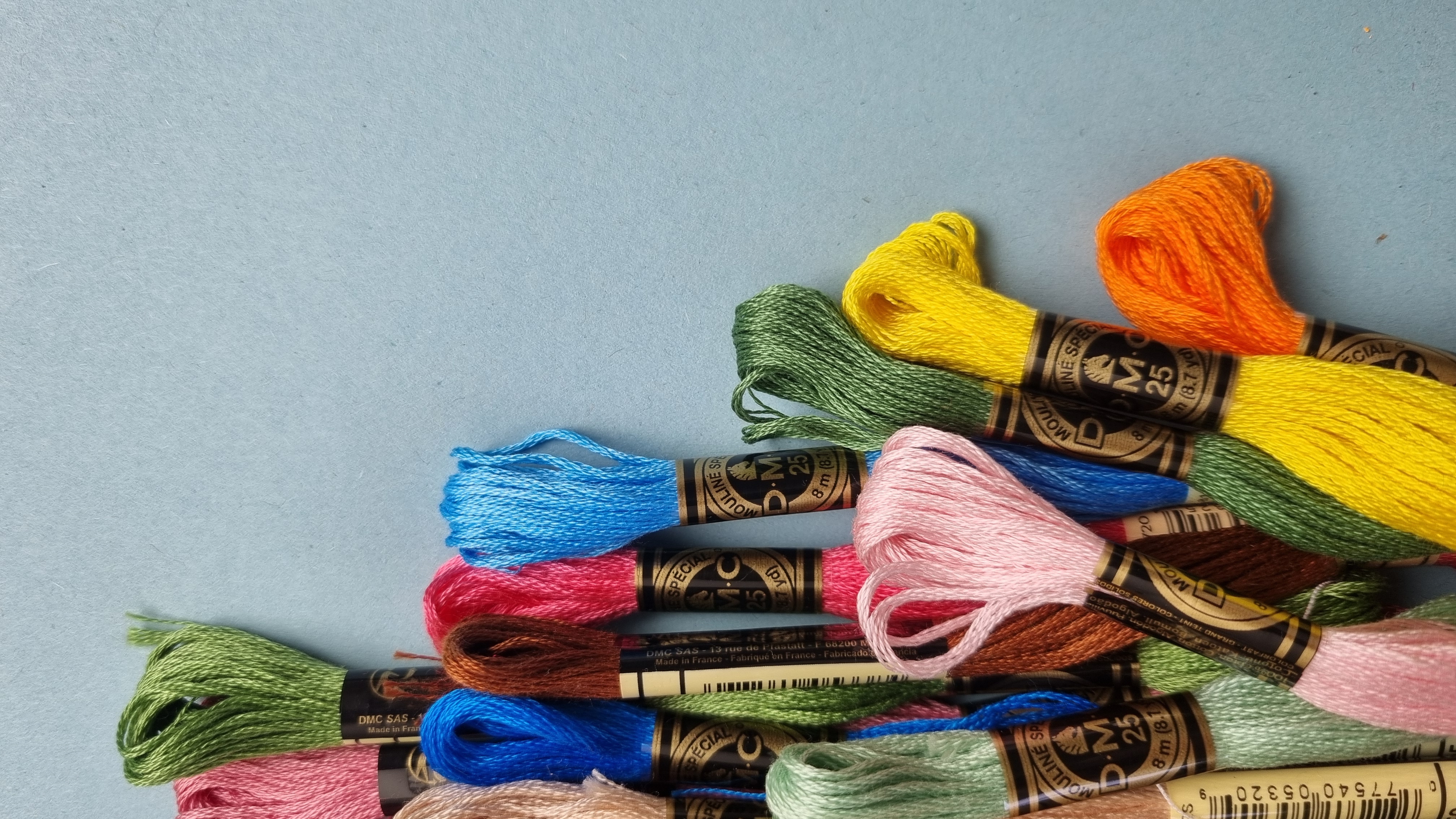
- DMC embroidery threads -
- 321, 3865, 5200, 3856, 3778, 300, 699, 680, 892, 912, 310, 317, 334, 333, 608, 564
Tools
- year of gnomes cross stitch pattern
- Embroidery needle size 24
- Embroidery hoop
- Embroidery scissors
- Optional - a thimble
Instructions
- Start by printing off your pattern and checking it's dimensions.
- Then decide if you are stitching the year of gnomes as one large design or individually.
- Once decided, cut the fabric to larger than the pattern dimensions and your hoop size
- Fold the fabric into quarter to identify the centre
- fit in your hoop
- Tighten the hoop to secure the fabric
- Find the centre of your pattern (if stitching the large design this will be marked by the black arrows, if stitching each one individually you will have to count to find the centre of the design) and the centre of your fabric design
- Start stitching from the centre, which will be the 310 black outline
- Cut a length of embroidery floss no longer than the length of your arm
- Separate it into one strand and keep the remaining five for later
- Double the thread and thread your needle
- Start stitching from the front of your fabric, leaving a loop to thread your needle through on the first stitch to secure. Tug so that it moves to the back.
- Work your stitches all the in same direction, the bottom of the cross should always be the same in every stitch.
- Work in either individual crosses or for longer areas of stitch work the bottom arm of the cross stitch in a row and then stitch back over the row to do the top arm of the cross.
- To finish, ensure the needle is on the back of the fabric. Thread it through the underside of a few stitches and then snip off the loose end.
- Stitch all of the black outline first, before switching to fill in the colours. Securing loose ends and snipping off to avoid seeing messy threads across the back of the fabric.
How to download and print the pattern
Once downloaded you can either print the pdf, use straight on screen or in the pattern keeper app as many of my pdfs are compatible.



Bom dia, sou brasileira e sigo a página por e-mail
Não tenho o aplicativo ZIP, teria outro modo de baixar os gráficos dos gnomos? Agradeço a atenção
Maria Cecília
If you are downloading on a mobile you can get an app to open zip files. If on pc, just download and then right click extract to access the pattern.
I have tried downloading the year of gnomes, and it will not open when downloaded.
It is in a zip file so you will need to extract it first. Are you on a mobile or desktop?
I can’t wait to get started! I have a wee addiction to gnomes he he he he
These are so cute! Can’t decide yet if I want to do them all together, or have some fun doing groups (such as my husband’s birth month gnome and mine together). But, the planning is half the fun!
so glad you like them. I’d love to see what you decide. Share you pics with me on social media @craftcartwright
Thank you!!+