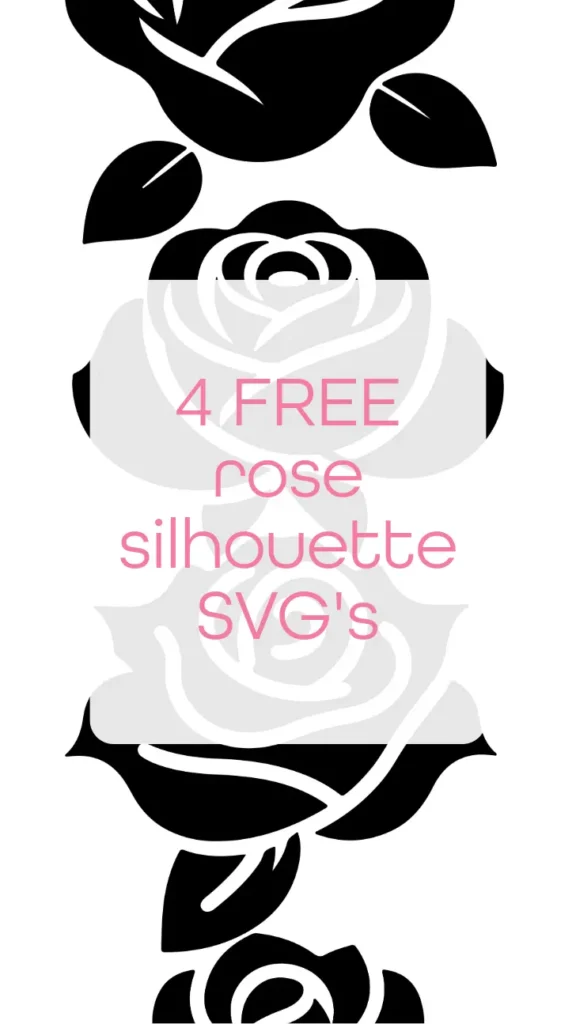
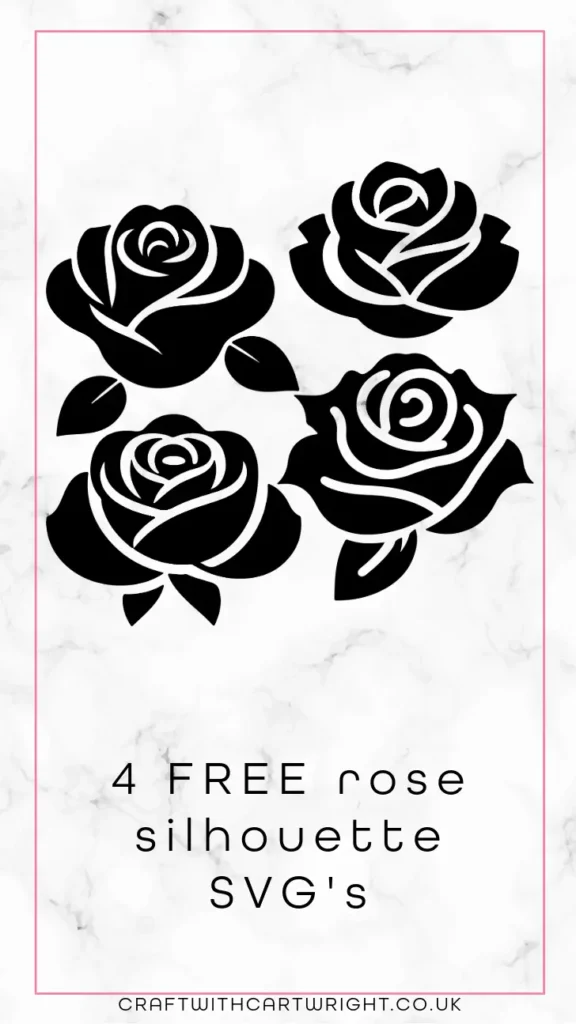
4 FREE rose silhouette SVG’s

These 4 free rose silhouette SVG’s are ideal for cutting with your Cricut and work great with permanent vinyl, HTV, card stock and infusible ink sheets.
Download them at the bottom of this post
What are SVG files?
SVG’s are a graphics file. It stands for scalable vector graphics which means they can be easily resized and don’t lose their quality in the process.
You can also find lots of other SVG files in my file library.
Can I use this on my Cricut?
SVG’s can be used with Cricuts, silhouette and laser cutting machines. They can also be used for digital scrapbooking and printing.
Can photoshop open svg files?
Yes, photoshop now supports svg files. You can choose to rasterise the image to your size requirements or embed as a smart object.
Why does Cricut use svg files?
SVG is the format used on the cricut design space. Just make sure before your upload any svg’s that they have been unzipped if they are in zipped folders.
What can I use this svg file for?
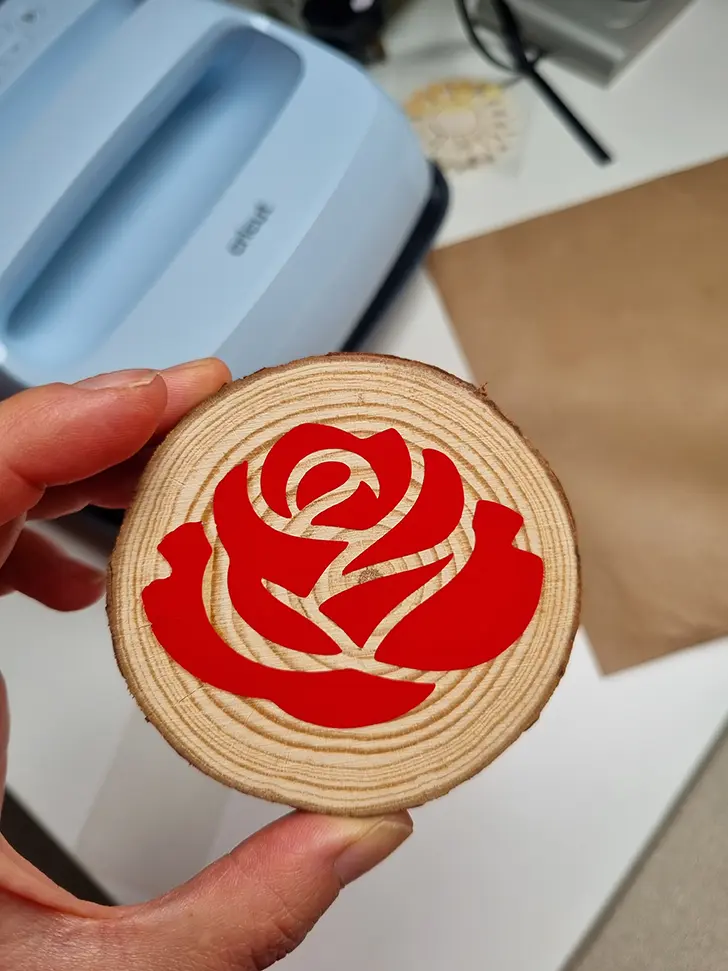
- T-shirts
- Mugs
- signs
- Canvases
- Gift tags
- Cards
- Stickers
- Table linen
- Coasters
- Tumblers
- Ornaments
What supplies do I need?
The basics would be:
- A cricut machine. I use the cricut maker.
- Basic toolkit
- Transfer tape
- Mats
Then project dependant you would need:
How do I download the file?
Simply click on the download button to grab your free svg.
Don’t forget to Pin it for later!