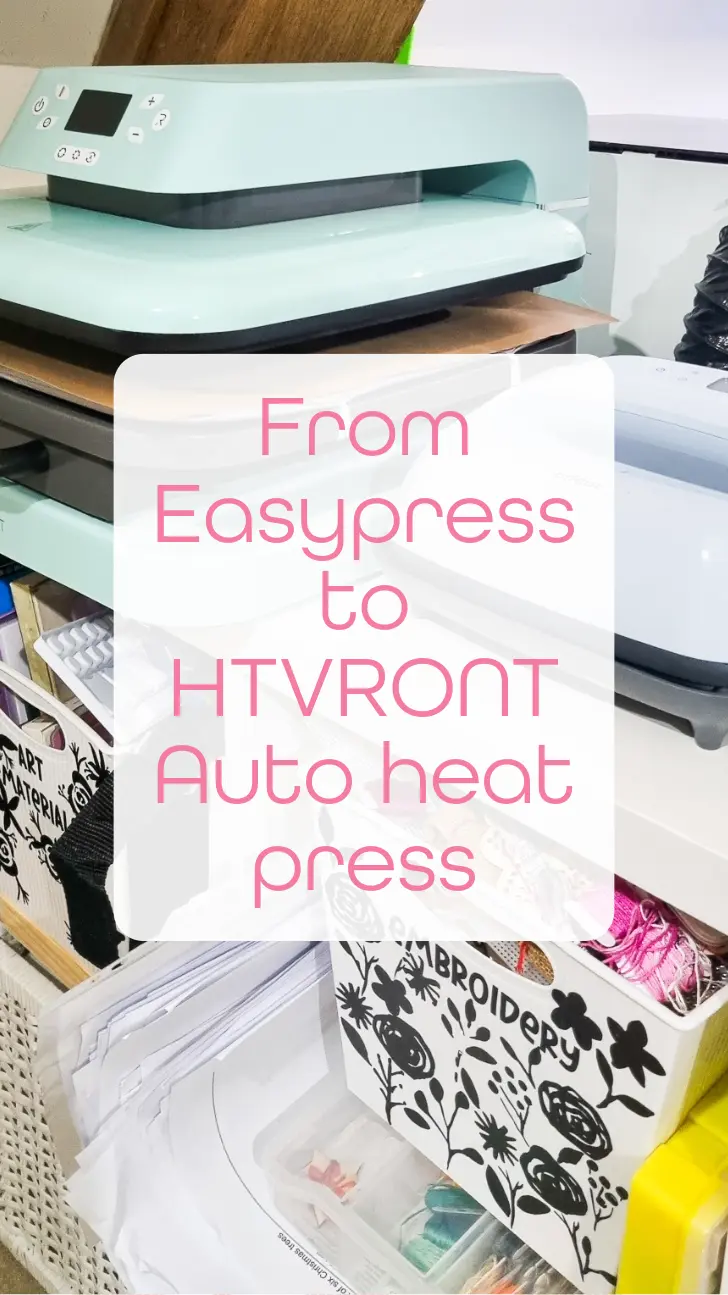
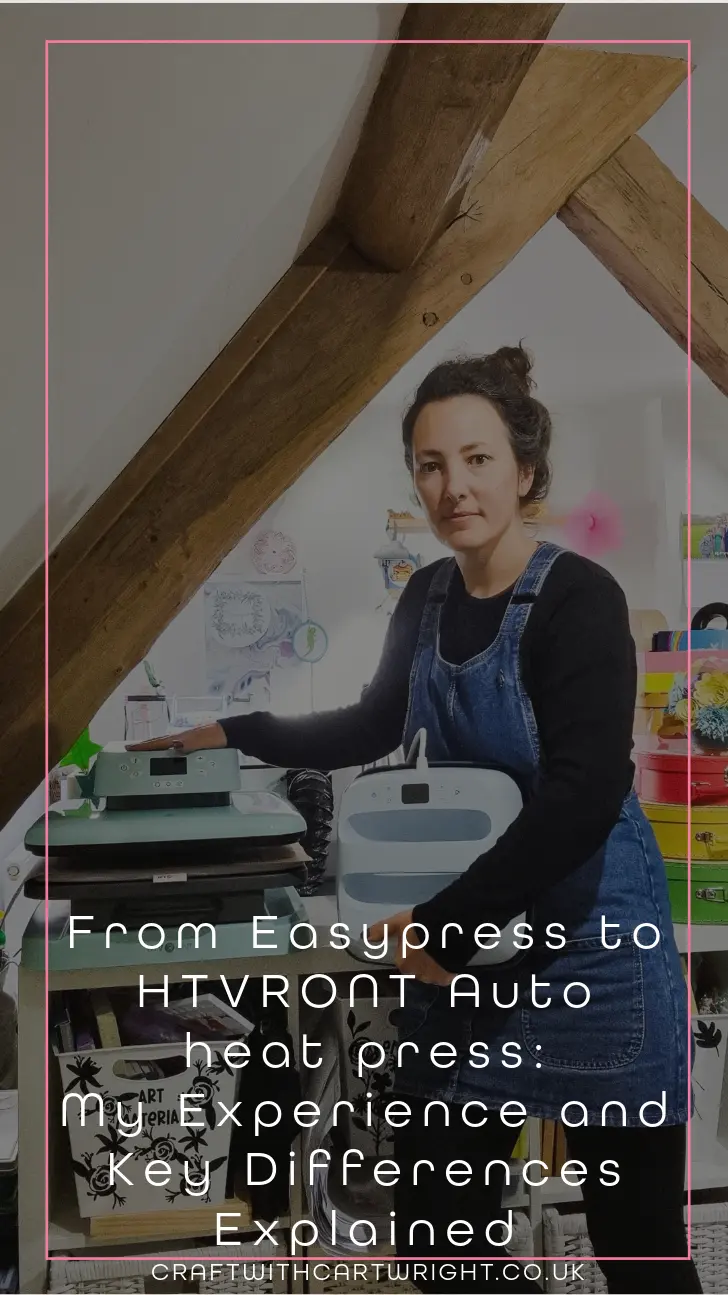
From Easypress to HTVRONT Auto heat press: My Experience and Key Differences Explained

When I stopped using an iron and got an Easypress it was a joy. But as my projects have grown in size and frequency and technicality, I have started to see the limitations of the Easypress. So it was perfect timing when HTVRONT reached out and asked if I’d like to try their more advanced machine – the Auto Heat Press. I will show you how the two machines compare, give you some reasons to upgrade and answer your questions, if you’re thinking of making the switch too.
1. Key Differences Between the Cricut Easypress and HTVRONT Auto Heat Press
Switching from a semi-manual tool like the Easypress to a fully automated heat press has transformed the way I craft. Here’s a breakdown of the most noticeable differences.
Automatic Pressure and Hands-Free Operation
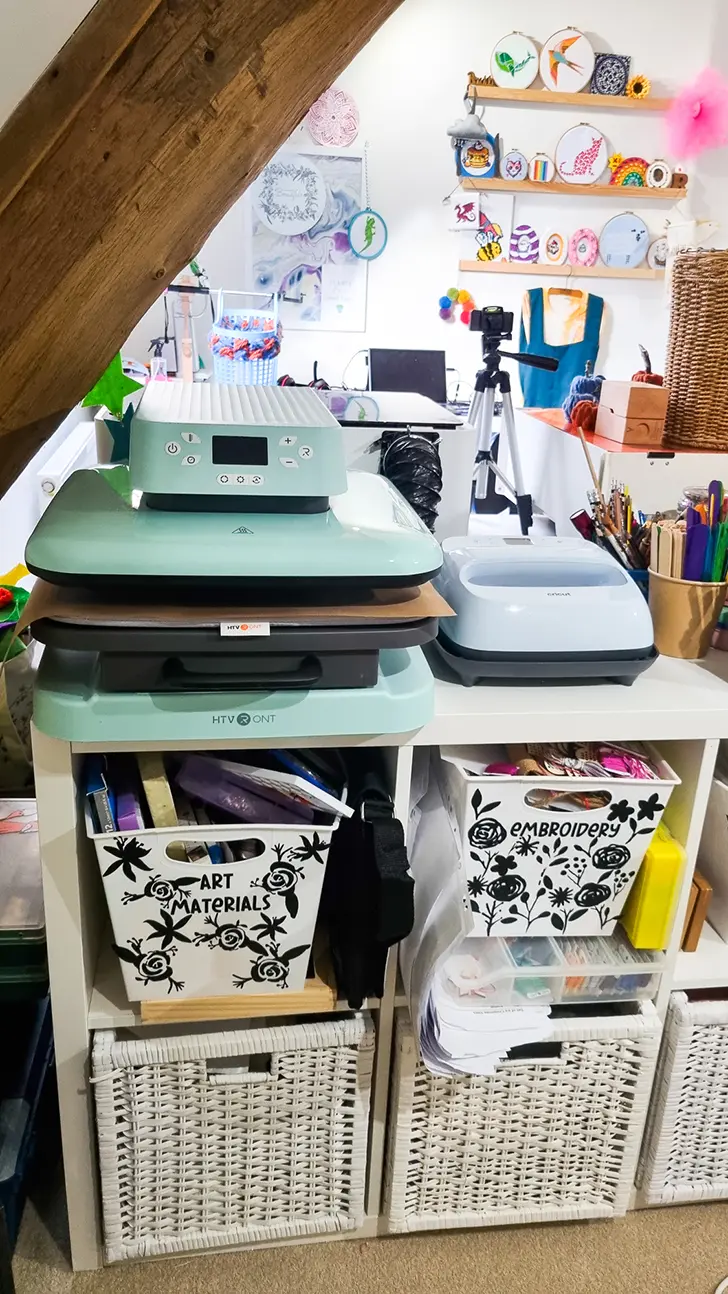
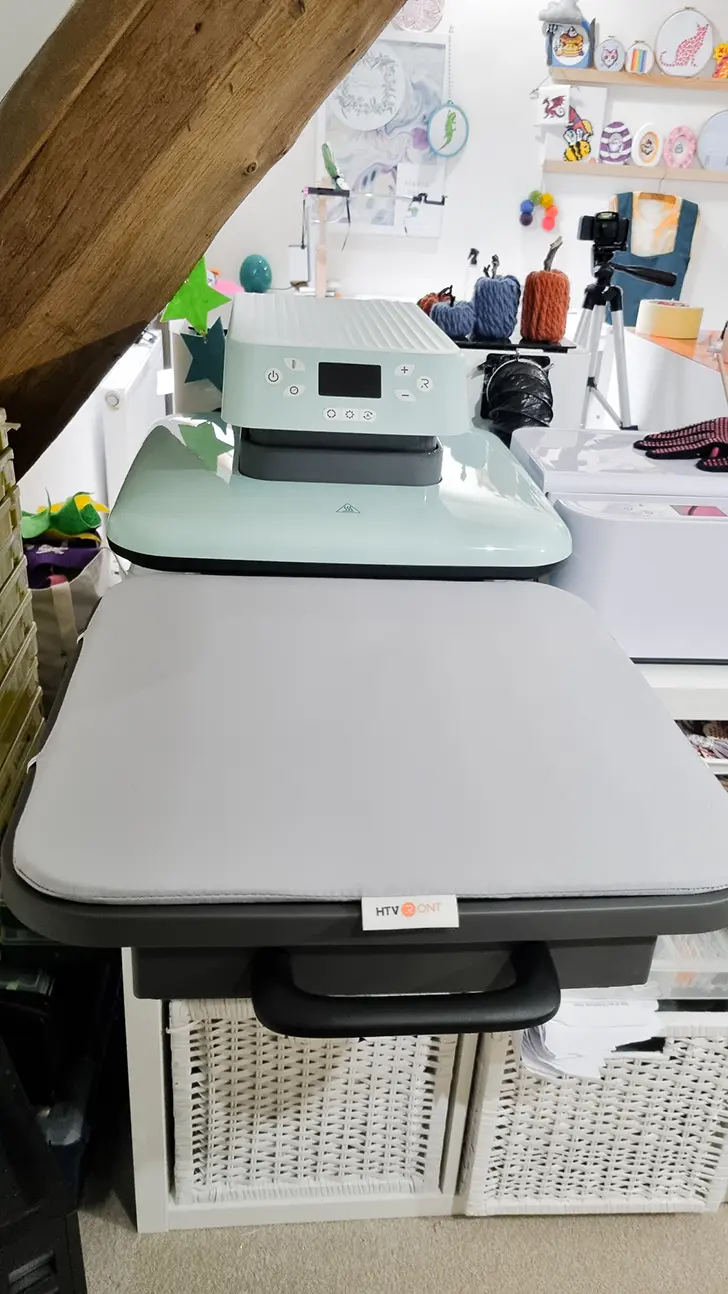
One of the biggest upgrades with the HTVRONT is its automatic pressing function. Once I place my project on the mat, I can close the drawer and let the machine handle the rest. This automation ensures consistent pressure without the effort of manually pressing down each time. In contrast, with the Easypress, maintaining even pressure was sometimes tricky, especially on larger designs.
Pressing Area and Size
The HTVRONT Auto Heat Press offers a generous 15×15-inch pressing area, which has been a game-changer for my larger projects. With the Easypress, I sometimes had to reposition it multiple times for bigger designs, which wasn’t always precise. The HTVRONT’s larger press allows me to press larger designs in a single go, saving time and avoiding alignment issues.
Ease of Use
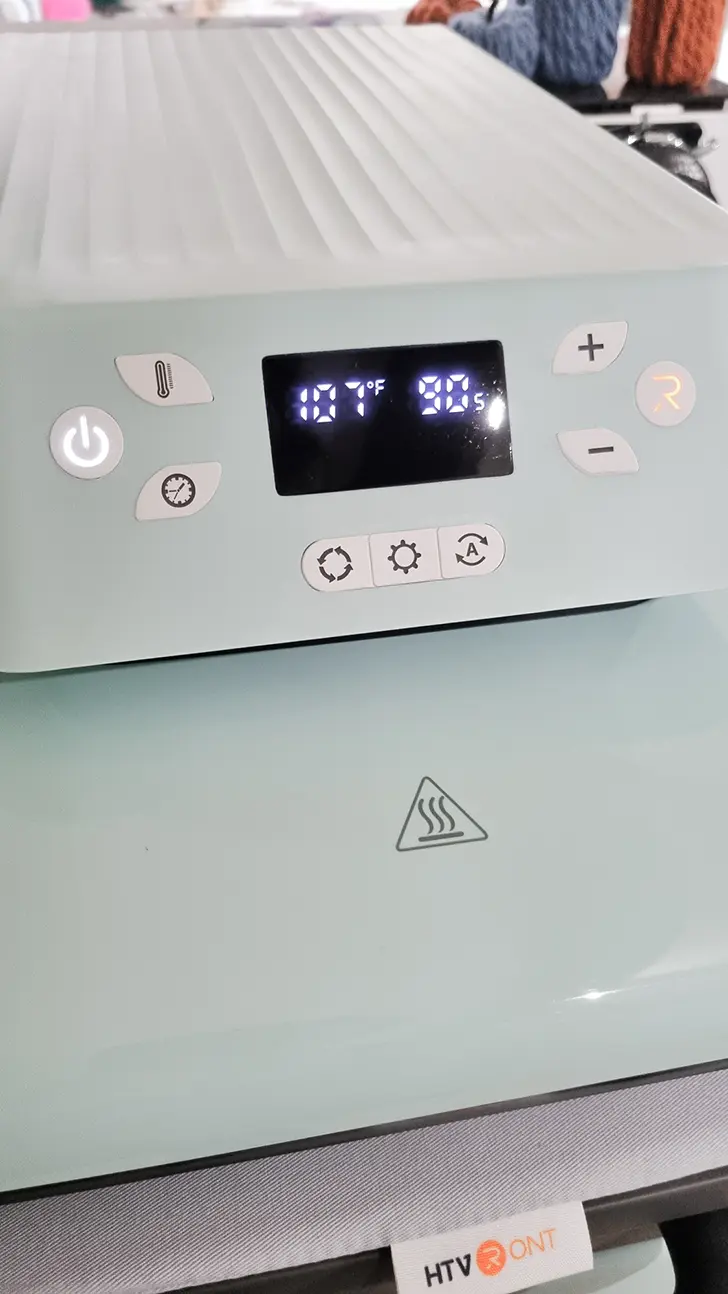
I found both machines to be of equal value in terms of ease of use. With simple button layout and digital display to allow me to select the time and temperature to suit different projects and materials.
2. Setup and Operation: HTVRONT’s User-Friendly Design
The HTVRONT heats up quickly, reaching my chosen temperature in minutes, which helps keep my workflow moving.
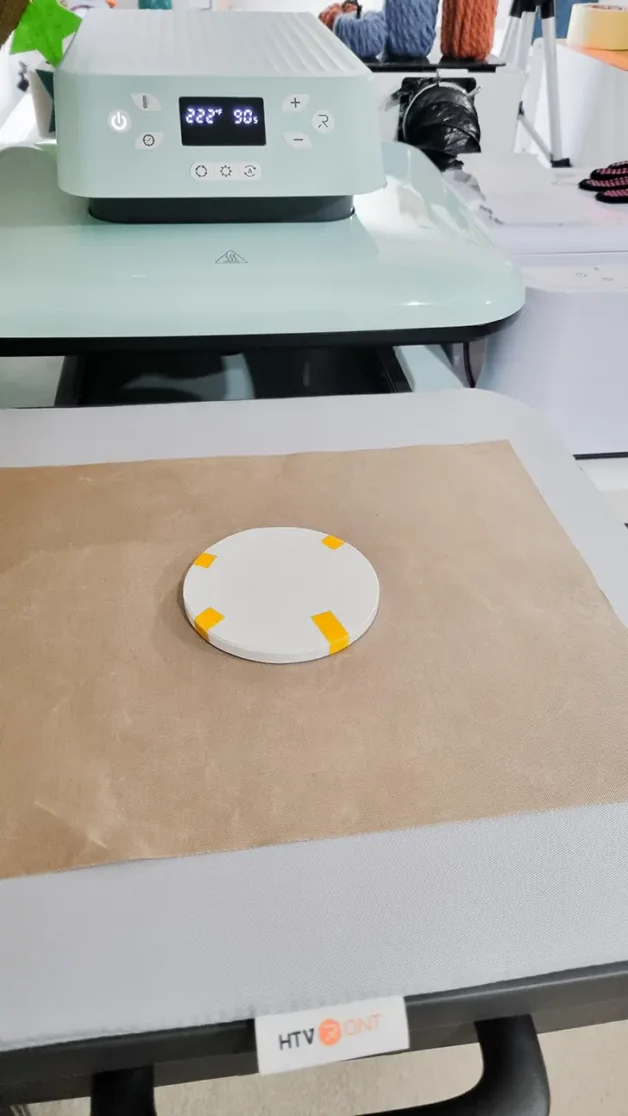
Compared to the Easypress, where I had to apply and monitor pressure manually, the HTVRONT’s drawer and automatic pressure settings make setup and operation a breeze. This is especially helpful when working with materials like HTV (heat transfer vinyl) that require precise temperature and pressure.
3. Benefits of Upgrading to the HTVRONT Auto Heat Press
Speed and Efficiency
Since switching, I’ve noticed a considerable boost in productivity. The HTVRONT heats quickly and, with its automatic pressing feature, I can simply load, press, and move on. I no longer need to hold down the press, and it frees me up to prep the next project while the HTVRONT works.
Consistent Results Every Time
One of my frustrations with the Easypress was occasional lifting on intricate designs or multi-layer projects. The HTVRONT’s even and consistent pressure has reduced this issue. Now, I’m getting flawless results in a single press, which has increased the quality and reliability of my work.
Cost Efficiency for Advanced Features
When researching heat presses, I found that the HTVRONT is competitively priced compared to other auto presses. This machine offers similar functionality to high-end models like the Cricut Autopress but at a fraction of the price, making it an affordable upgrade without sacrificing quality.
4. Challenges and Adjustments: What to Consider Before Switching
Pressure Limitations
One downside to the HTVRONT is that its pressure is not adjustable, so for thicker materials that need extra pressure, you may have to get creative with layering or pre-pressing. While this hasn’t affected my projects, it’s worth noting if you work with a variety of thicknesses.
Size and Portability
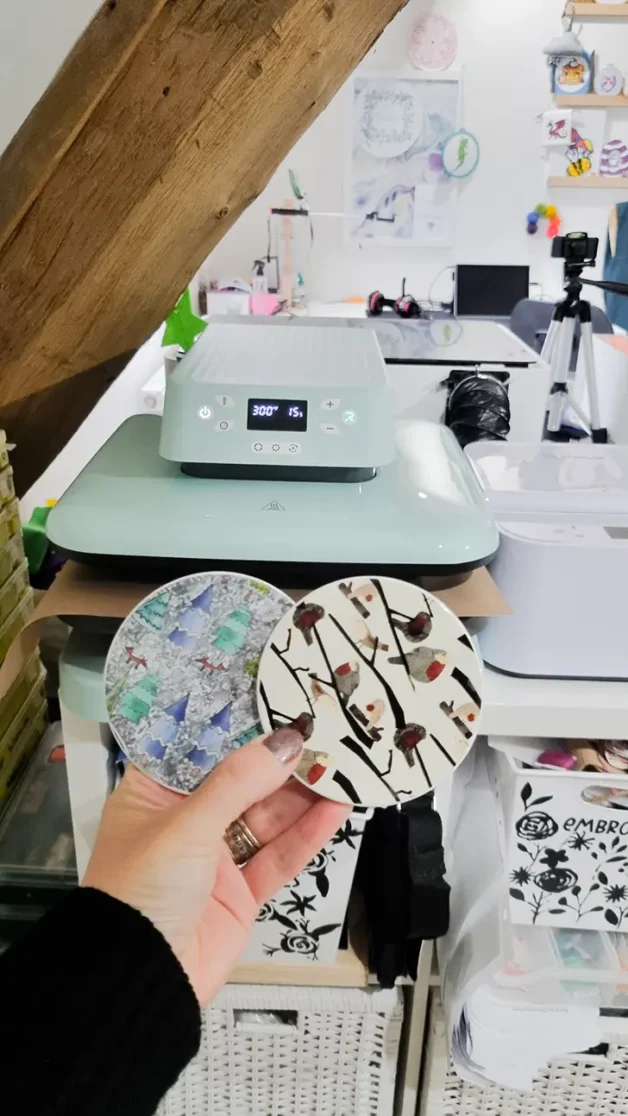
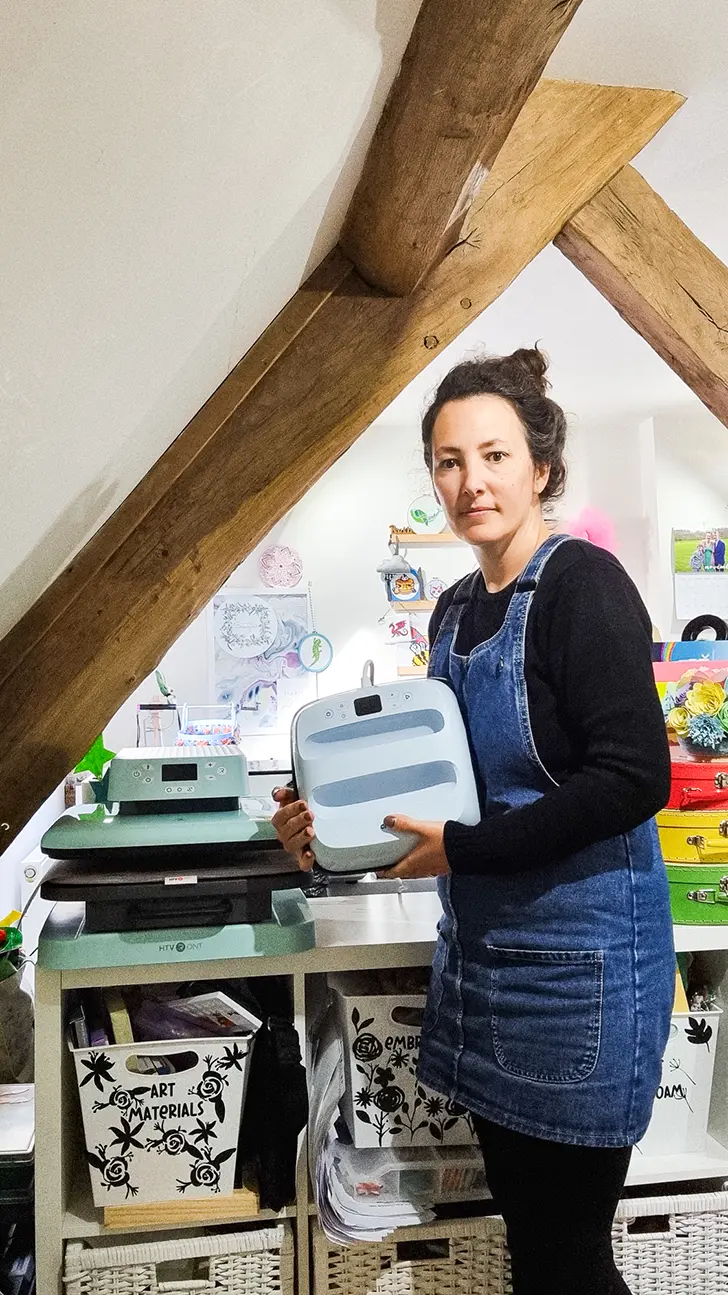
The HTVRONT is larger and heavier than the Easypress, which may be an issue if you need a portable press. I had to dedicate a workspace to it since it’s not as easy to tuck away. However, if you have a dedicated crafting area, this won’t be a problem.
5. Frequently Asked Questions
Q: Is the HTVRONT Auto Heat Press worth the upgrade?
Yes, if you’re doing high-volume or larger projects and want more consistent results, the HTVRONT’s automatic features and large pressing area make it a worthwhile upgrade.
Q: Can the HTVRONT handle all HTV and sublimation projects?
The HTVRONT has worked well for HTV and sublimation projects I have made so far. However, if you use materials that require very high pressure or temperatures, you may need to check the machine’s specifications or consider running multiple presses for best results.
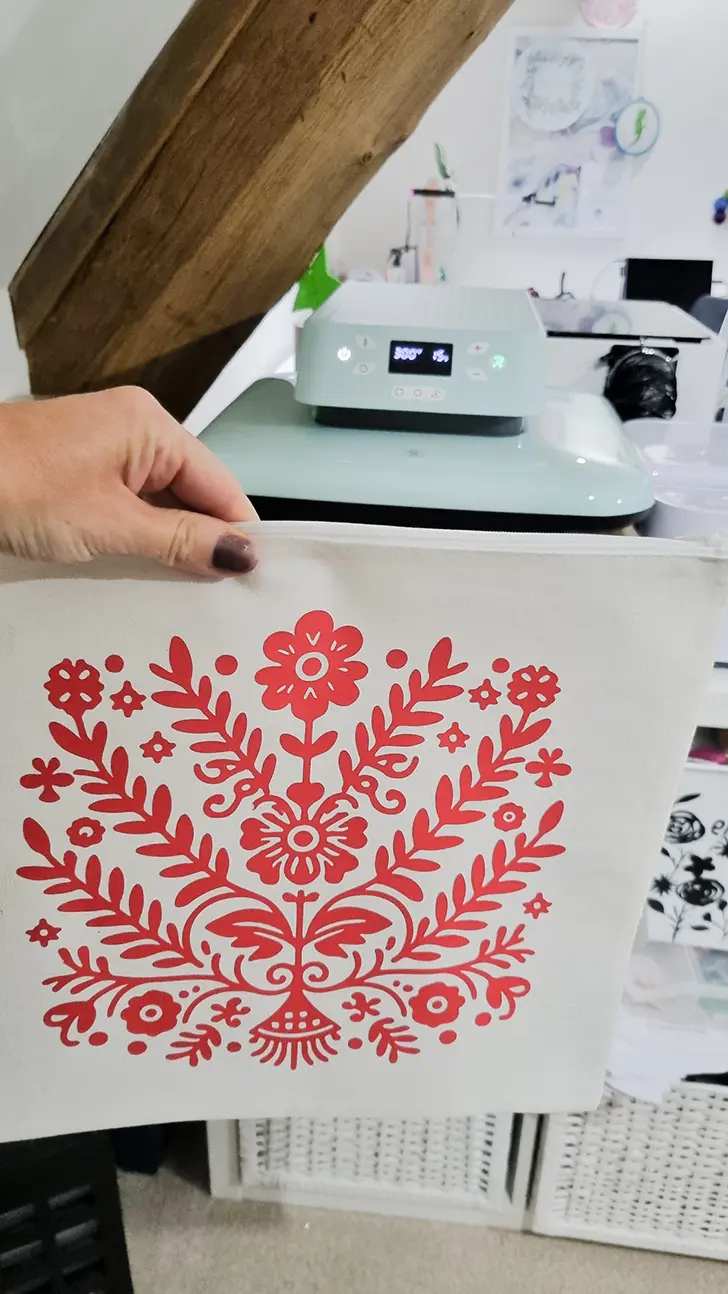
Q: How does the HTVRONT Auto Heat Press compare to Cricut Autopress?
I do not own a Circut Autopress only an easypress. So from my research I can see, that while both machines are automatic, the HTVRONT is more affordable than the Cricut Autopress, with similar pressing capacity and consistent results. For home crafters or small businesses, the HTVRONT would be a cost-effective choice.
Conclusion: My Recommendation
Switching to the HTVRONT Auto Heat Press has streamlined my crafting process and improved the quality of my results. For anyone who regularly works with HTV, sublimation, or vinyl projects, I’d recommend considering the HTVRONT as a practical and efficient alternative to the Easypress. It’s ideal for those looking to increase productivity without breaking the bank, and it’s perfect if you have a dedicated crafting space. If you’re ready to take your heat-press projects to the next level, the HTVRONT is a solid choice.
Black Friday sale and exclusive discount code!
Black Friday 1st November to 20th November.
- Clearance Sale: £99.99 get a cutting machine along with vinyl bundles
- Purchase any newbie bundles and get a free machine
- Free vinyl gifts for any orders
- Enter Prize Draw for a Chance to Win Free Orders!
Use discount code CRAFTCARTWRIGHT10 for 10% off your order