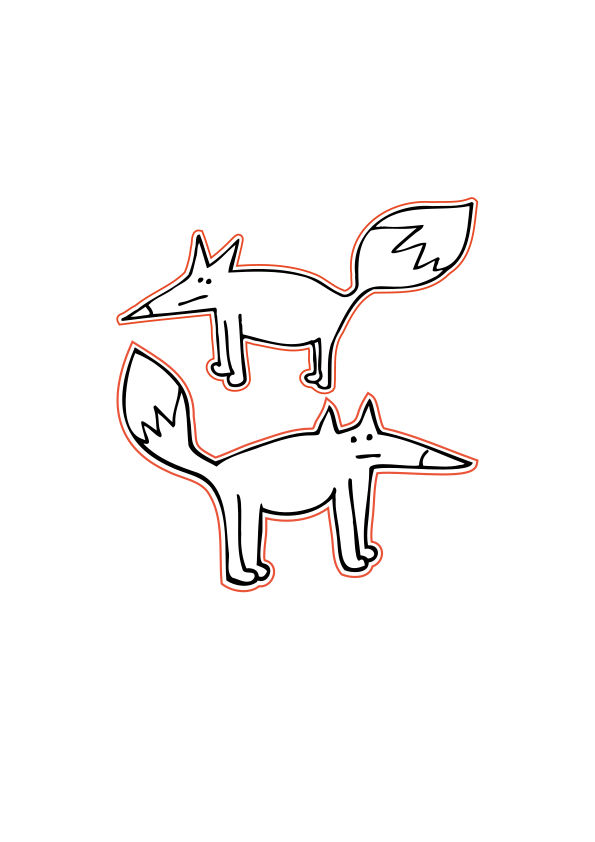
fox floss bobbin svg (free)

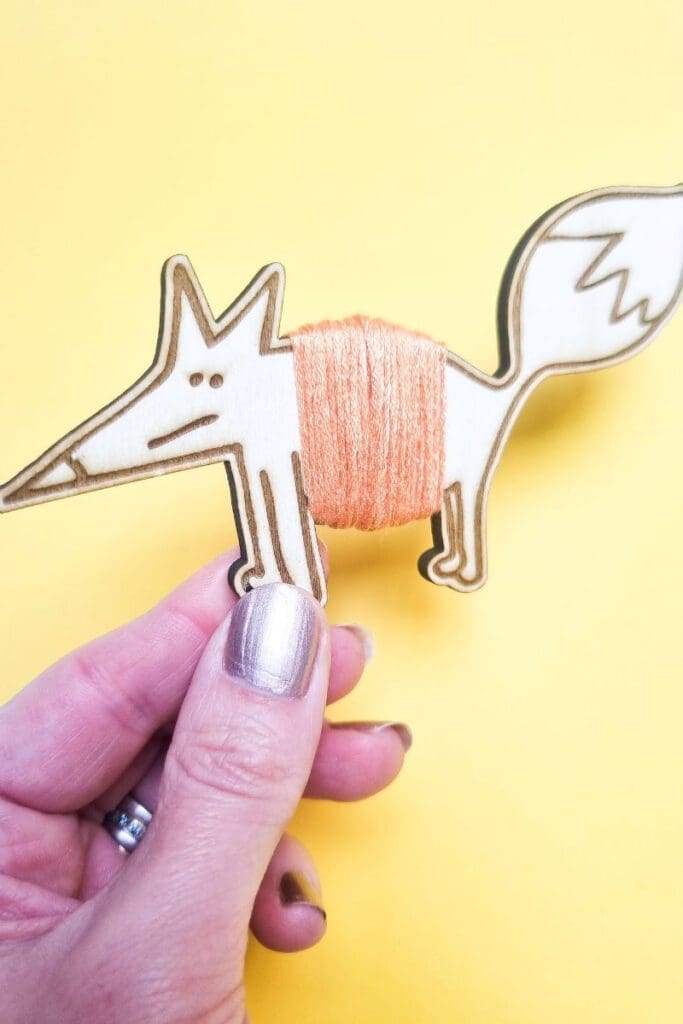
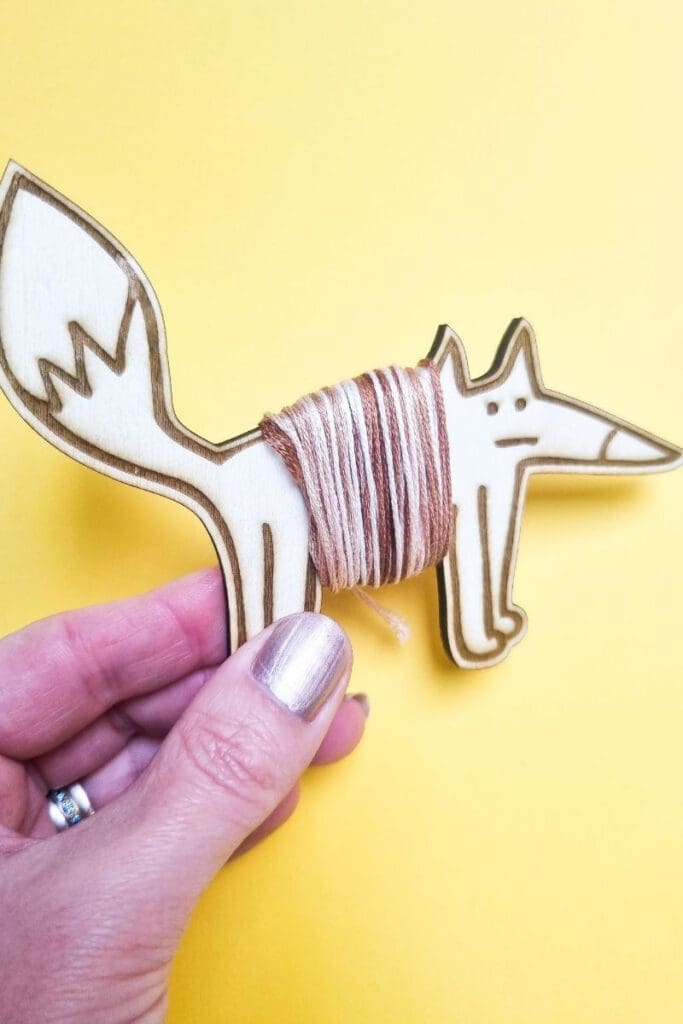
Grab your free fox floss bobbin svg, to make these great storage solutions for your embroidery thread. Download the free svg file at the bottom of this post.

I love making my own custom floss bobbins and I’m sure you will too! These are a fun and unique way to keep your floss tidy and are so easy to whip up a batch of them for your next cross stitch project. I cut mine on my xTool M1, but they’ll also work fine on other laser cutters.
I used 3mm birch ply which was cut and engraved with the cute fox design from my own hand drawn sketches.
They would go great with my fox cross stitch patterns, if you like to work on a theme!
Read more on what are SVG files?
SVG’s are a graphics file. It stands for scalable vector graphics which means they can be easily resized and don’t lose their quality in the process. You could make these bobbins smaller, but you won’t fit much thread on them.
You can also find lots of other SVG files in my file library.
Can I use the free SVG’s on my laser cutter?
All my SVG’s can be used with laser cutters such as Glowforge, xTool and Mr Beam. As well as cutting machines like the Cricut and silhouette. They can also be used for digital scrapbooking and printing.
Can photoshop open svg files?
Yes, photoshop now supports svg files. You can choose to rasterise the image to your size requirements or embed as a smart object. Perfect for engraving.
Why do laser cutters use svg files?
SVG files are not the only format used with laser cutters. They can also handle jpeg, png and GIF files. Vectors are what you will need for cutting and raster files with work fine for engraving. The beauty of SVG’s is that that can be scaled without any loss of quality. Just make sure before your upload any svg’s that they have been unzipped if they are in zipped folders.
What can I use free Craft Cartwright svg files for?
Other than making floss bobbins from them you could also use the design for:
What supplies do I need?
The basics would be:
Laser cutters
These are the two laser cutters I have in my home studio


![Image for Mr Beam II Dreamcut [S] & Air Filter II Bundle >G Mr Beam Lasers](https://craftwithcartwright.co.uk/wp-content/uploads/2022/05/mr-beam-zwei-dreamcut-s-air-filter-system-removebg.pngv1633596656-735x490.jpg)

Download your fox floss bobbin svg here