2 bunny rabbit decoration SVG files

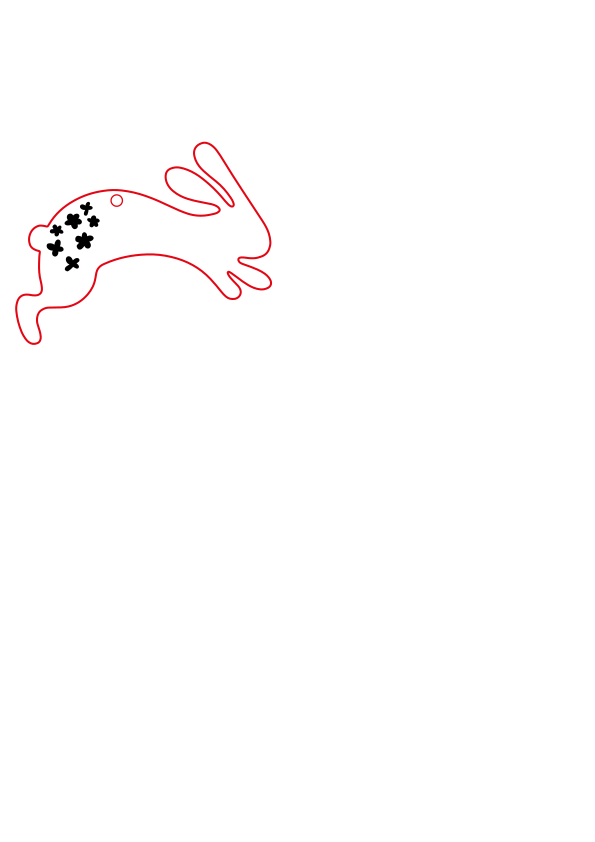
Get creative with these 2 free bunny rabbit decoration SVG files! Perfect for Easter, spring, or any other special occasion.
Download and use the the files on your laser cutter or Cricut machine. A fun, easy craft project that will make your Easter tree look extra special.

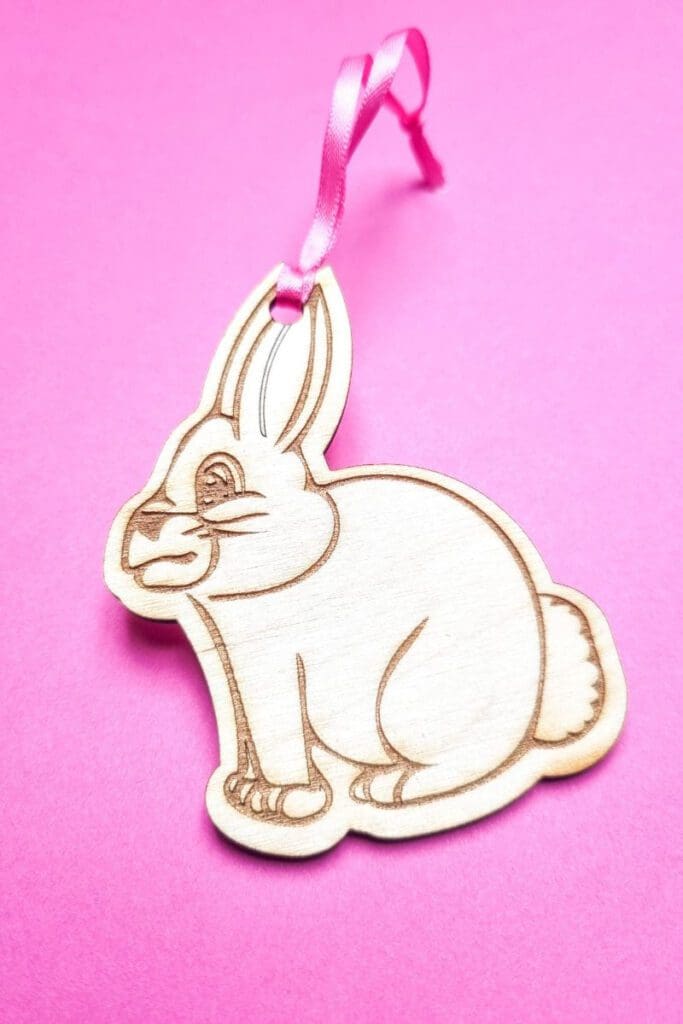
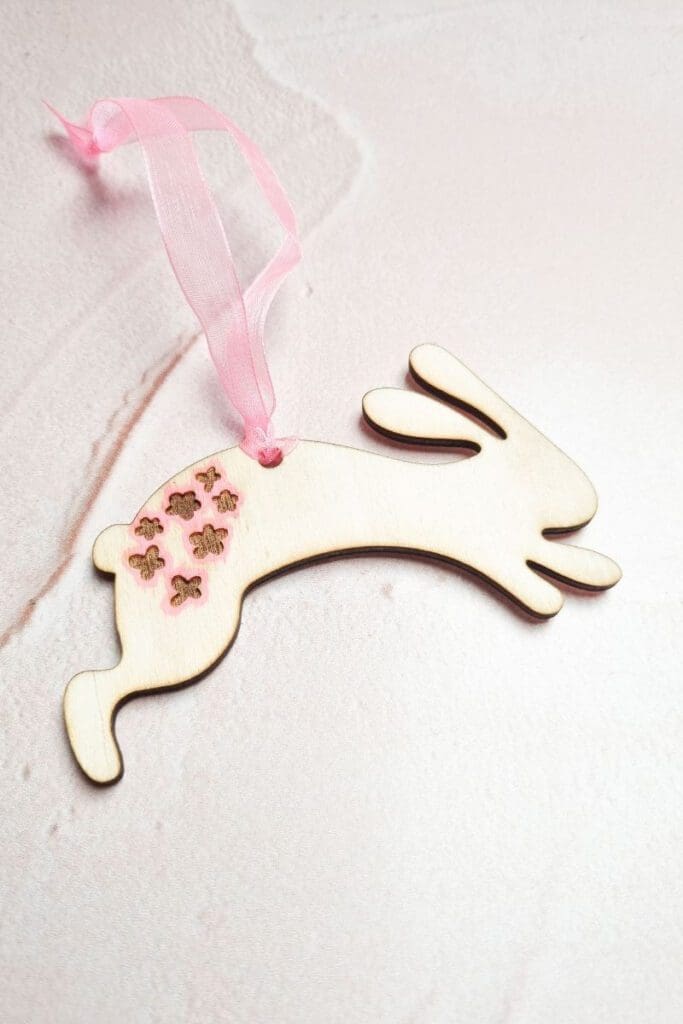
I cut both of these bunny rabbit decorations using my M1 xTool laser cutter. Then I simply added a pink hanging ribbon. You can add further decoration if you like as I did with the leaping bunny, just outlining the flower engraved design with chalk marker. But you can also leave them as they are.
The perfect addition to my Easter tree.
Read more on what are SVG files?
SVG’s are a graphics file. It stands for scalable vector graphics which means they can be easily resized and don’t lose their quality in the process.
You can also find lots of other SVG files in my file library.
Can I use the free SVG’s on my laser cutter?
All my SVG’s can be used with laser cutters such as Glowforge, xTool and Mr Beam. As well as cutting machines like the Cricut and silhouette. They can also be used for digital scrapbooking and printing.
Can photoshop open svg files?
Yes, photoshop now supports svg files. You can choose to rasterise the image to your size requirements or embed as a smart object. Perfect for engraving.
Why do laser cutters use svg files?
SVG files are not the only format used with laser cutters. They can also handle jpeg, png and GIF files. Vectors are what you will need for cutting and raster files with work fine for engraving. The beauty of SVG’s is that that can be scaled without any loss of quality. Just make sure before your upload any svg’s that they have been unzipped if they are in zipped folders.
What can I use free Craft Cartwright svg files for?
Download the bunny rabbit decoration svg files here