Free Button Bear SVG file

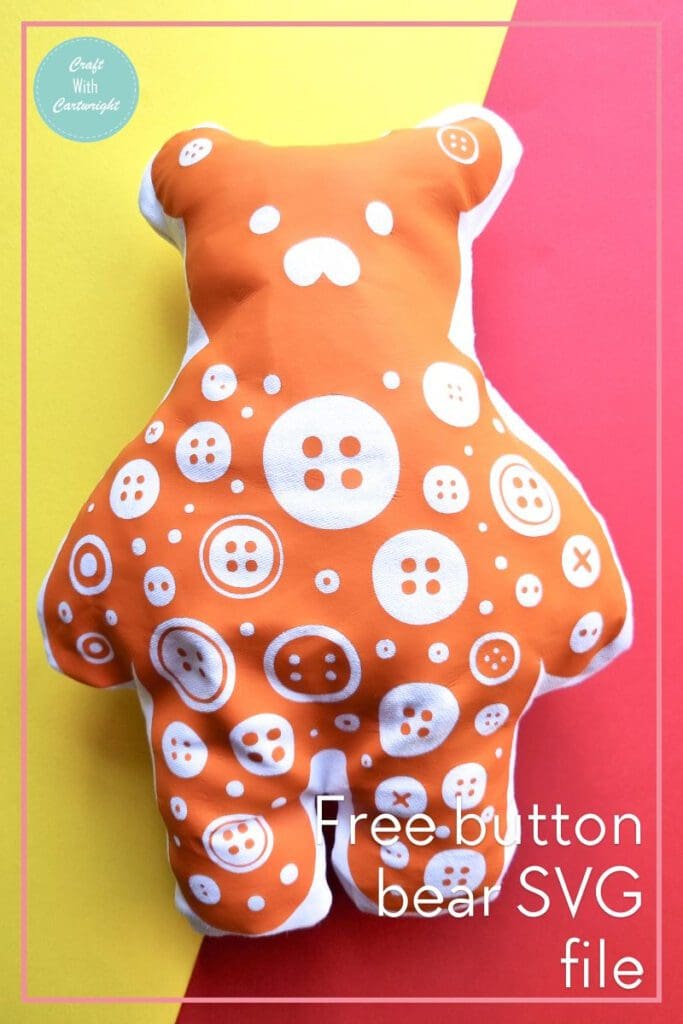
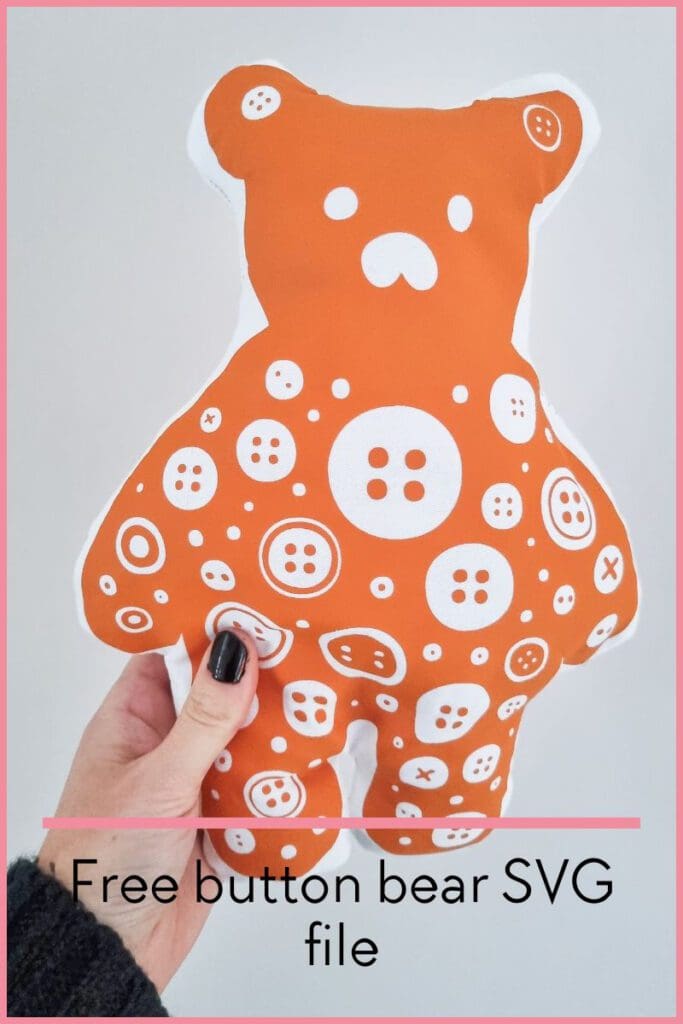
How cute is this guy! I call him Buttons and I made him super quickly using my button bear svg file. You can make one too, or use the cut file to make paper crafts or decorate other objects with vinyl. To download the resource, head to the bottom of this post.
What are SVG files?
SVG’s are a graphics file. It stands for scalable vector graphics which means they can be easily resized and don’t lose their quality in the process.
You can also find lots of other SVG files in my file library.
Can I use this on my Cricut?
Yes! This SVG can be used with Cricuts, silhouette and laser cutting machines. They can also be used for digital scrapbooking and printing.

How to make the stuffed bear
- Once you’ve downloaded the file upload it to the design space or your cutting machine.
- You will need to mirror the image to cut it from HTV.
- Resize to your desired size and cut from HTV. I cut this design using my new Loklik cutting machine, but it also works with my cricut.
- Once you’ve cut the HTV, weed out the excess vinyl and then press onto your fabric.
- Trim the fabric to have an inch seam allowance around the bear.
- Use this as a template to cut another matching bear shape from your fabric.
- Pin the two pieces of fabric, right sides together and stitch a 1/2 seam around the bear, leaving a gap at the side to turn it the right way out.
- Turn out and stuff with toy filling.
- Stitch the gap closed with a slip stitch or ladder stitch in a matching thread colour.
What supplies do I need?
- A cricut machine. I use the cricut maker.
- Basic toolkit
- Mats
- Heat transfer vinyl
- Heatpress
What else could I use this svg file for?
- T-shirts
- Mugs
- signs
- Canvases
- Gift tags
- Cards
- Stickers
- Table linen
- Coasters
- Tumblers
- Ornaments
Don’t forget to Pin it for later!