


Using HTV on Faux Suede: A Comprehensive Guide for Craft Machine Users

Can you put HTV (Heat Transfer Vinyl) on faux suede? The answer is a resounding yes! And I’m here to guide you through the process, ensuring you get the best finish possible.
If you’re a owner of a cutting craft machine like the Cricut, Silhouette Cameo, Xtool M1, or Loklik, you’re in the right place. Let’s dive into the world of HTV and faux suede.
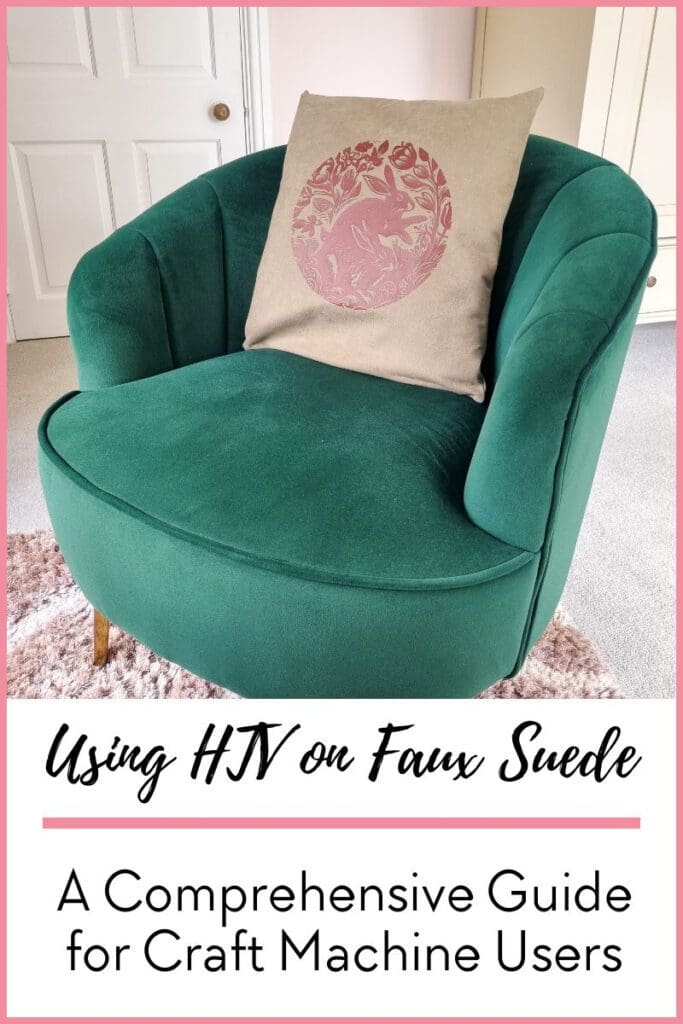
Understanding HTV and Faux Suede
HTV is a specialty vinyl that can be used on certain fabrics and materials to create designs and promotional products. Faux suede, on the other hand, is a fabric that mimics the aesthetic of suede but is much easier to work with and maintain.
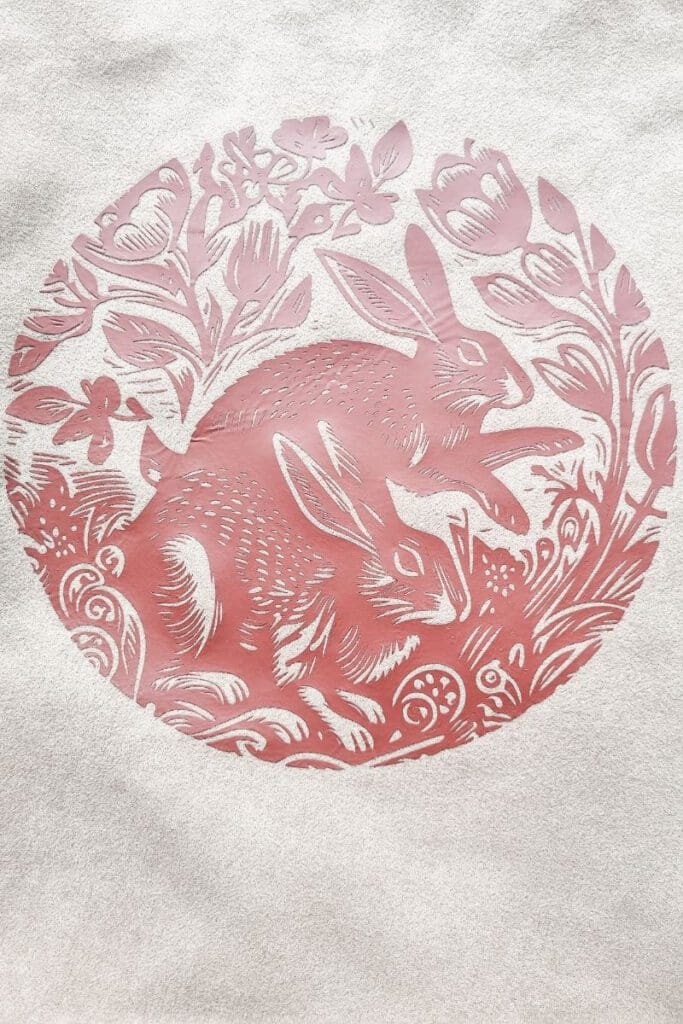
Applying HTV on Faux Suede
The process of applying HTV on faux suede is straightforward, but it requires careful attention to detail. Here are some steps to guide you:
- Preparation: Start by pre-washing your faux suede without fabric softener. This step helps to remove any finishes that might prevent the HTV from adhering properly.
- Cutting: Next, create your design in your cutting machine software. Remember to mirror your design before cutting it out of the HTV.
- Weeding: After cutting, weed out the excess vinyl, leaving only your desired design on the carrier sheet.
- Application: Position your design on the faux suede, cover it with a heat transfer cover sheet, and apply heat. Make sure to follow the heat settings recommended for your specific HTV.
- Peeling: Once cooled, peel off the carrier sheet. If any part of the design lifts, reapply heat.
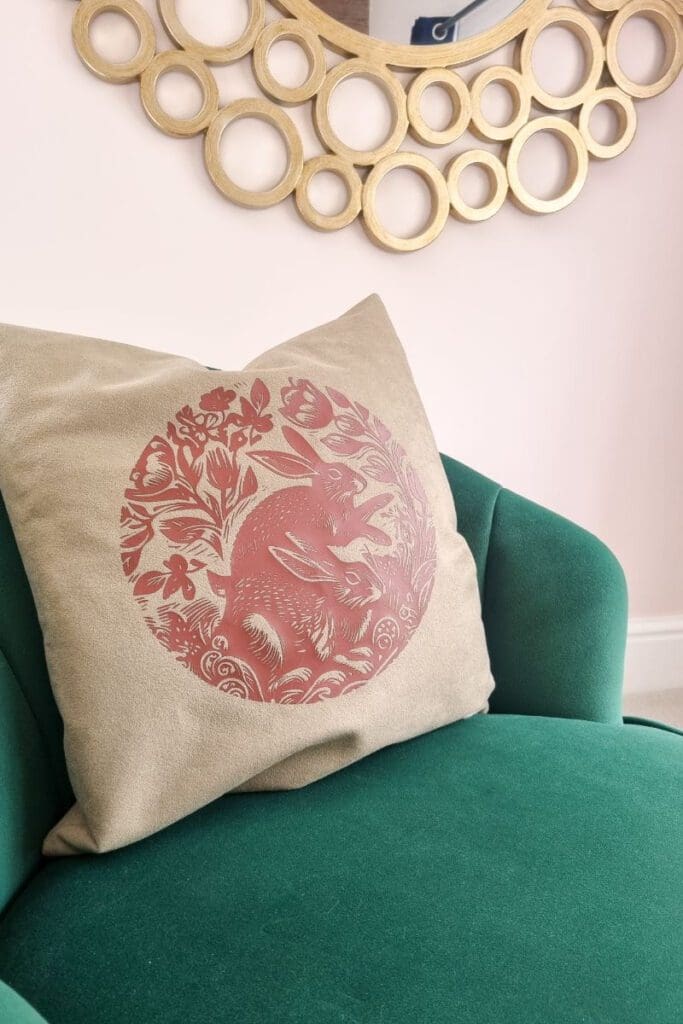
Top Tips for Success
- Always do a small test cut before proceeding with your full design.
- Ensure your heat press or iron provides even heat distribution.
- Check if your HTV is warm or cool peel
- Use a lint roller to ensure your faux suede is free of any fibres that may spoil the finish of your HTV design
- Be patient and don’t rush the process.
Download the free svg








Pattern rabbit