3 ways to enlarge a cross stitch pattern

Sometimes you find the perfect cross stitch design but it’s not the size you want. If you want to stich it bigger, then here are 3 ways to enlarge a cross stitch pattern.

Change the count
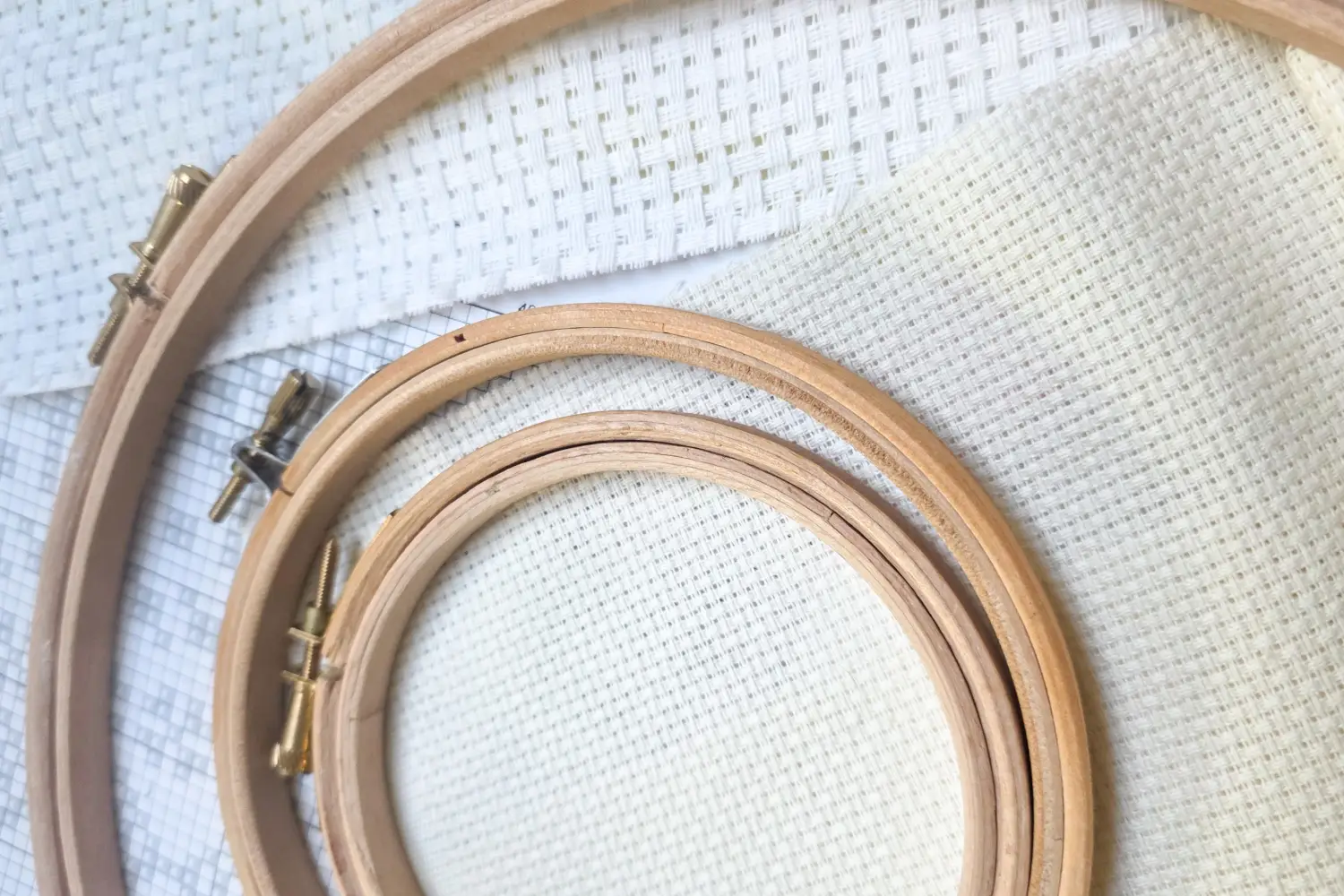
If your design is intended to be stitched on 14 count aida, which is the most common size. You could decrease the count size making it larger. For example if your pattern was 4.6 x 3.1 inches on 14 count and you changed to 10 count it would increase it to 6.5 x 4.4 inches. Aida cloth comes in sizes as large as only 6 holes per inch, giving you plenty of room to grow your pattern.

Multiply your stiches
If you want to keep to the same count of cloth you feel comfortable with, then you could try multiplying your stiches. It works by looking at your chart and for every one x you would stitch a block of four or a multiple (9, 16, 25 etc.) You may need to chart this out on paper to help you especially for more complex designs.

You can download free printable cross stitch graphing paper here.
Charting software
The most accurate way to enlarge a complex cross stitch pattern is to use charting software. If you have the design file you can open it in your programme and change the dimensions of the pattern. Alternatively if you don’t have the design file, you can import the image into your software and it will chart it at the dimensions you would like. Be cautious with this function, as it can also alter the colours as it imports.