4 Autumn iPhone wallpaper designs

Autumn has arrived. The air is crisp, the days are shorter, and the cosy season is officially here. If you love the darker, moodier side of fall, these free Autumn iPhone wallpaper designs are the perfect way to bring the season’s magic to your phone.
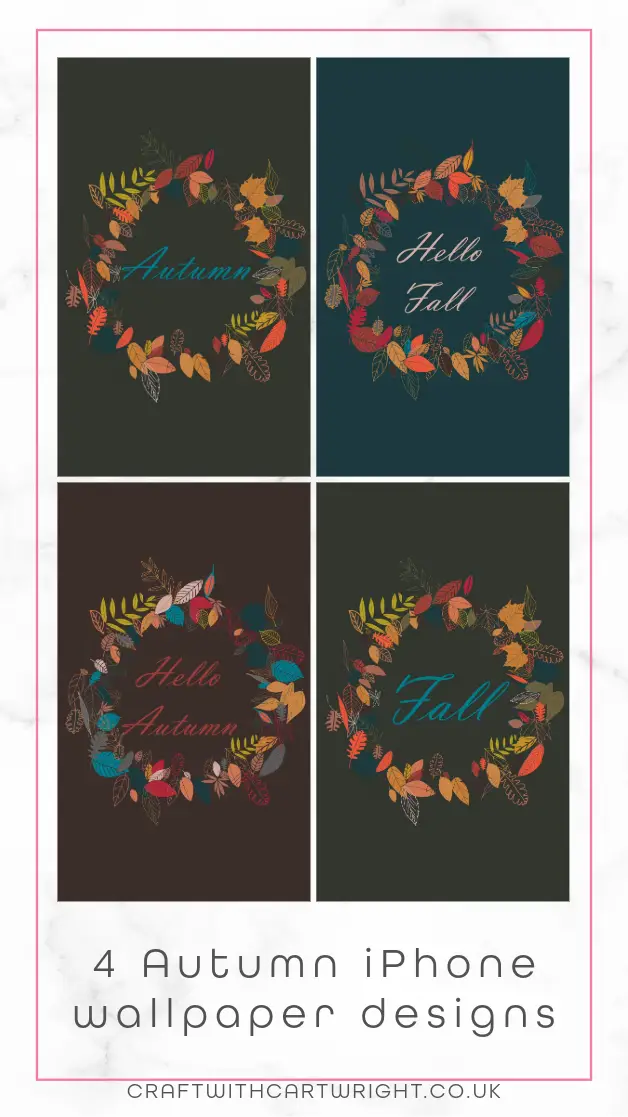
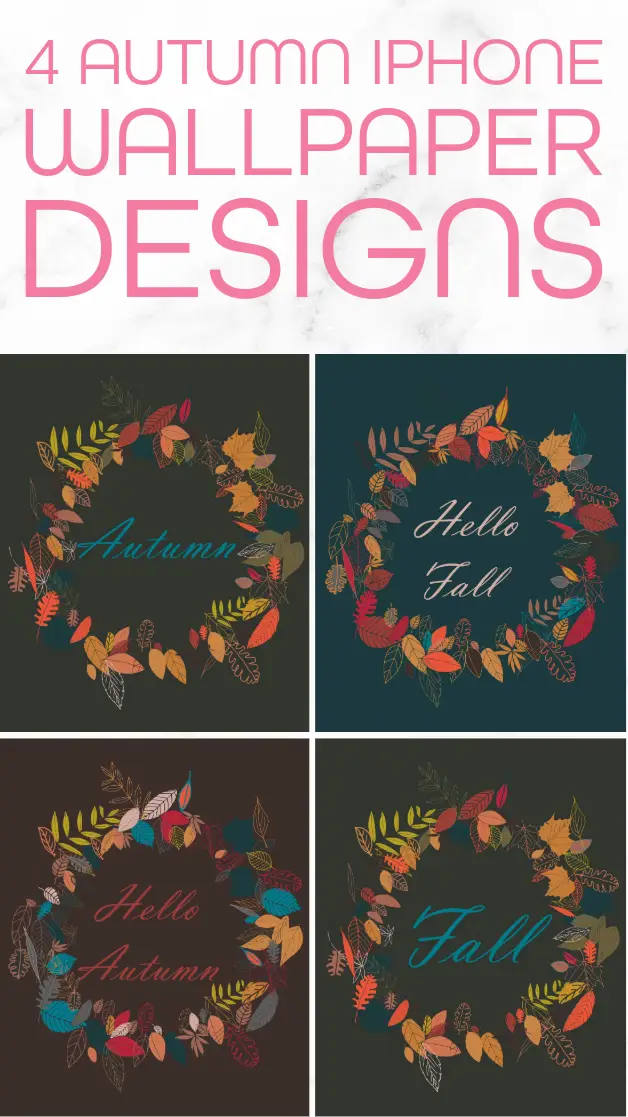
Featuring wreaths of colourful leaves in warm tones against deep backgrounds, these wallpapers capture the beauty of fall with a stylish, minimal aesthetic. Whether you call the season Autumn or Fall, there is a design here that will suit your style.
Fall Wreath Wallpaper
This simple design highlights earthy reds, oranges, and yellows against a dark background, centered around the word Fall. A clean and modern wallpaper that works beautifully as a lock screen.

Autumn wreath wallpaper

Hello Autumn Wallpaper
A welcoming wreath of colorful leaves surrounds the elegant script Hello Autumn. This design is perfect if you want your phone to radiate cozy seasonal charm.

Hello Fall Wallpaper

How to download and use these wallpapers
For iPhone
- Press and hold the wallpaper image you would like to use
- Tap Save to Photos
- Open your Photos app, find the wallpaper, and tap the share icon
- Select Use as Wallpaper
- Adjust and scale the image to fit your screen
- Tap Set, then choose whether you want it as your Lock Screen, Home Screen, or both
For Android
- Press and hold the wallpaper image and select Download image
- Open your Gallery or Photos app and find the wallpaper
- Tap the three-dot menu or Set as option
- Choose Wallpaper
- Adjust and apply it to your Home Screen, Lock Screen, or both