DIY shadow box heart mandala

I love using paper to craft with. It’s so easily accessible, fairly cheap and comes in so many colours. Perfect for this DIY shadow box heart Mandala.

I made this DIY shadow box heart mandala, using the 3D SVG Heart Mandala from Design bundles. Which cost £6.33, but it’s always worth checking the free design resources page first to see if they are currently on offer.
Then I chose my colours for my card, I used thin card stock rather than paper, for added ridigidty. So the peice could stand up on its own.
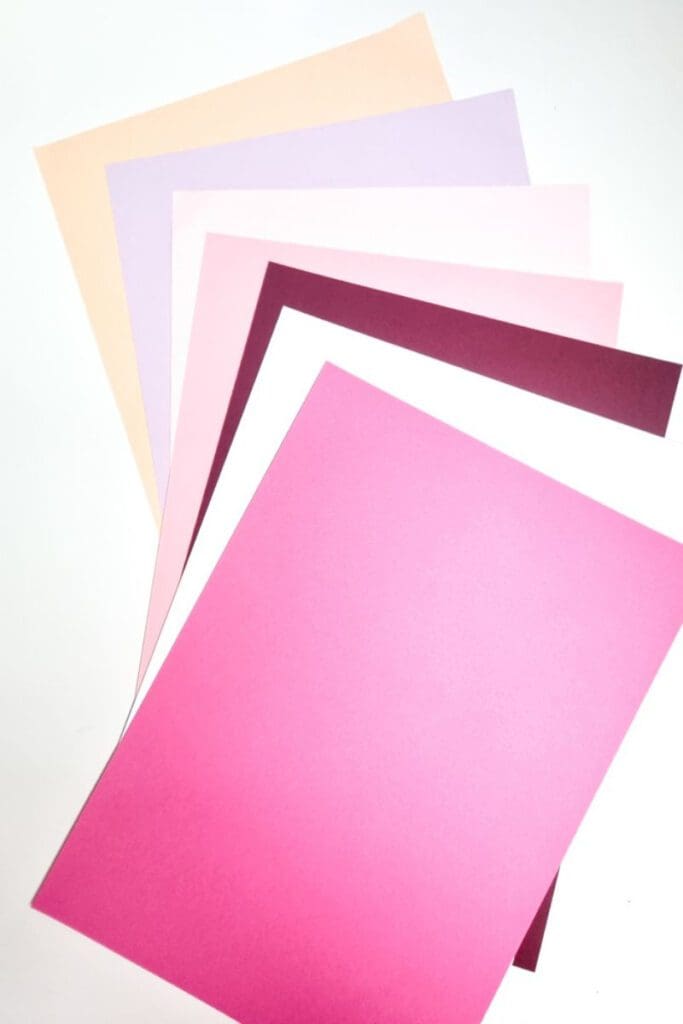
You could opt for paper, if you need to frame the finished piece.
Then I uploaded SVG file into Mr Beam design programme and cut out each layer. You could also easily do this using a Cricut or Silhouette cutting machine as well. As the file came in multiple different formats.
Once I sized it to my paper, I cut each layer out in turn. Point of caution – I would avoid making the design much smaller as it has very intricut cuts which a cutting machine would struggle with.
When all the layers were cut, I simply glued each on on top of the next with small dabs of pva on the edges. Making sure to keep the outer edges aligned and squared up.
If you wanted to add extra depth to the shadow box, you could replace the pva with foam sticky pads, like it did in this Halloween cake topper.
Finally let it all dry before either framing or using to turn into a beautiful Valentine card.

Read more on what are SVG files?
SVG’s are a graphics file. It stands for scalable vector graphics which means they can be easily resized and don’t lose their quality in the process.
You can also find lots of other free SVG files in my file library.
Can I use the free SVG’s on my Mr Beam?
All my SVG’s can be used with with Mr Beam as well as cutting machines like the Cricut and silhouette. They can also be used for digital scrapbooking and printing.
Can photoshop open svg files?
Yes, photoshop now supports svg files. You can choose to rasterise the image to your size requirements or embed as a smart object. Perfect for engraving.
Why does Mr beam use svg files?
SVG is not the only format used on the Mr Beam design space. They can also handle jpeg, png and GIF files. Vectors are what you will need for cutting and rater files with work fine for engraving. Just make sure before your upload any svg’s that they have been unzipped if they are in zipped folders.
What can I use Craft Cartwright svg files for?
- signs
- Canvases
- Gift tags
- Mirrors
- Coasters
- Ornaments
What supplies do I need?
The basics would be:
Laser cutters
These are the two laser cutters I have in my home studio


![Image for Mr Beam II Dreamcut [S] & Air Filter II Bundle >G Mr Beam Lasers](https://craftwithcartwright.co.uk/wp-content/uploads/2022/05/mr-beam-zwei-dreamcut-s-air-filter-system-removebg.pngv1633596656-735x490.jpg)