5 Free Geometric Zebra Silhouette SVG Files

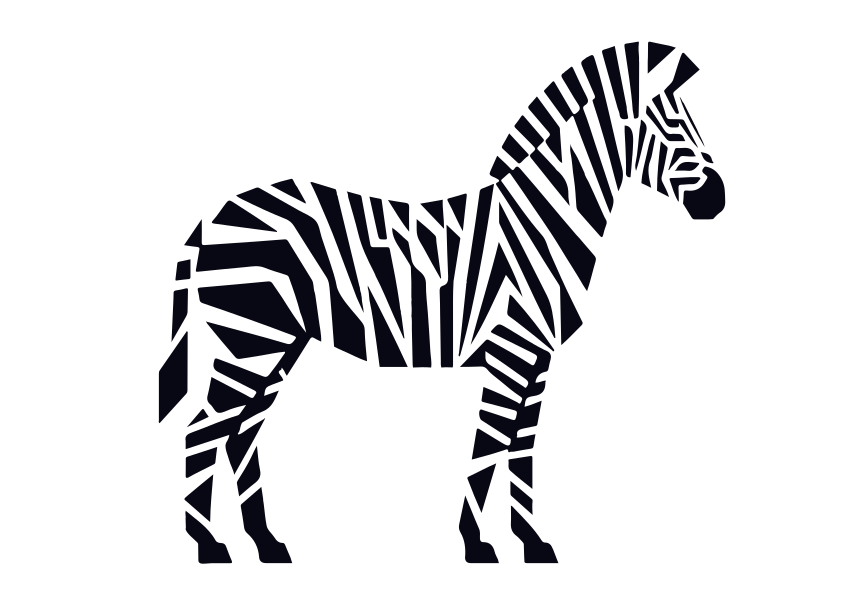
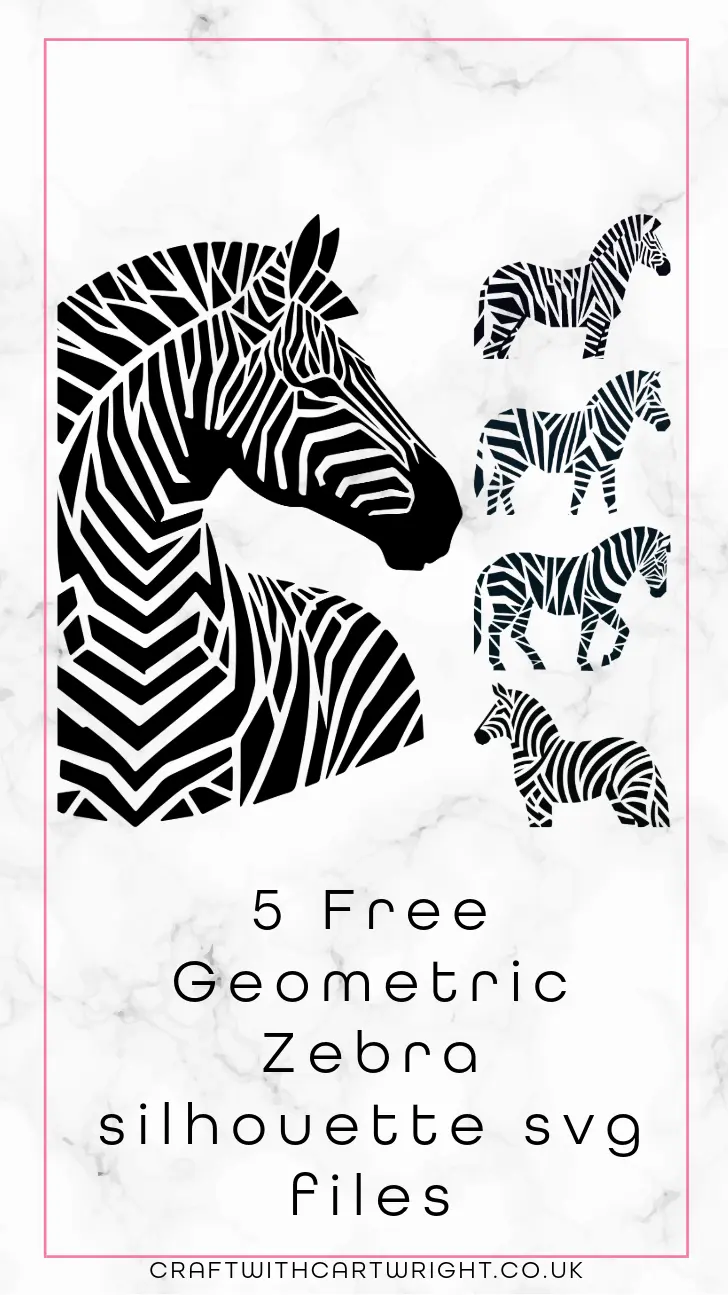
I love crafting with cutting machines like my Cricut. It has opened up endless new possibilities for fun and creative projects. One of my favourite things to design are geometric silhouettes as they can be used with all many of different materials. Today I’m sharing 5 free geometric zebra silhouette SVG files! These files are perfect for all sorts of projects from t-shirts to wall art.
What is an SVG file?
An SVG (Scalable Vector Graphics) file is a vector image format that is perfect for cutting machines. Unlike raster images, SVG files can be scaled to any size without losing quality, making them ideal for detailed designs and intricate cuts.
How to use these SVG files
1. Vinyl Decals
Vinyl decals are one of the most popular uses for SVG files. With these geometric zebra silhouettes, you can create stunning decals to personalize your laptop, phone case, or even your car windows. Simply upload the SVG file to your Cricut Design Space, adjust the size to fit your project, and cut the design using adhesive vinyl. After cutting, use transfer tape to apply the decal smoothly.
2. Heat Transfer Vinyl (HTV) Projects
Whether you’re making custom t-shirts, tote bags, or throw pillows. To use HTV, upload the SVG file to Cricut Design Space, mirror the image before cutting, and cut the design using HTV. After weeding the excess vinyl, apply the design to your fabric using a heat press or an iron.


3. Paper Crafts
These geometric zebra SVG files are also perfect for paper crafting. Create stunning greeting cards, scrapbook embellishments, or wall art by cutting the designs out of cardstock. Paper crafts are a great way to use up scrap paper and add a personal touch to your projects. Simply upload the SVG file to your cutting machine software, choose your paper settings, and let your Cricut do the work.
4. Stencils
Creating stencils is another fantastic way to use these SVG files. Stencils can be used for painting, etching, or even baking. Cut the geometric zebra designs out of stencil material or acetate sheets. Once you have your stencil, you can use it to paint intricate designs on walls, furniture, or canvas. You can also use the stencils for glass etching projects or even dusting designs onto cakes and cookies.
5. Home Decor
Add a touch of modern art to your home with these geometric zebra silhouettes. You can cut the designs out of wood, acrylic, or metal sheets if you have a laser. To create unique wall art, coasters, or ornaments. These SVG files make it easy to create high-quality, professional-looking home decor that will impress your guests.

Tips for Working with SVG Files
- Ensure Your Software is Up to Date: Make sure you have the latest version of Cricut Design Space or your cutting machine software. This ensures compatibility and smooth operation.
- Adjust Blade Settings: Depending on the material you’re using, you may need to adjust the blade settings on your Cricut. Thicker materials like wood or acrylic require different settings compared to paper or vinyl.
- Use Quality Materials: For the best results, use high-quality vinyl, HTV, paper, or other materials. This will ensure clean cuts and a professional finish.
- Weed Carefully: Take your time when weeding excess material from your cut designs, especially for intricate patterns. A good weeding tool can make this process much easier.
How to Download the Free SVG Files
To get your hands on these 5 free geometric zebra silhouette SVG files, all you need to do is sign up for my exclusive content. By signing up, you’ll gain access to not only these files but also my library of other free SVG files and crafting resources. Here’s how you can download the files:
- Sign Up for Exclusive Content: Click on the sign-up button and enter your email address. You’ll unlock the files and gain instant access to download.
- Download the Files
- Upload to Your Cutting Machine Software: Open Cricut Design Space or your preferred cutting machine software and upload the SVG files. You can now resize, customize, and cut the designs to fit your project needs.
Don’t forget to share your finished projects and tag me @craftcartwright so I can see your amazing work!