How to Sublimate Ceramic Coasters (+ 2 free designs!)

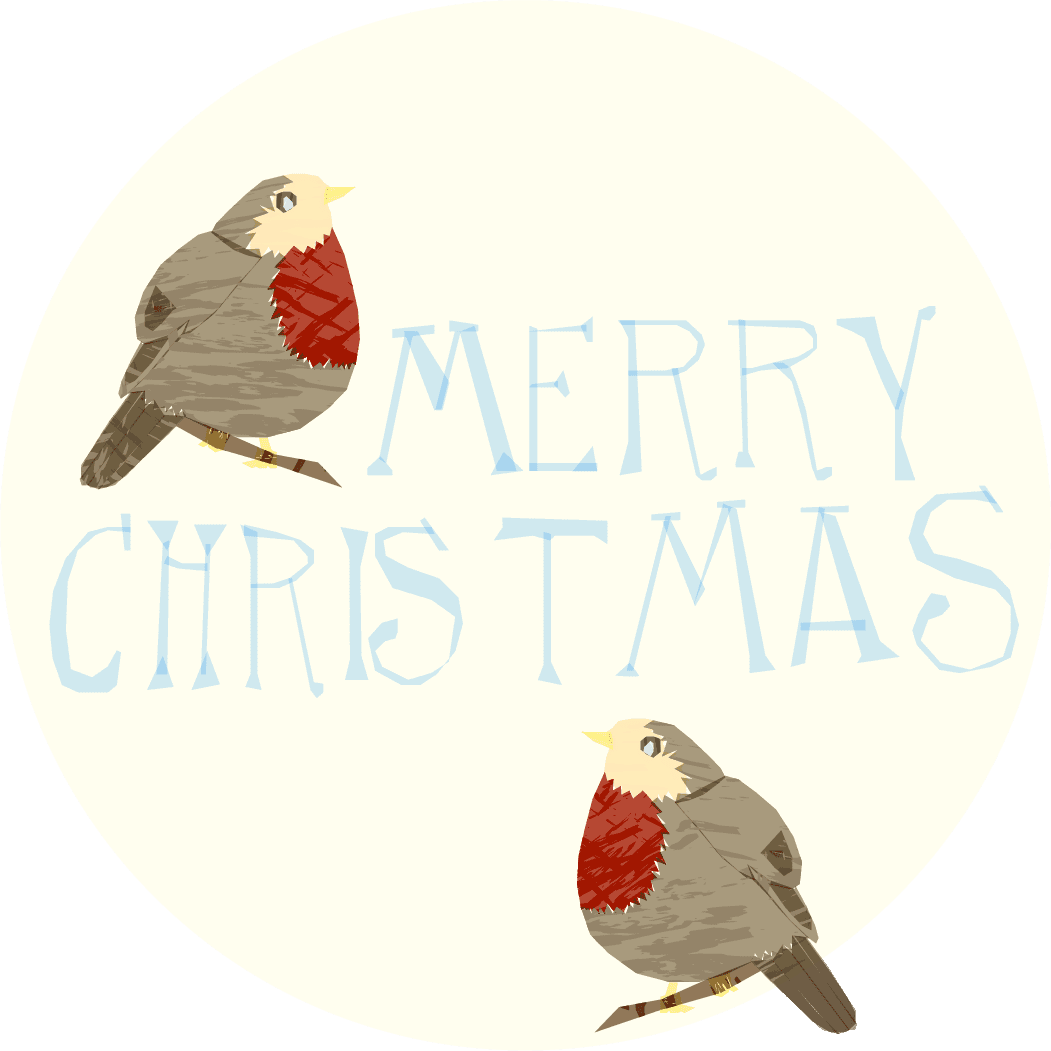
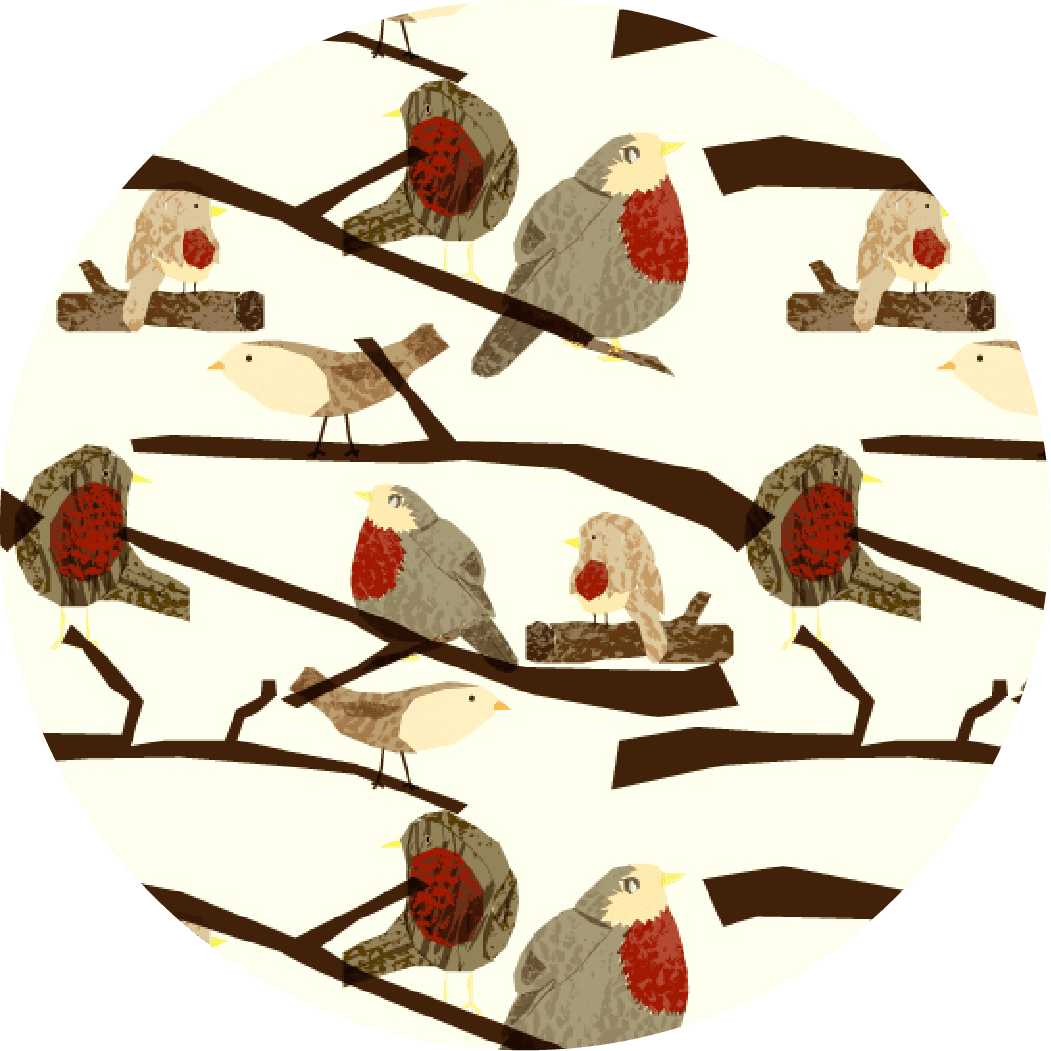
Ready to dive into the world of sublimation? Ceramic Coasters are a great project to start with. I’ll guide you through the process with this quick and easy tutorial. Plus, I’ve included two exclusive Christmas robin designs that are sized just right for coasters. Download them for free at the bottom of this post.

Materials Needed
- Sawgrass SG500 sublimation printer
- Sublimation ink and paper
- Cricut ceramic coaster blanks
- HTVRONT Auto Heat Press (or any heat press that reaches 400°F)
- Heat-resistant tape
- Heat-resistant gloves
- Lint roller
Step-by-Step Tutorial
Step 1: Prepare Your Design
If you’re using your own design, ensure it’s sized correctly to fit your coasters (typically around 3.5-4 inches). If you’d like, grab my two Christmas robin PNG files, specially sized for the Cricut coasters. To download these festive designs, pop in your email in at the bottom of this post to unlock your exclusive freebies!
Step 2: Print Your Design
Open your design file in the Print Manager, ensuring you mirror the image. Select the correct paper size. Load your paper and print.
Step 3: Prepare the Coaster Blank
Use a lint roller to remove any dust or debris from the surface of the coaster. This step is essential to avoid imperfections in the final print.
Step 4: Position and Tape Your Design
Place the printed design face-down on the coaster and secure it with heat-resistant tape. Make sure the image is centered for an even transfer.

Step 5: Set Up Your Heat Press
Turn on your Auto Heat Press and set it to 400°F (204°C) for 60 seconds.
Step 6: Press the Coaster
Place the coaster, with the taped design facing up, on the press mat. Lower the press and wait for the timer to count down. Once it’s done, carefully lift the press and use heat-resistant gloves to remove the coaster. Set it aside to cool before removing the tape.
Step 7: Reveal Your Sublimated Coaster
Once cooled, gently peel off the tape and remove the sublimation paper to reveal your beautifully sublimated design! The colors should be vibrant and permanent.

Care Tips
To keep your coasters looking their best, avoid scrubbing the design directly or using harsh chemicals. A gentle wipe with a damp cloth will do the trick.
Free Christmas Robin Coaster Designs
Want to add some festive fun to your coaster project? Download my exclusive Christmas robin PNG files, perfectly sized for sublimating coasters. Just enter your email below to unlock these freebies and start creating!
Christmas crafter personality quiz

What type of Christmas crafter are you? Are you an early bird or a colourful creator? Take this fun Christmas crafter personality quiz and find out who you are!
Love this free SVG?
Explore even more creative designs in my Ko-Fi shop! Discover a treasure trove of unique projects, sublimation and SVG’s that will inspire your next project. Visit my shop now to unlock endless creative possibilities.