Design tools – A to z blog tools and resources

I am always on the lookout for new design tools to use for my blog. Constantly on the hunt for applications that will speed up the process of creating graphics, compress my images to not slow down my site and hopefully give me the best value for money. So I asked my fellow bloggers what design tools they were currently loving. To give you the low down on great design tools for the next installment of the a to z of blog tools and resources.
[ReviewDisclaimer]

Adobe packages
I use adobe for my textile design business but I hadn’t considered them for my blog.
Photoshop
‘I use Adobe Photoshop, still the most versatile design tool ever – hands down.’
Adobe Photoshop
Buy Adobe Photoshop | Best photo, image, and design editing software
‘Create and enhance your photos, images, and designs with Adobe Photoshop CC, the world’s best imaging and photo editing software.’
Adobe Express
‘I use adobe Express post for poster style designs and animato to create little videos.’
‘Adobe Express is pretty fab!
It helps recommend colours and makes drab things look fab.’
www.mummieswaiting.com
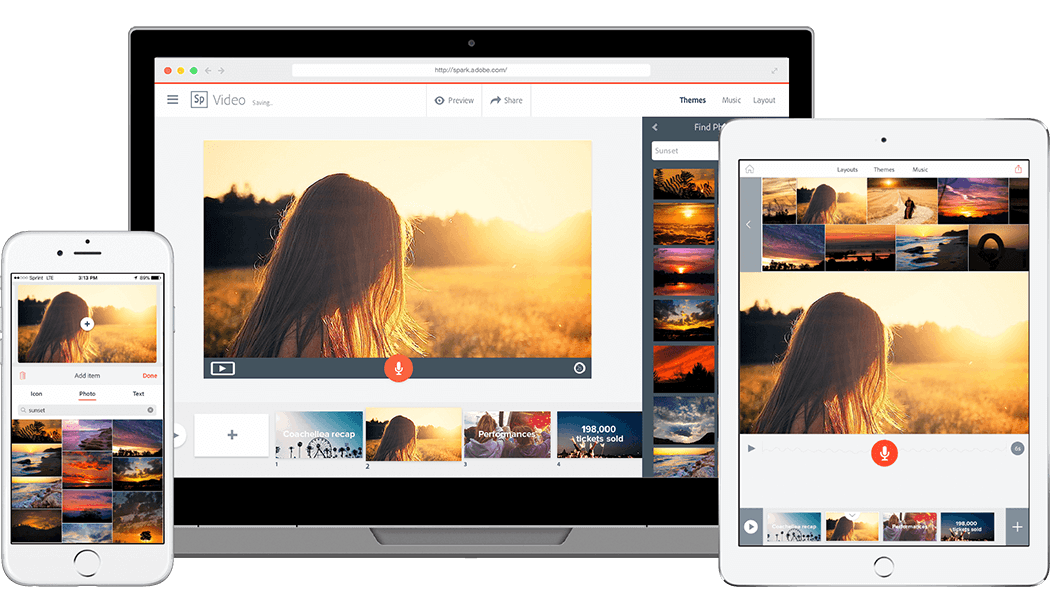
Make Social Graphics, Short Videos, and Web Pages To Stand Out?In Minutes | Adobe Express
Adobe Express 10.10 per month – ‘Adobe Express is an online and mobile design app. Easily create stunning social graphics, short videos, and web pages that make you stand out on social and beyond.’
Canva
Canva has been my go to for a long time, but I have recently switched to another application.
Amazingly Simple Graphic Design Software – Canva
Create beautiful designs with your team. Use Canva’s drag-and-drop feature and layouts to design, share and print business cards, logos, presentations and more.

getstencil
‘I use getstencil which is a bit like Canva to be honest, but they sometimes offer lifetime access via AppSumo so I have that which works amazingly as of course I have access to all their stock images included in my one payment.’
Stencil – the web’s favorite online graphic design tool
‘Stencil is an easy-to-use online graphic design tool built for business owners, social media marketers, and bloggers.’
getstencil.com has three levels of payment plans: Free, Pro $9/mowhen paid annually and Unlimited $12/mowhen paid annually
Designbold
‘I use designbold, similar to canva but find it easier to navigate, sometimes available as a lifetime offer on appsumo, well worth the money. ‘
Online Photo Editor Design Studio ? DesignBold Team
‘DesignBold is the best online photo editor design studio. They make amazing professional and simple design that includes presentations, posters, flyers and many more.’
www.designbold.com offer a free plan and a paid pro plan for £9.99 a month
Fotor
‘I often use Fotor.com software that is similar to Canva but provides alternative templates. Alongside canva, www.fotor.com means that I have a vast number of design options and designs to choose from’ – symondsresearch.com
Online Photo Editor | Fotor – Free Image Editor & Graphic Design
‘Fotor is a free online picture editor and graphic designer, allowing you to use online photo editing tools, such as add filters, frames, text, stickers and effects…and apply design tools to make creative photo designs and graphics. Online photoshop and graphic design software has never been so easy!’
 www.fotor.com has a free plan and a Plus plan for $6.99 a month
Easil
‘I’m love Easil, similar to Canva but more modern IMO’
aleenabrown.co.uk
Easil – Great Marketing Starts Here.
‘Meet Easil, the DIY design secret weapon your whole team will love. Our easy to use brand tools will ensure your designs are used the right way, every time.’
 easil.com has a free plan and a pro plan for $7.50 a month
PicMonkey
‘I use PicMonkey for my blog at www.poundsandsense.com It makes creating graphics for my blog quick and easy, and is the most intuitive of all the design tools I have tried.’
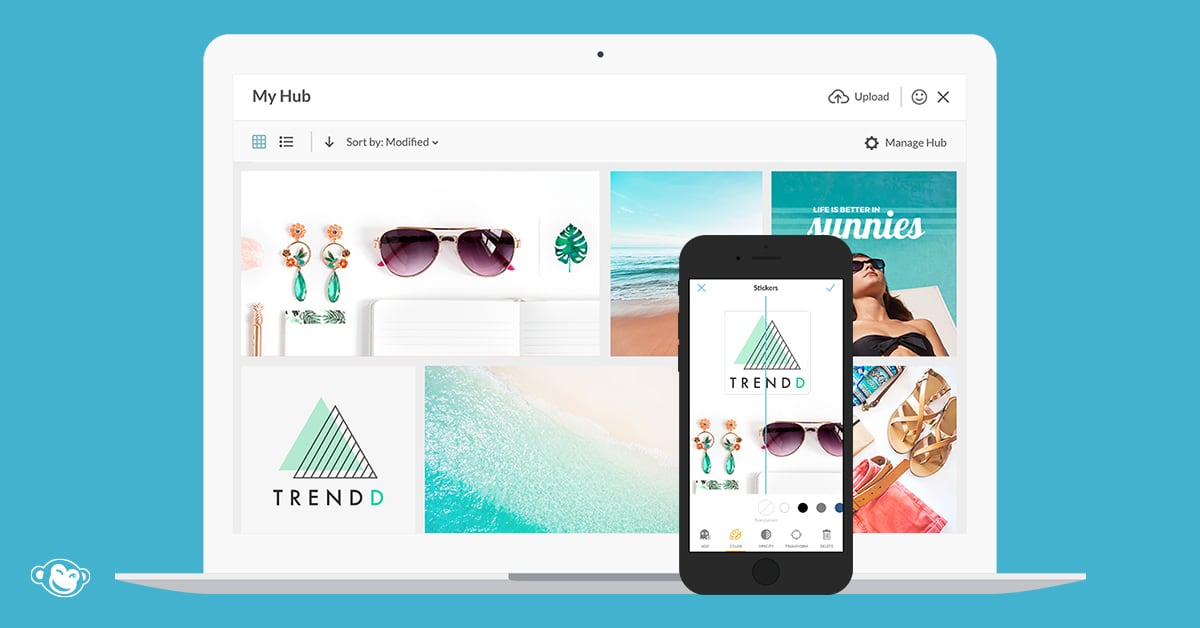
PicMonkey Photo Editor and Graphic Design Maker
‘Create beautiful photos, logos, social media graphics, and facebook covers with PicMonkey?s easy yet powerful photo editing and graphic design software.’
Plans start at www.picmonkey.com from £9.00 per month
PicsArt

PicsArt’s online Photo Editor features endless editing tools to help you create professional-grade content without experience. The best part is that PicsArt’s tools are free and easy to use. There are templates for all occasions, backgrounds galore, trendy filters and effects, and millions of fun stickers. They even house an impressive Video Editor you can use to add music and effects to videos. Fun fact: The app boasts one of the largest creative communities in the world with over 140 million monthly active users.
Piktochart
‘Piktochart for infographics and a few other things like reports and presentations.’
www.theworklifeblend.com
Create Infographics, Presentations & Flyers | Piktochart
‘Create beautiful infographics, flyers, posters, presentations and reports easily with absolutely no design experience. Try Piktochart, it?s free!’
 piktochart.com plans start from free and go up to a pro plan for $24.00 per month
RelayThat
I have recently switched to RelayThat after picking it up from Appsumo. Love how quickly I can generate a whole bunch of pins from a few simple clicks.
‘I use PicMonkey and Relaythat’
‘Unified marketing images for every channel. No design needed. RelayThat is the ONLY application on the market that resizes complex designs for every channel in a single click… with zero additional tweaking.’
 www.relaythat.com can be bought for $49.00 one off payment via Appsumo
DesignWizard
‘Design wizard is great, they have a great feature to create videos’
imperfectmummy.com
DesignWizard: Wonderfully Simple Graphic Design Software
‘DesignWizard is a Wonderfully Simple FREE Graphic Design Software. Create Stunning Content in Seconds! Unleash Your Creativity. Become a DesignWizard NOW!’
www.designwizard.com plans start for free and go up to pro for $7.41 per month
Iphone apps
The great range of Iphone apps for blog design makes me almost want to give up my android phone.
Over
‘I use Over and Adobe Spark post for variety as I have started spotting recognise Canva templates everywhere 😅 I especially love Over as it has a few “pro” features like masking and is accessible on my phone’
thegrowingmum.com
‘I use Over mostly, find it much easier to use. Mainly used for feature images & pin graphics etc. You can duplicate a photo and just edit the words, which I love as I spend less time creating Pinterest images.’
thehonestmums-club.co.uk
Over is a free apple app – ‘Build your brand. Effortlessly. Instantly. Fun-fully. Edit images and videos to create content that wows the world. Over is everything you need to be a brand-building, social-media marketing guru. With beautiful, hand-curated and easy-to-edit photo and video templates, Over helps you create impact?’
Color story
‘I use Canva, Easil and Color story, Over’
youbabymemummy.com

‘Named ‘Best New App’ and ‘App of the Day’ by Apple! Over 12 million installs and counting. A Color Story focuses on fresh photos and video, on-trend editing styles, and colors that pop. Rather than forcing you into a single look, the app has over 300 filters designed by top photographers
Snapseed
After trying different photo editing apps on my mobile I have finally found one that I really like. Snapseed is free, easy to use and very powerful.’
ukeveryday.com
I use Snapseed for any phone photos that I use on social media channels as it’s so quick and simplistic to use. For making Pinterest graphics I swear by using Adobe Spark as you can layer text, images and effects with very little effort. I’m not the kind of blogger that likes to spend ten minutes editing and perfecting each and every image as I’d rather spend the time on my writing, so quick and simply apps work better for me! www.gemmaetc.com

‘Snapseed is a complete and professional photo editor developed by Google. 29 Tools and Filters, including: Healing, Brush, Structure, HDR, Perspective. Opens JPG and RAW files. Save your personal looks and apply them to new photos later’
Do you have any other great recommendations? Drop your top choice in the comments below.
Liked my Design tools post?
You’ll love
How to Run a Successful Blog Giveaway