Free Teddy bobbin cut file

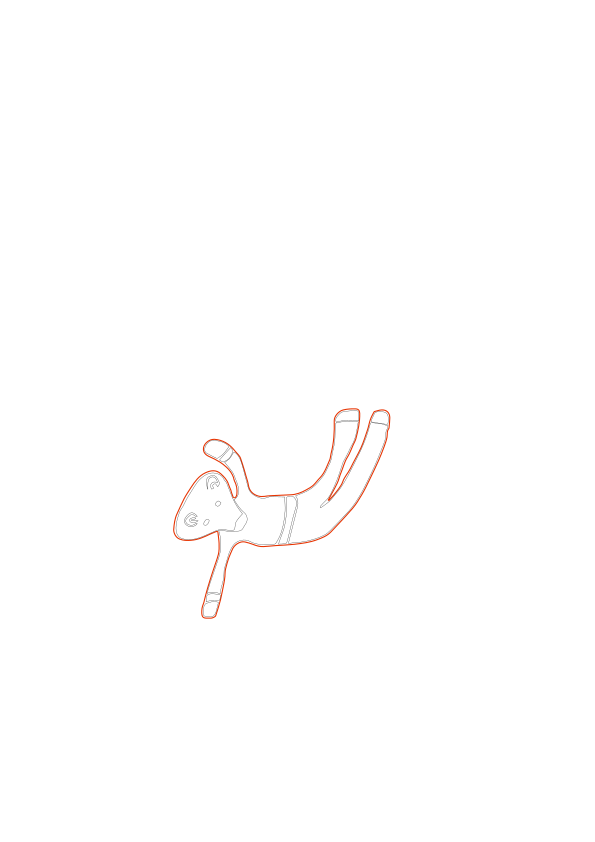
Are you looking for a free teddy bobbin cut file? Look no further! With this free teddy bobbin svg, you can create the perfect way to keep your floss organised.
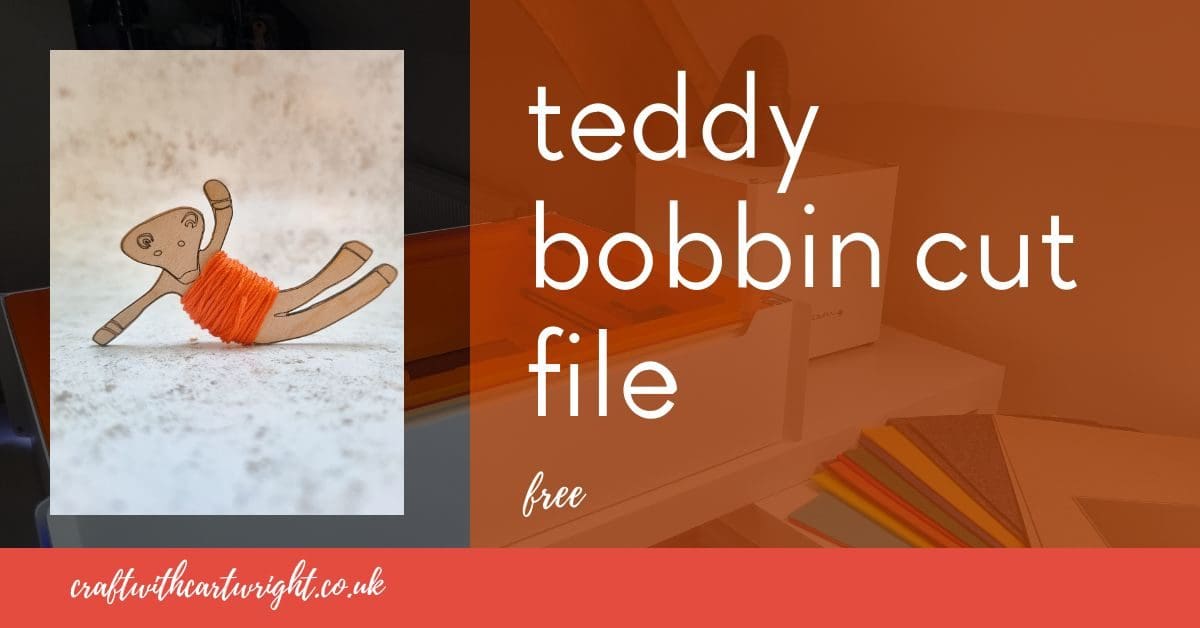
Whether you need to organise or just display your thread, this cut file is the perfect solution. It will make your next stitching project easier and more enjoyable.
Download your copy at the bottom of this post!
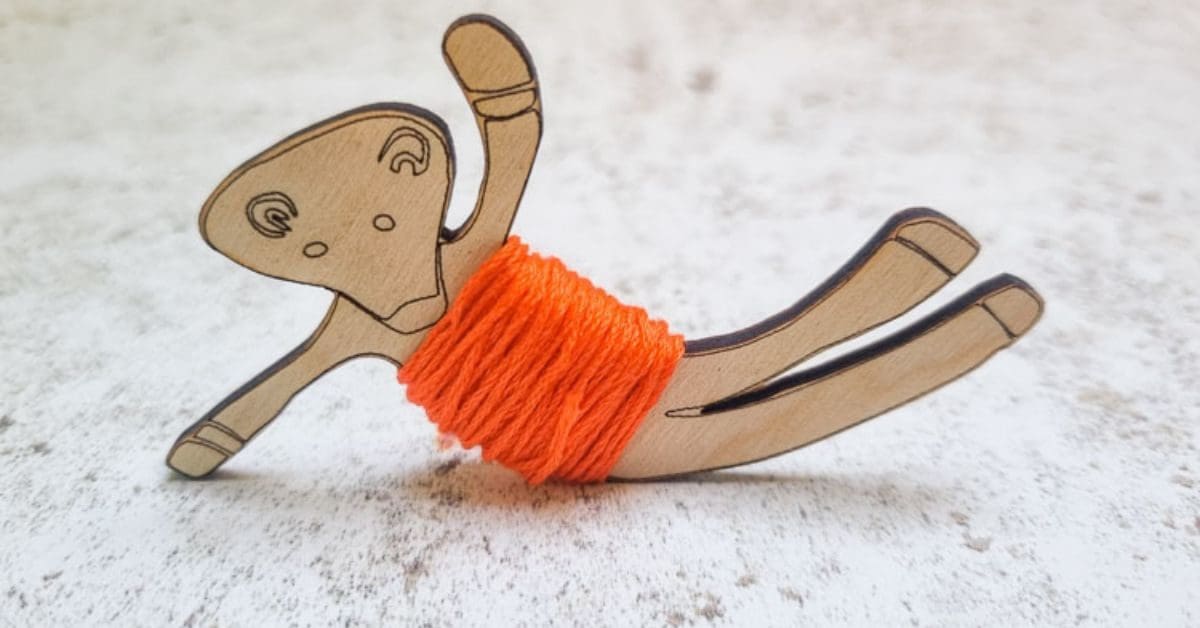
With this cut file, you can easily store and organize your threads, making it easier to find what you need when you need it. You can write the name of your floss on the wood, and it can easily be rubbed off later. Plus, the cute teddy design adds an extra element of fun to the project.

The svg laser cut file is compatible with Glowforge, Mr beam, Xtool etc. Plus you could use it to cut thin ply on a Cricut, Scan N Cut or Silhouette machine as well.
I cut this laser and engrave file out on my Mr Beam laser cutter, using 3mm Plywood. It measures 3” wide.
I love the way each teddy will have it’s own coloured jumper when you wind the floss around his middle!

Read more on what are SVG files?
SVG’s are a graphics file. It stands for scalable vector graphics which means they can be easily resized and don’t lose their quality in the process.
You can also find lots of other SVG files in my file library.
Can I use the free SVG’s on my laser cutter?
All my SVG’s can be used with laser cutters as well as cutting machines like the Cricut and silhouette. They can also be used for digital scrapbooking and printing.
Can photoshop open svg files?
Yes, photoshop now supports svg files. You can choose to rasterise the image to your size requirements or embed as a smart object. Perfect for engraving.
Why do laser cutters use svg files?
SVG is not the only format used in the design space. They can also handle jpeg, png and GIF files. Vectors are what you will need for cutting and raster files with work fine for engraving. Just make sure before your upload any svg’s that they have been unzipped if they are in zipped folders.
What can I use Craft Cartwright svg files for?
- signs
- Canvases
- Gift tags
- Mirrors
- Coasters
- Ornaments
What supplies do I need?
The basics would be:
Laser cutters
These are the two laser cutters I have in my home studio


![Image for Mr Beam II Dreamcut [S] & Air Filter II Bundle >G Mr Beam Lasers](https://craftwithcartwright.co.uk/wp-content/uploads/2022/05/mr-beam-zwei-dreamcut-s-air-filter-system-removebg.pngv1633596656-735x490.jpg)