

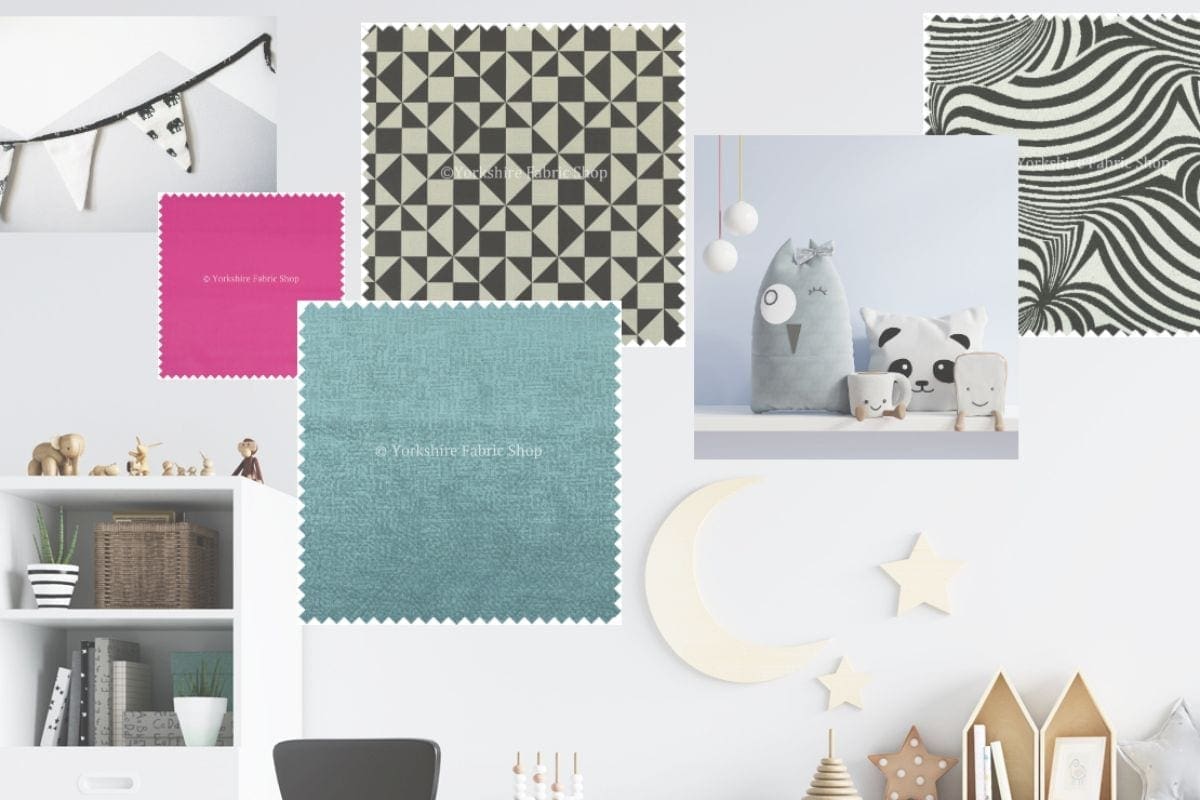
How to design a mood board (+Giveaway!)

I teamed up with Yorkshire fabric shop to show you how easy it is to design your own mood board and offer the chance for you to win £200 of cushions or fabrics.

What is a mood board?
A mood board is a collection of inspiring images and swatches that help you formulate a design plan when creating a new interior.
You can consider, fabrics, colour choices, textures and accessories you might want to combine.
It couldn’t be simplier with Yorkshire Fabric shop.
How do I design my own mood board?
Head to Yorkshire fabric shop blog and they have a handy guide which will take you step by step through making your own mood board.

It really is simple and I made these to mood boards in under half an hour. Simply search through the fabrics you like, click to add them to your mood board. Then upload and add in any additional pictures to inspire you.
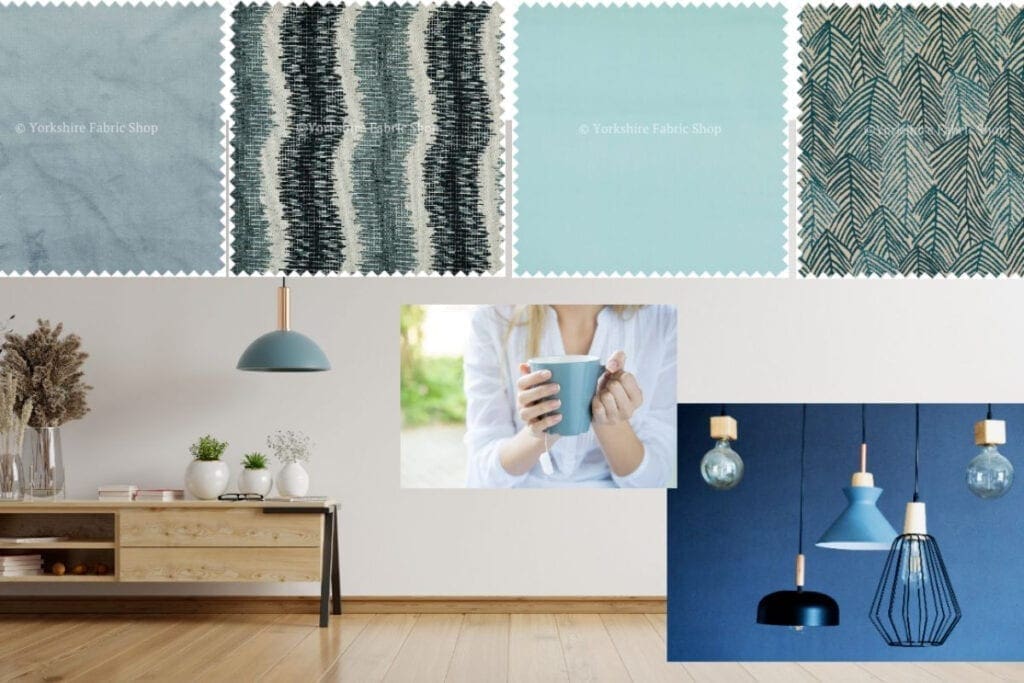
The thing that took me the most time, was playing around with the arrangement of the images!
Don’t forget to Pin it for later!

Giveaway!
Want to win £200 in cushions or fabrics from Yorkshire fabric shop freedom range?
Simply head to Yorkshire fabric Shop moodboard maker, design your own mood board and share your creation with me on Instagram. Tagging @craftcartwright and @yorkshirefabricshop
Competition is open till 13th November and the winners will be announced on Instagram.
UK entries only.
Liked How to design a mood board?
You’ll love



I’ve just created a moodboard. However, it would only save to my pc, and then I couldn’t upload to Instagram. I ended up taking a photo of it and putting that on Instagram, but not great. It would be easier if they had already integrated the functionality with Instagram.
I’m really struggling with how to make the moodboard. I’ve chosen a background colour but the gorgeous fabrics I select aren’t showing. Can’t see any instructions. Frustrated. Maybe it’s because I’m using my phone?
You have to click add to moodboard, I havent tried making them on my phone.