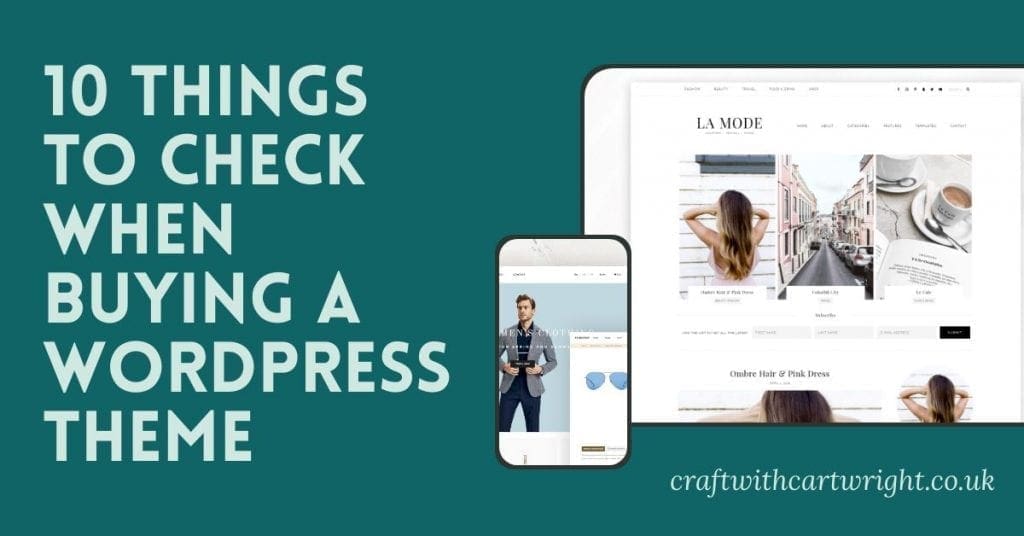
10 things to check when buying a wordpress theme

Over the years I have learnt a fair few blogging tips and tricks. I’ve learnt from my mistakes and I’ve turned my hobby into a great second income stream. It can be scary when you make that leap into looking to make money from your blog. As it all seems to cost money. Setting up your site and looking at theme providers can be daunting. But I’ve simplified the task for you and made it easy with a helpful list of 10 things to check when buying a wordpress theme.
[ReviewDisclaimer]
Before you read any of my tips, write a short paragraph about what your site is about and what content you offer to your readers. Then make a list of what you currently like and dislike about your site. Finally add an extra wish list of things you desire for your site or things you have seen on other sites that you think would improve the experience for readers when they engage with your content. Once you have done that, have a read through my checklist of what to consider when purchasing a wordpress theme.
Simplicity
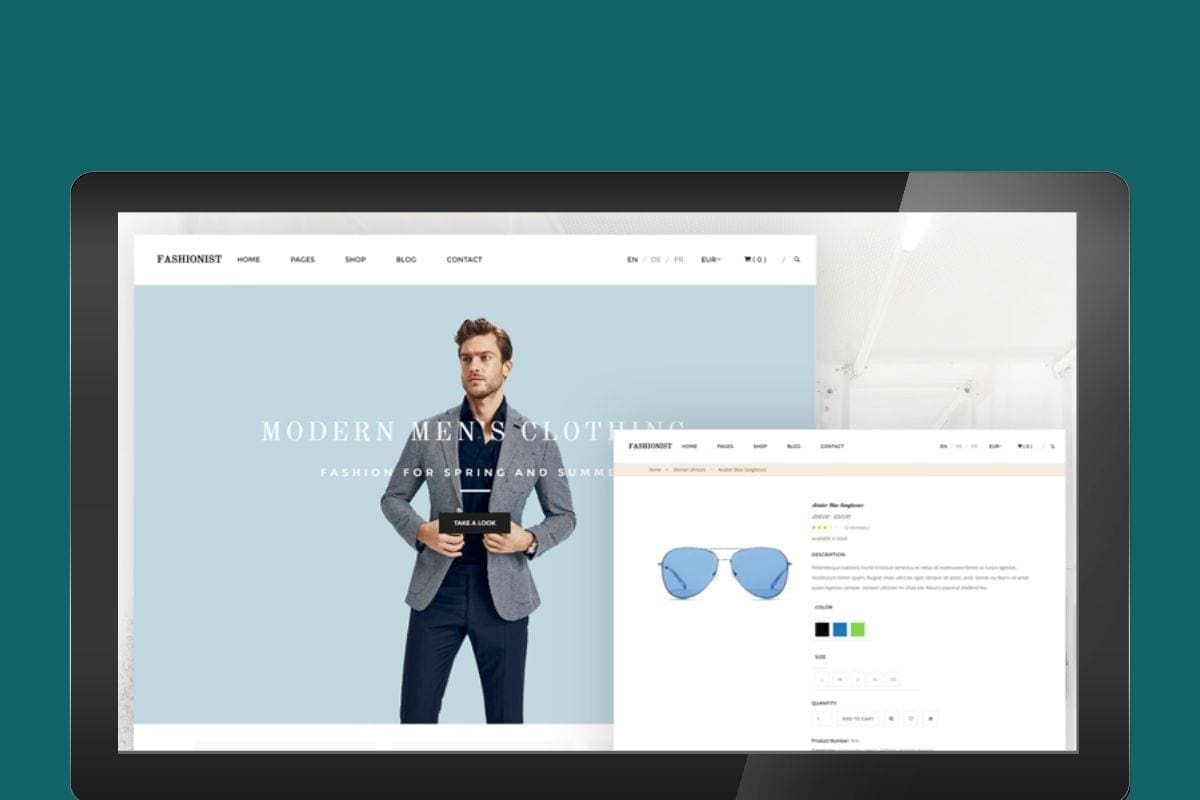
For me, the best sites have simplicity at the heart of their design. It should be easy to navigate, well structured, unfussy and have clean and simple colour schemes. There are many to choose from so I would suggest using themeplanet to help you find the right one for you.
Responsiveness
Consider how your target audience is viewing your site. Do you have a split of view from desktop and mobile? Then you really need to look at the responsiveness of the theme. Make sure that it is enabled to automatically adjust and adapt to any screen that your site may be viewed on.
Colour
Look at the colours offered in the theme. Can you adapt them? Is it customisable or are you stuck with a limited pre-set of colours. This might not be a problem if they fit with your existing branding. But if you are looking for something more bespoke, make sure you have the option to change the colours.
Plugin support
If you currently have plug-ins that you can’t possibly live without, make sure your theme supports them. Think about what you might also want to include in the future of your site and check compatibility with those plug-ins too.
SEO friendly
Search engine optimisation is key if you want people to find and read your site. Without it you’ll be publishing into a black hole of millions of other web pages. Make sure your theme is compatible with all popular browsers, has html and works well on mobile devices. Pick a theme that will have a good upload speed, is responsive and has social interaction built in.
Ratings / reviews / recommendations
If you can get a good recommendation from someone you know who has used the theme, then that is fantastic. I love it if I can get a personal recommendation on a product as it gives me confidence in the purchase. If not, make sure you look closely at the ratings and reviews that the themes on offer have.
Customisation
If you want to really personalise your sites look. Make sure that you read up on the customisation each theme offers. Some allow you to change fonts, page layout, colours, social icons and more. Others don’t. Check this carefully before you purchase to avoid disappointment.
Monetisation
I like to make money from my blog and I do this mainly through ads and the use of affiliate programmes. Check that the theme you are planning on purchasing supports, your current ad network and any affiliate plug-ins you use. You might also want to add a shop to your site, look at if they offer support for shopify and woo-commerce.
Widgets
How many widgets do they offer and what are the best fit for your site. Remember simplicity is key and try to avoid a site littered with useless widgets.
Does the template offer you a variety of places to add widgets. Decide if you need widgets in the header, footer, side bar or below content.
Template
How many pages are included in the template? What pages do you need? Look at landing pages, archives, tags and categories before you make your choice what what is best for you and your site.
Alternatively, you should check out this page if you are after HTML5 themes
Liked 10 things to check when buying a wordpress theme?
You’ll love

15 effective ways to promote your blog content on Facebook

Changing from blogger to influencer; What’s the difference?