Apple Core Free SVG for Laser Engraving: Unlocking Creative Possibilities

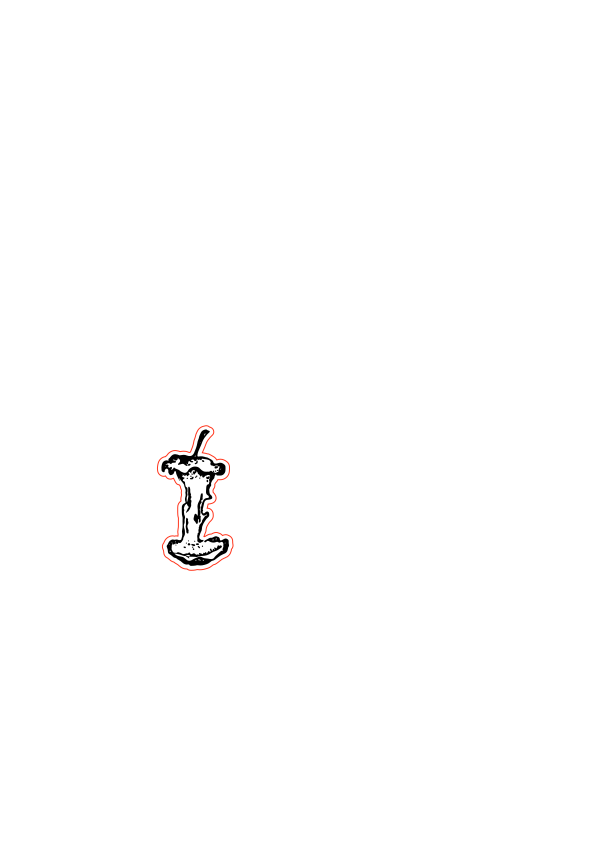
Laser engraving has taken the world of crafting by storm, offering limitless possibilities for turning ordinary objects into personalized works of art. I’d like to offer you my latest free SVG design – ‘Apple Core’.
This versatile SVG file will elevate your laser engraving projects to a whole new level. And you can even use it if you don’t have a laser cutter. Try it with you cricut pen and foil tools for great paper craft projects too!

What is an SVG?
My free SVG is a high-quality vector file that you can use with laser cutting and engraving machines. It features a meticulously designed apple core image that’s perfect for adding a gothic touch to your creations. This SVG file is available for free, making it a valuable resource for crafters and hobbyists.
Why Choose this Free SVG?
- Versatility: The Apple Core Free SVG can be engraved on a wide range of materials, including wood, acrylic, leather, and more. Its versatile design makes it suitable for various projects, from home decor to personalized gifts.
- High Quality: The SVG file is created with precision, ensuring sharp and detailed engraving results. Say goodbye to pixelation and hello to professional-looking designs.
- Customization: You can easily adjust the size and try this with other cutting and decoration tools as well as engraving.

How to Use Apple Core Free SVG
Using the Apple Core Free SVG in your laser engraving projects is a breeze:
- Download the SVG File: Start by downloading the SVG file from our website. It’s free, and no registration is required.
- Import the SVG: Open your laser engraving software and import the Apple Core SVG file.
- Customize: Adjust the size and orientation as desired.
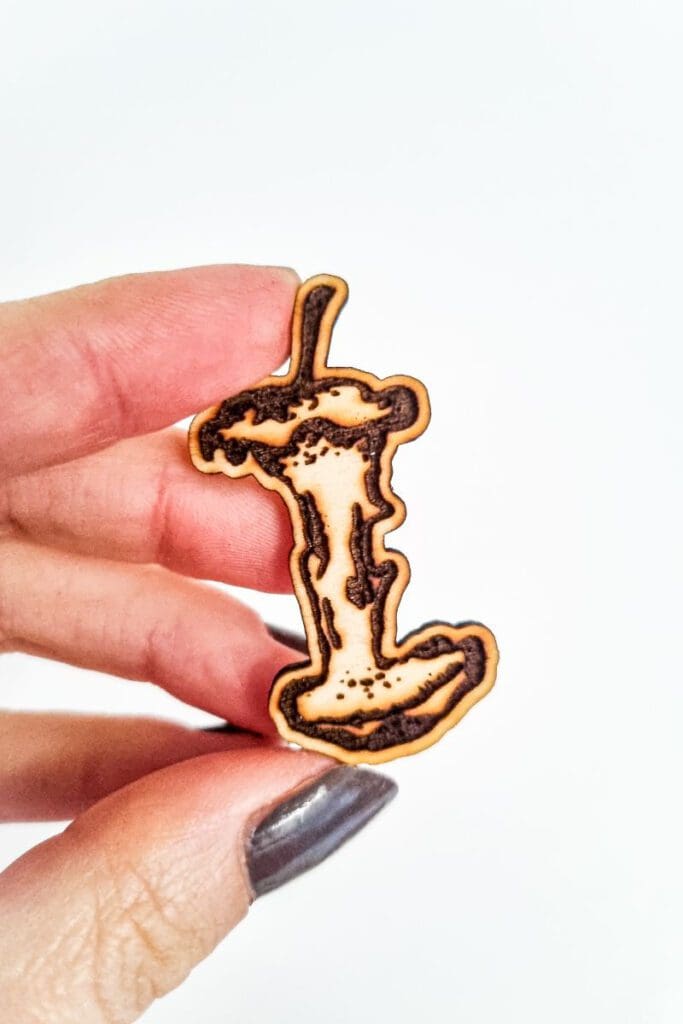
- Engrave: Send the design to your laser engraving machine and watch as the Apple Core comes to life on your chosen material.
Benefits of Laser Engraving
Laser engraving is a popular crafting technique for several reasons:
- Precision: Laser engraving offers unparalleled precision, ensuring every detail of your design is faithfully reproduced.
- Durability: Engraved designs are long-lasting, making them perfect for items that need to withstand wear and tear.
- Creativity: The ability to engrave intricate designs allows for unparalleled creative expression.
- Personalization: Whether you’re making a gift for a loved one or branding products for your business, laser engraving allows for easy personalization.

Frequently Asked Questions (FAQs)
1. Is the SVG compatible with all laser engraving machines?
Yes, the SVG file is compatible with most laser engraving machines. However, it’s always a good idea to check your machine’s documentation for file format compatibility. I have used it with my Mr Beam Dreamcut, my xTool M1 and my cricut.
2. Can I use this SVG for commercial purposes?
My designs are for personal use only. Please contact me for commercial licenses.
3. Do I need special software to edit the SVG file?
You’ll need vector editing software, such as Adobe Illustrator or free alternatives like Inkscape, to make adjustments to the SVG file.
4. Can I resize the SVG without losing quality?
Yes, the SVG file is vector-based, so you can resize it without any loss of quality.
Download the free apple core svg here