What materials can the M1 xTool engrave?

I have had my M1 xTool for roughly a month* and I have created something every day. What you may not know is that it can engrave as well as laser and blade cut. But what materials can the M1 xTool engrave?

*Read my review of the M1 xTool here
If you want to know more on it’s cutting capabilities, check out the post – What materials can M1 xTool cut?

Materials for M1 xTool to engrave
The M1 xTool offers both score and engrave functions with it’s laser. Score for lines and engrave for filled in designs.
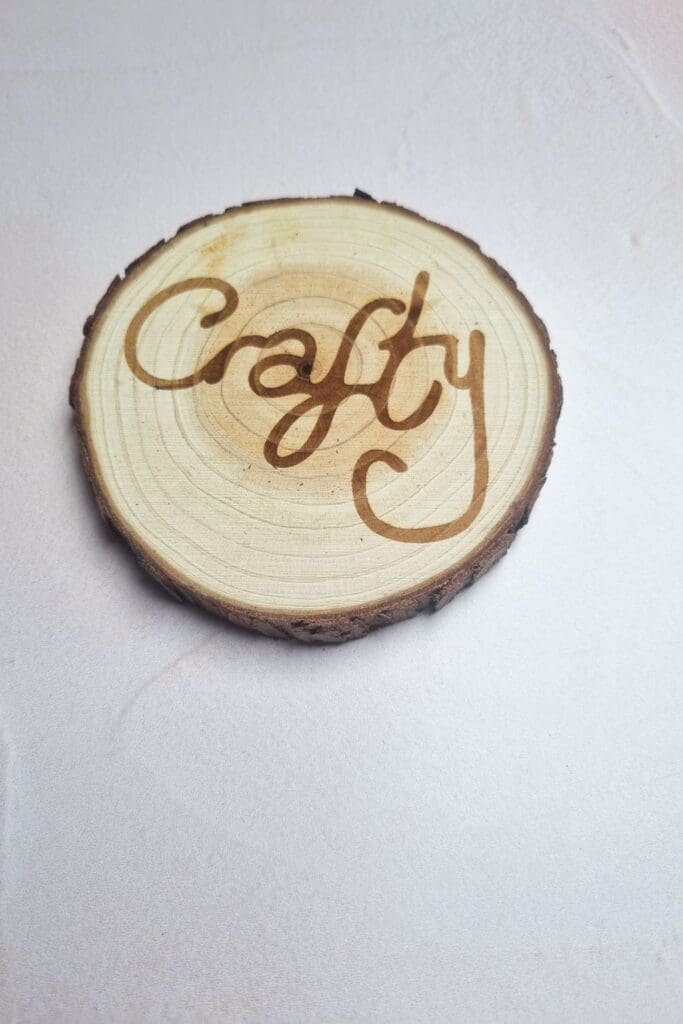
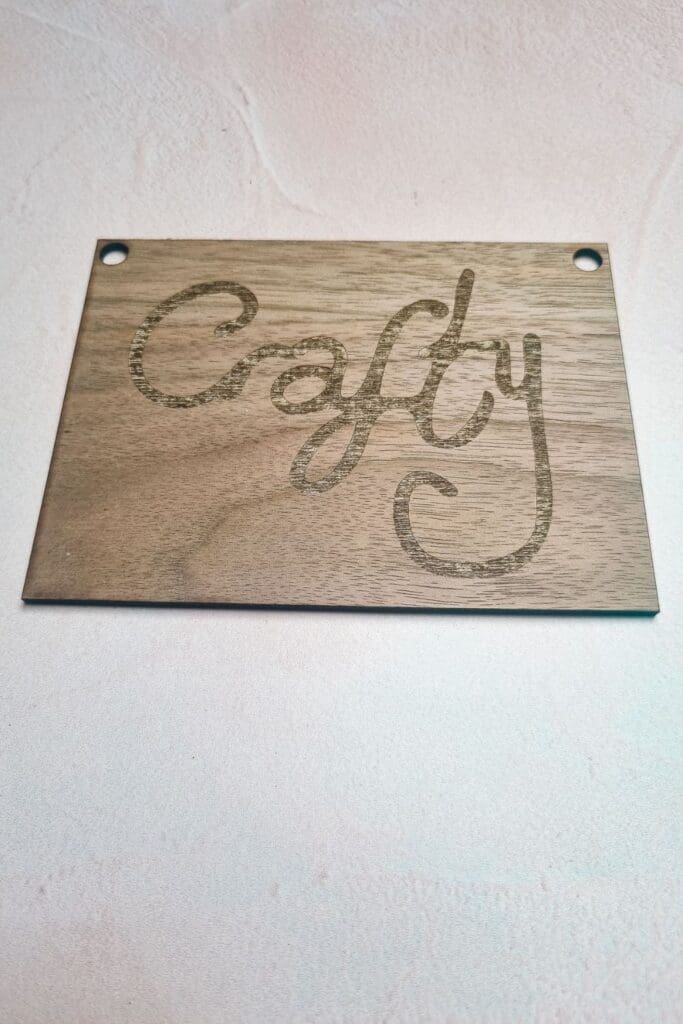
Wood: plywood – (cherry, mahogany, pine, walnut, basswood) cork,
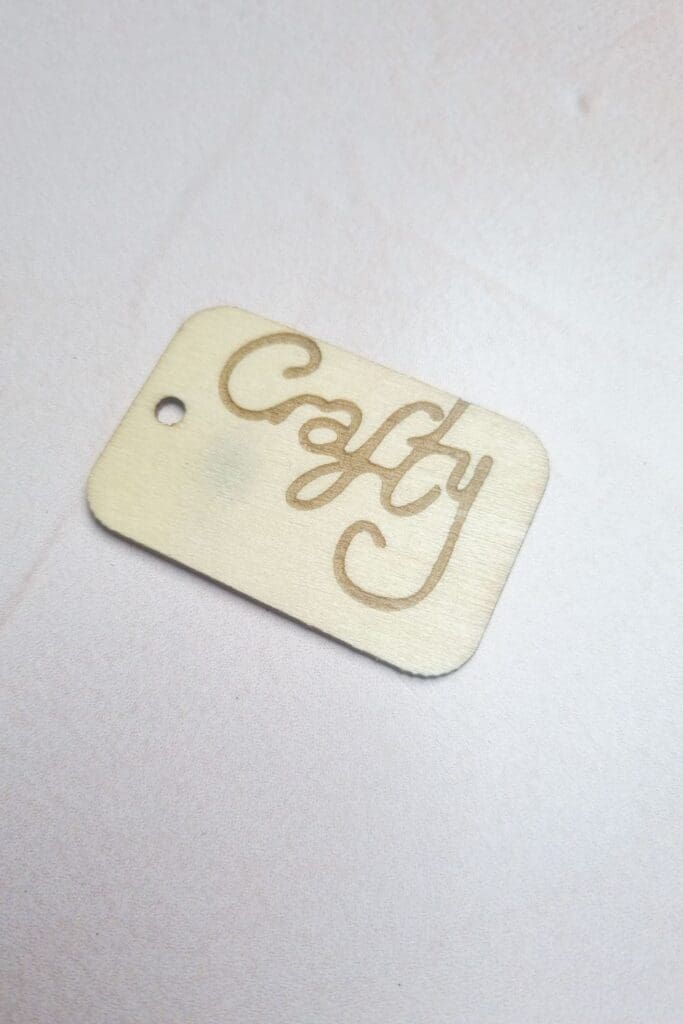
3.5mm Cardboard
Rubber mat
Acrylic (certain colours)
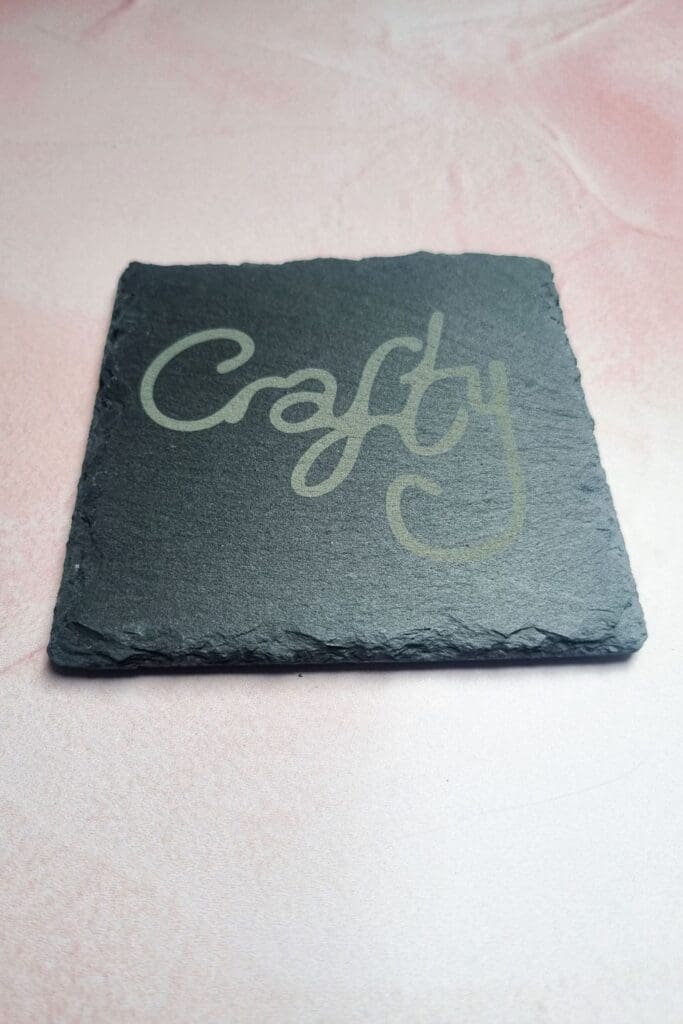
Stone: e.g. slate
Black metal mouse pad
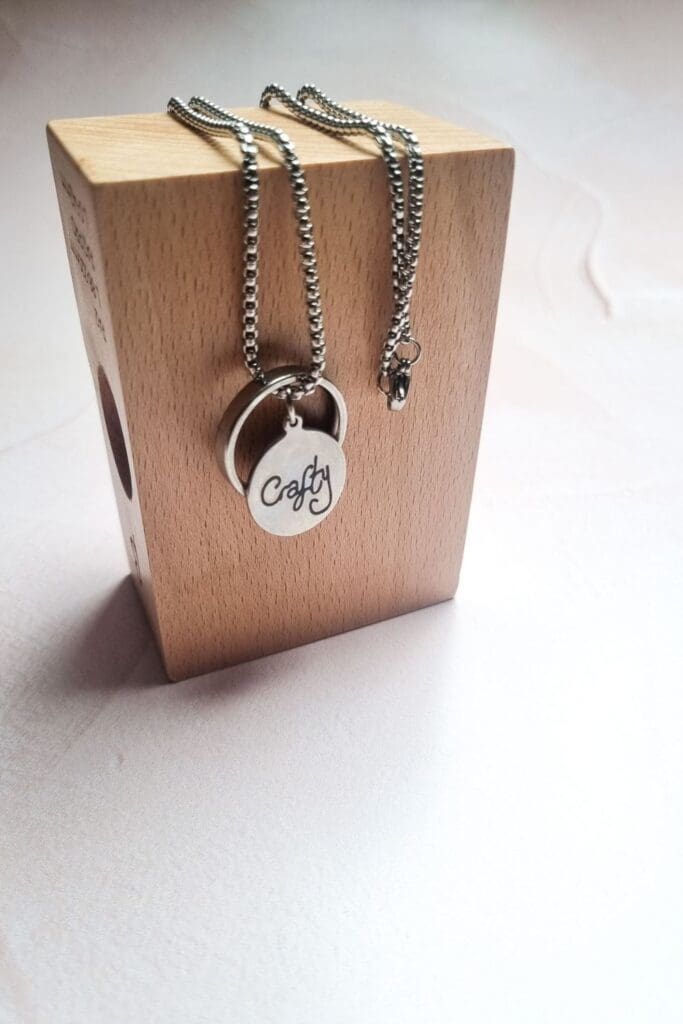
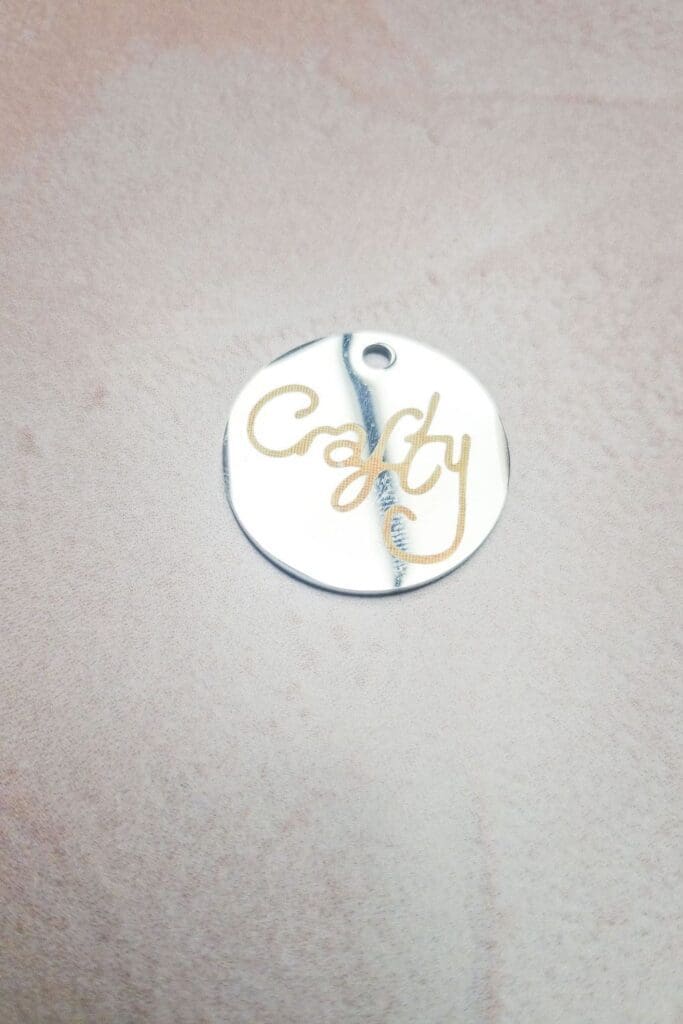
Stainless steel tags – jewellery and dog tags
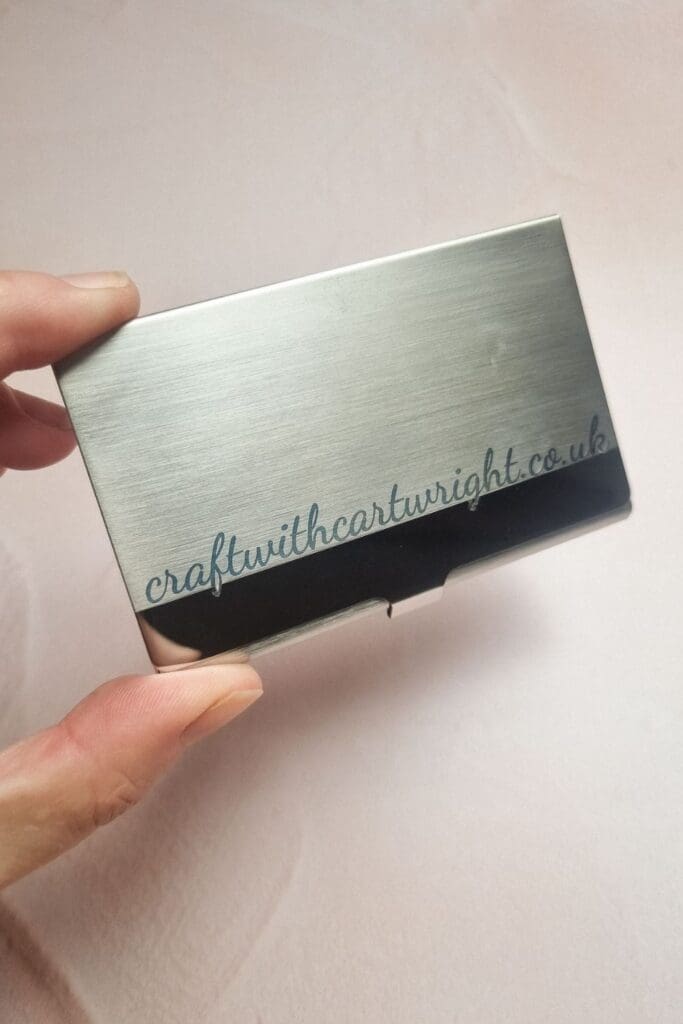
Metal business card holder and cards
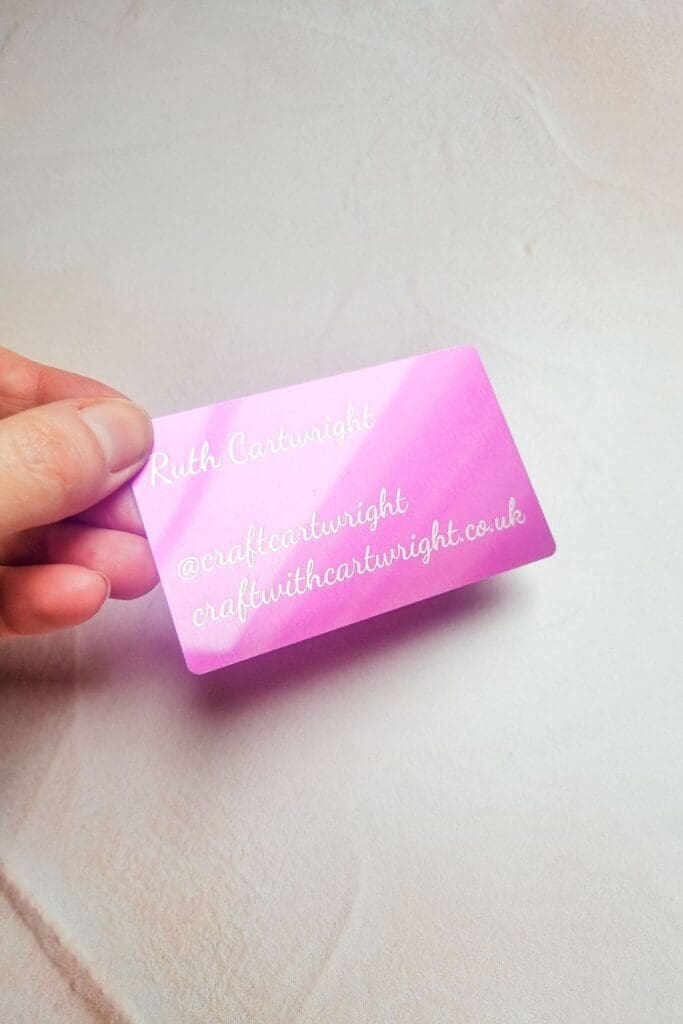
Laser engraver marking paper
For all these projects I used my ‘crafty’ svg
You can download it for free here
Not currently supported
Textiles / Fabrics
Leather
Mirror (the backside)
Floormat: e.g. coconut-fibre floormat
There are a great range of materials to purchase from xTool
Do not engrave
These materials listed can produce harmful chemicals when engraved so should not be used with laser cutters.
Plastics / Synthetic materials:
- PVC (e.g. vinyl, foils, credit cards, hard protective luggage case, specific foams, shoe soles, rubber gloves, pipes, etc.)
- PVB
- Polycarbonat (PC)
- Epoxy- or phenol resin
- PTFE / Teflon
- Glas fiber
- ABS plastic (e.g. lego, housing of electric appliance)
- PC Plastic (e.g. CDs, solar panels, plastic glass)
- Plastic reinforced with carbon fibre (e.g. tennis racket, wind surfing gear, etc.)
Textiles / Leather:
- Leather or artificial leather which contain chrome
- Neopren (containing chlorine)
- textiles containing pvc (e.g. raincoat)
How to engrave
The easiest way to think about an engraved design, is to design with a fill. Strokes are for cutting, fill is for engraving. Keep your colours separate when designing to make it easier for you to keep track. You can use raster or vector (such as svg) for engraving.